Public
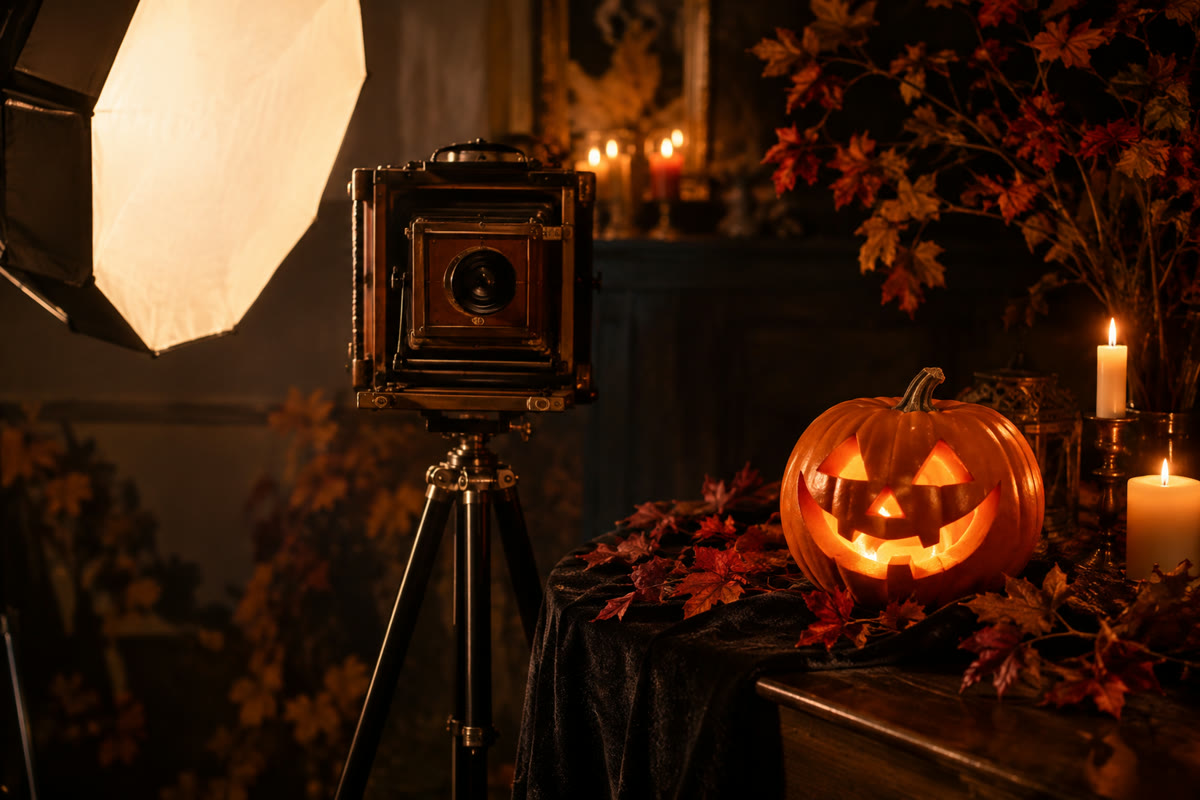
Halloween Photo Editor Guide: Fog, Light and Costume
Learn how to edit a permitted photo with Halloween fog, candlelight, pumpkins and costume details without losing the person. Includes prompts, costs and limits.
Read guideAppearance
Guide
Clear answers about photos, duets, editing, sound, and sharing. Try the tool inside each guide.
Guide · ai halloween costume generator guide
A practical guide to making an AI Halloween costume portrait from a permitted adult photo: input checklist, prompt structure, credit cost, limits and fixes.
Read guide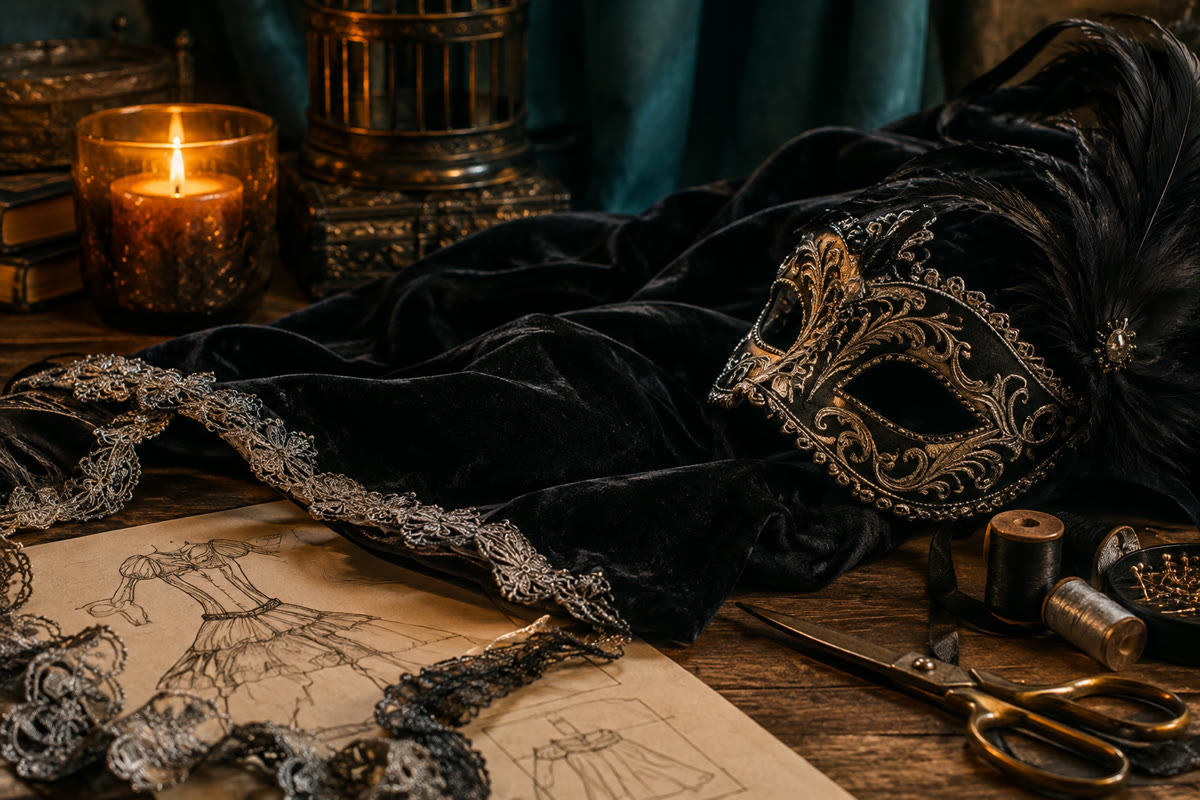
Learn how to edit a permitted photo with Halloween fog, candlelight, pumpkins and costume details without losing the person. Includes prompts, costs and limits.
Read guide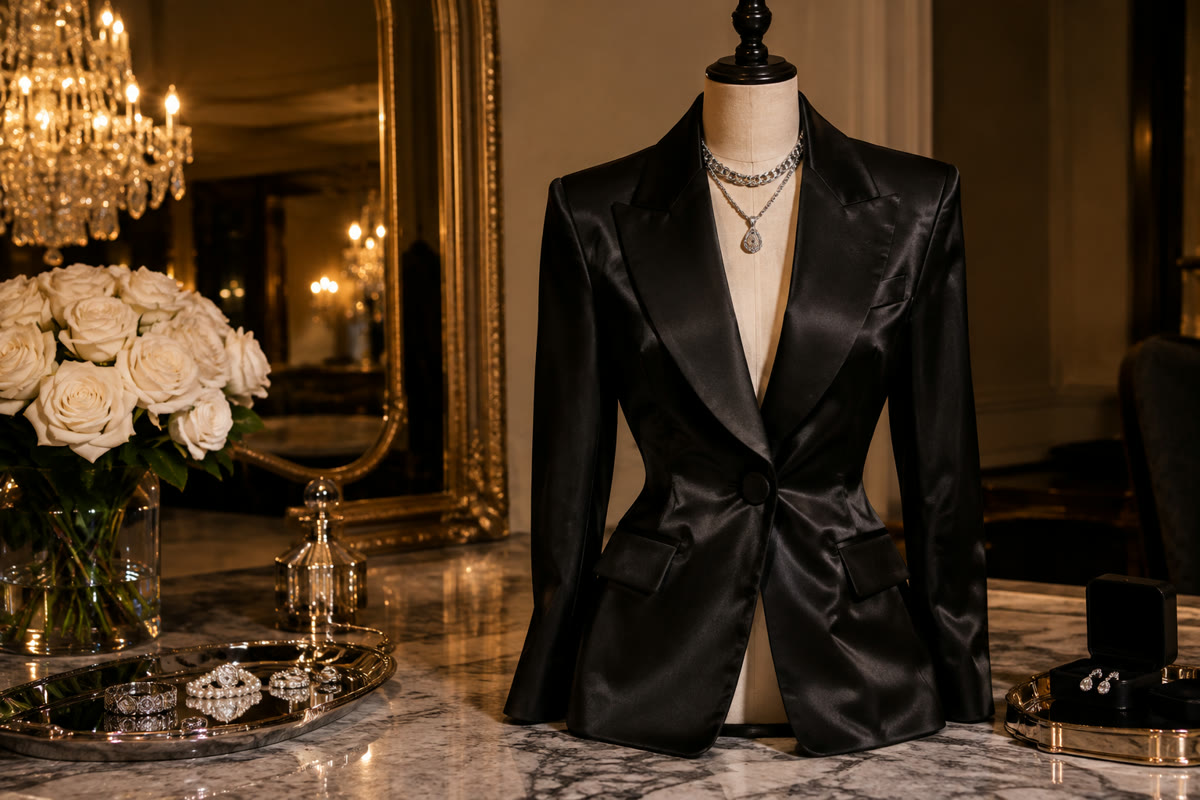
A practical guide to AI party portraits: choose a photo, write an outfit and lighting direction, keep the face recognizable, and understand credits and limits.
Read guide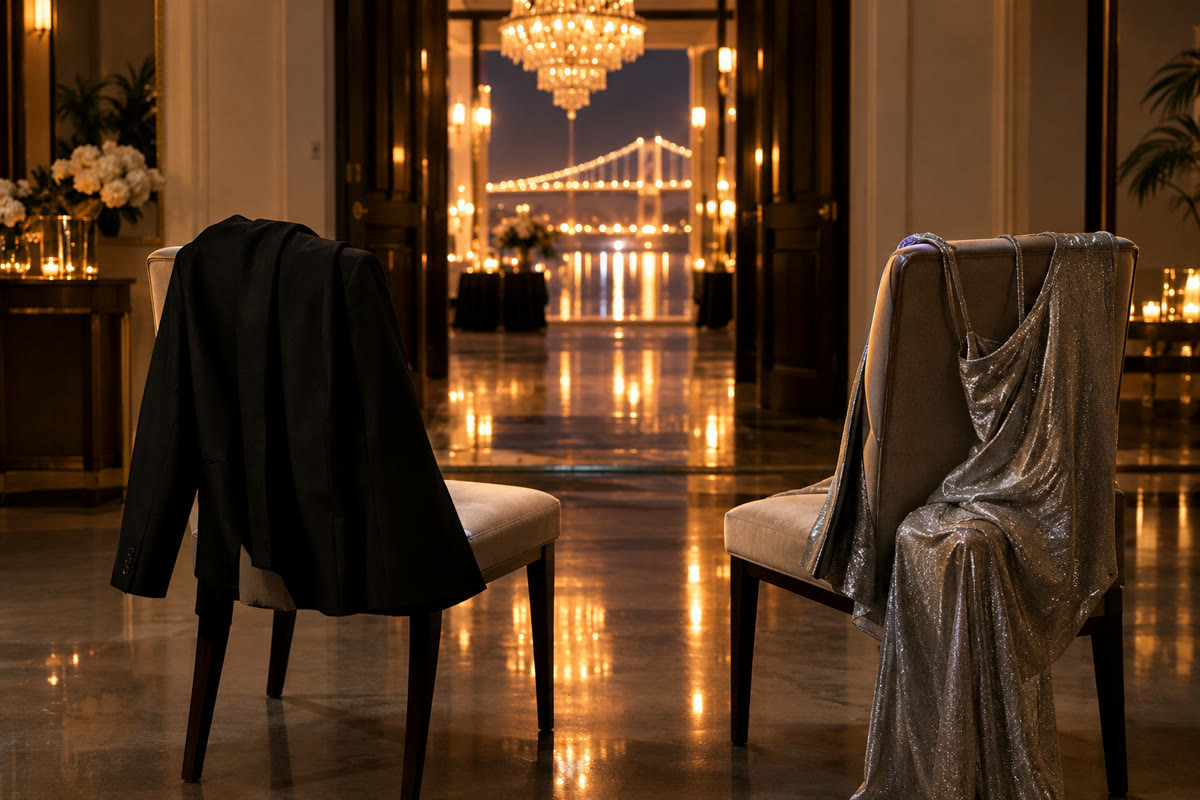
How two-person AI videos work: map two adult photos to left and right roles, choose compatible inputs, avoid face swaps, and understand the 50-credit cost.
Read guide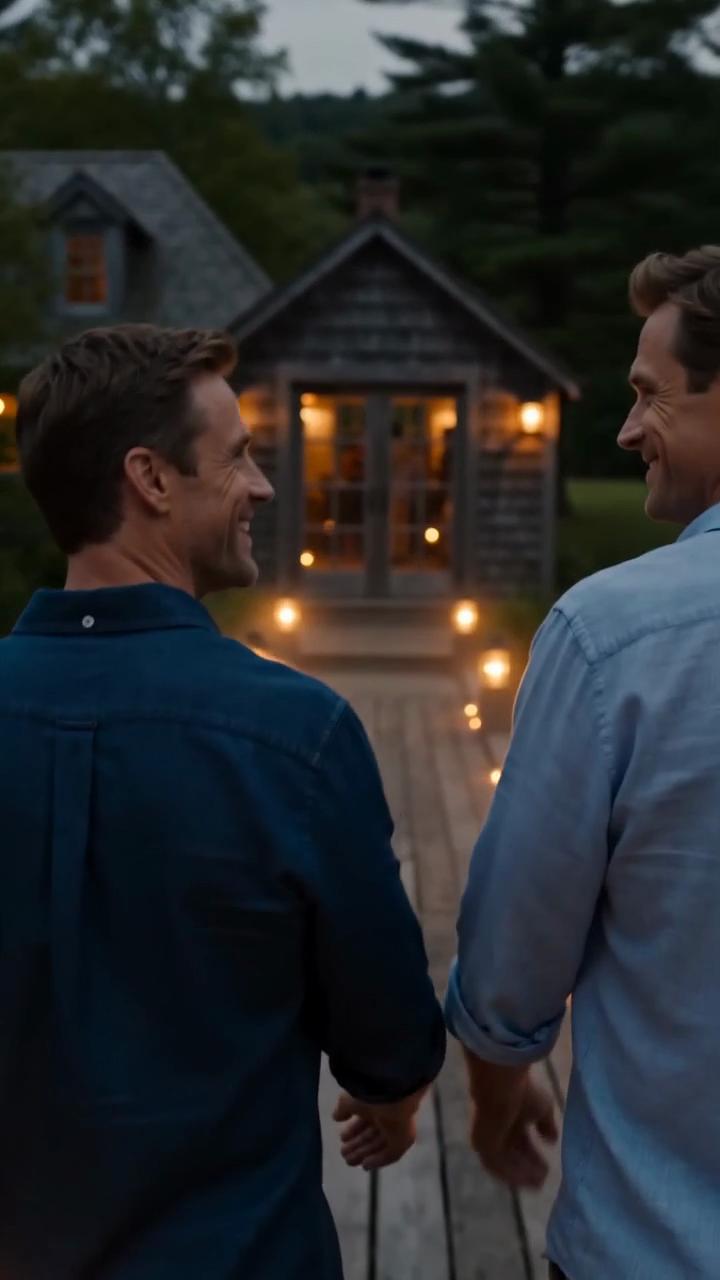
Create a 10-second Burning Bridges AI video from a permitted adult photo or original text prompt. Compare both modes, 50-credit pricing, limits and steps.
Read guide
Choose a clear portrait for your Burning Bridges AI video. Compare framing, lighting, crop, consent, file formats, and errors that can weaken your result.
Read guide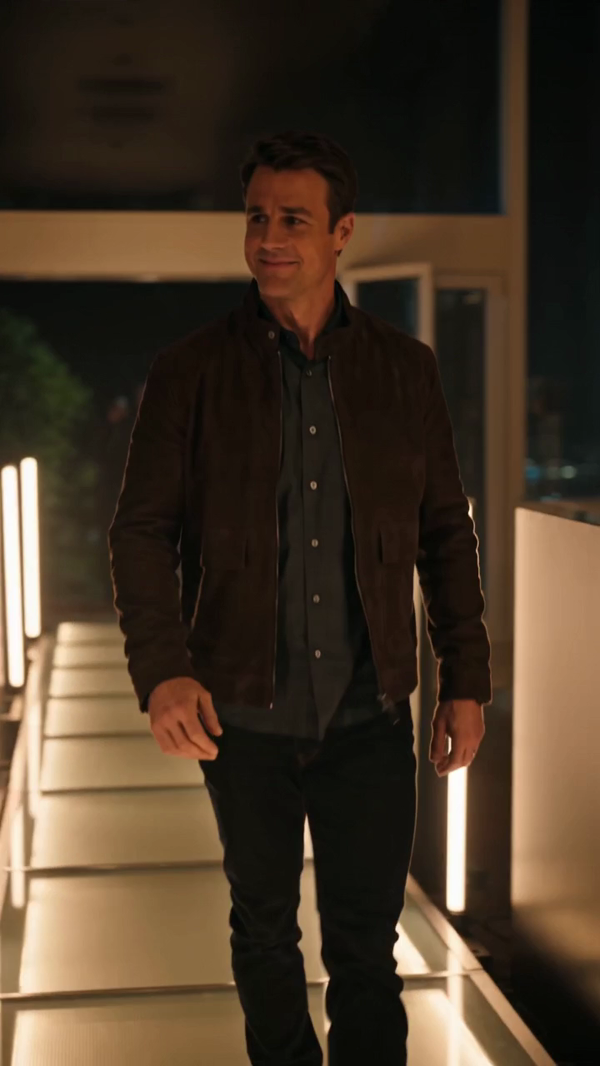
Create a solo Burning Bridges AI party video from one adult portrait. Learn which photo works, how to guide the scene, what a clip costs, and why results vary.
Read guide
Create a two-person Burning Bridges AI video from two permitted adult portraits. Set each role, review the sample, compare costs, and expect variable likeness.
Read guide
Burning Bridges AI video downloads are silent. Learn how to add music you may use, keep a clean edit, credit the source when needed, and avoid rights mistakes.
Read guide
Export a vertical Burning Bridges AI video for TikTok. Add permitted audio, captions, and AI labels; check the crop and the full clip before publishing.
Read guide
Prepare a Burning Bridges AI video for Instagram Reels. Check its vertical frame, add licensed audio and captions, use AI labels, and review the final export.
Read guide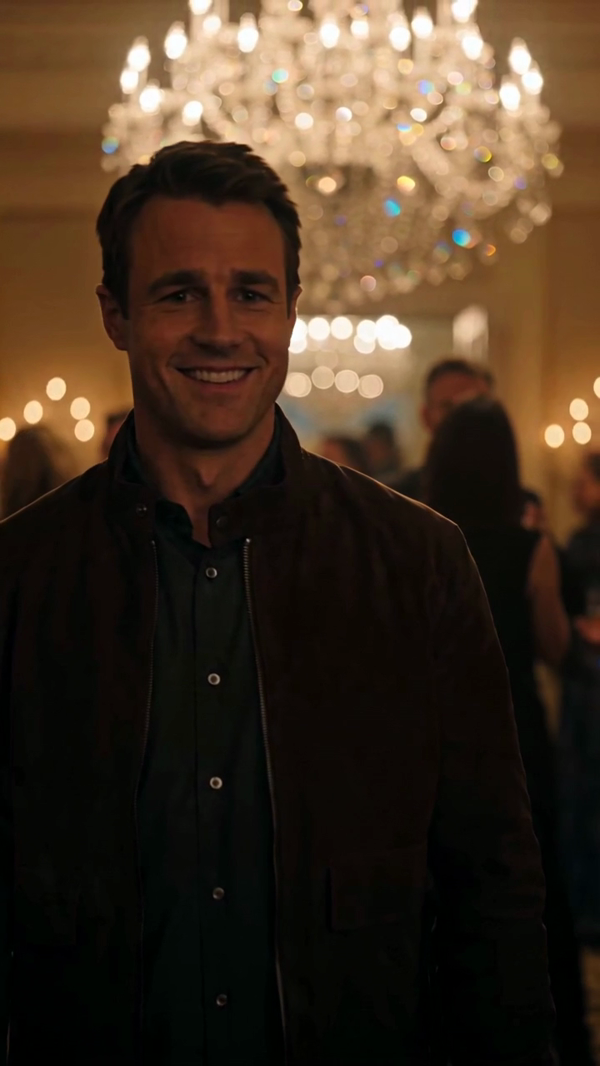
Fix common Burning Bridges AI video problems, from upload errors and queues to face drift and failed jobs. Learn safe retry steps and when credits return.
Read guide
Compare Burning Bridges AI video prices for one, three, or five clips, plus monthly and yearly plans. See the default specification, credit cost, and expiry.
Read guide
Use Burning Bridges AI video with permission from every adult pictured. Learn what gets uploaded, how moderation works, result visibility, and safer sharing.
Read guide
Explore practical solo and duo Burning Bridges AI video ideas for friends, parties, and social posts. See photo choices, costs, consent tips, and real limits.
Read guide
Explore Burning Bridges AI video alternatives by output type: original generation, manual editing, and licensed templates. Compare workflows, costs, and limits.
Read guide
Is Burning Bridges AI video free? The site sample is; a personal clip costs $9.90. Compare free credits, watermarks and clip lengths, checked 22 October 2026.
Read guideThe tool below uses the same format described in this guide. Check the photo, cost and limits before you generate.
This is the shortest path from a portrait to a moving party scene. Upload one permitted adult photo, describe the entrance and let the model build a silent 10-second vertical clip. The sample below is a real first-party output, so you can judge the format before you spend credits.
Open the full tool pageThis is a costume portrait tool, not a costume shop. Upload one permitted adult photo, describe the look and get an original image that keeps the person recognizable. You can use it to test a costume idea, make a party portrait or create a visual for a group chat before you buy anything.
Open the full tool pageTwo-person videos fail when the model loses track of who is who. This tool avoids that by taking two separate photos and assigning one role to each: the adult on the left and the adult on the right. The result is a silent 10-second party entrance made for a shared moment, not a group scene.
Open the full tool page