Try this workflow without leaving the page
The tool below uses the same format described in this guide. Check the photo, cost and limits before you generate.
Create a party portrait
Upload one or two permitted adult photos and choose a look. The editor keeps the person recognizable while changing the outfit, light and scene.
JPG, PNG or WebP - up to 10 MB. Use one adult per photo.
$1.98/ per image
10 credits per imageAI results vary. Review the image before sharing and label it as AI-generated.
See all packs · A 50-credit one-time pack covers up to five image edits.
Your portrait
Your next portrait will appear here.
An AI party portrait works when three things agree: the person, the outfit and the room. If one of them is vague, the model fills the gap with something generic. This guide shows how to use the AI party photo editor, how to write a direction that keeps the face recognizable, and what the 10-credit still image can and cannot do.
What makes a party portrait look real
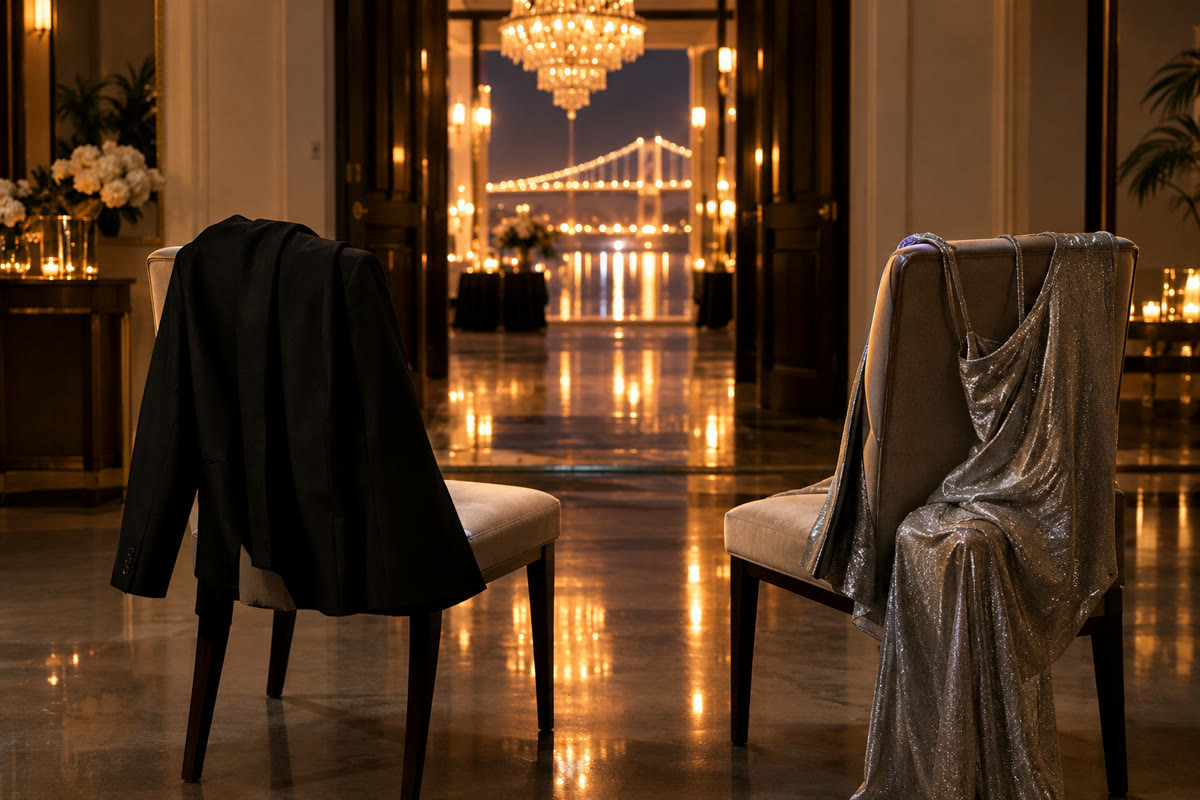
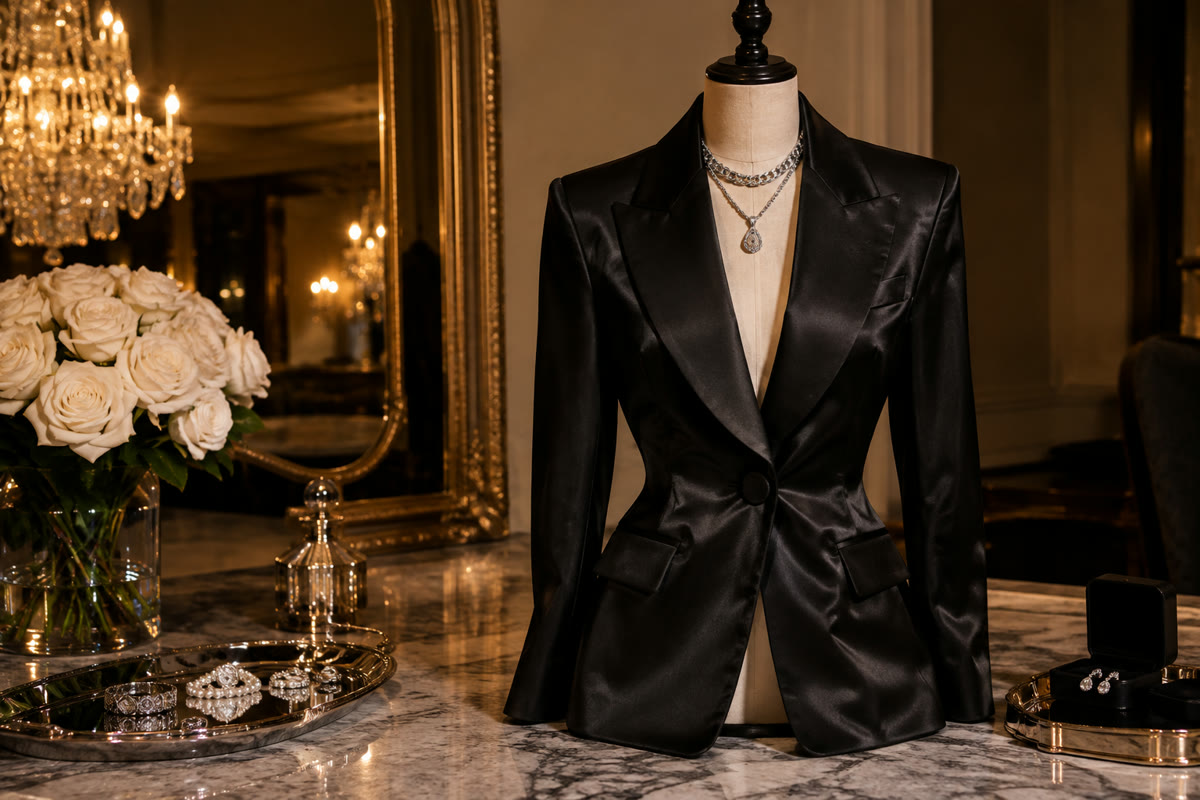
Real party photography has a light source, a surface and a reason for the pose. A chandelier is above and slightly behind the subject. A marble floor reflects the light. A velvet jacket has a visible texture. When a prompt names those details, the image has something to build. When the prompt only says "party," the model chooses a default room and a default outfit.
The AI party photo editor is designed to keep the adult subject recognizable while changing the outfit, the light and the background. It is a still image tool. It is not a face swap, a costume shop or a guarantee of an exact likeness. The result is a new image that should read as the same person in a new scene.
The photo checklist
Start with a clear, front-facing photo of one consenting adult. A plain background is better than a busy room. Even light is better than a dramatic shadow across the eyes. If you want a full outfit, include the upper body and shoulders in the frame. If you only have a headshot, ask for a portrait crop rather than a full-body scene; the model cannot reliably invent the rest of the body.
Use JPG, PNG or WebP up to 10 MB. One adult per photo. If you want a couple, use the two-person portrait workflow with two separate photos. Do not upload a child, a public figure or a photo you do not have permission to use.
A useful checklist:
- The face is sharp and both eyes are visible.
- The light is even enough to see skin texture.
- The subject is large enough in the frame.
- The clothing does not hide the shoulders if you want an outfit change.
- The background has no text, logos or other faces.
- The photo is not heavily filtered or compressed.
A reusable prompt formula
Use four parts: keep, change, scene, avoid.
- Keep: the adult subject's face, facial proportions, skin tone, approximate age and body proportions.
- Change: the outfit, described by garment, fabric and color.
- Scene: the room, the light source and the camera framing.
- Avoid: altered identity, extra people, distorted anatomy, text, logos and watermarks.
Example:
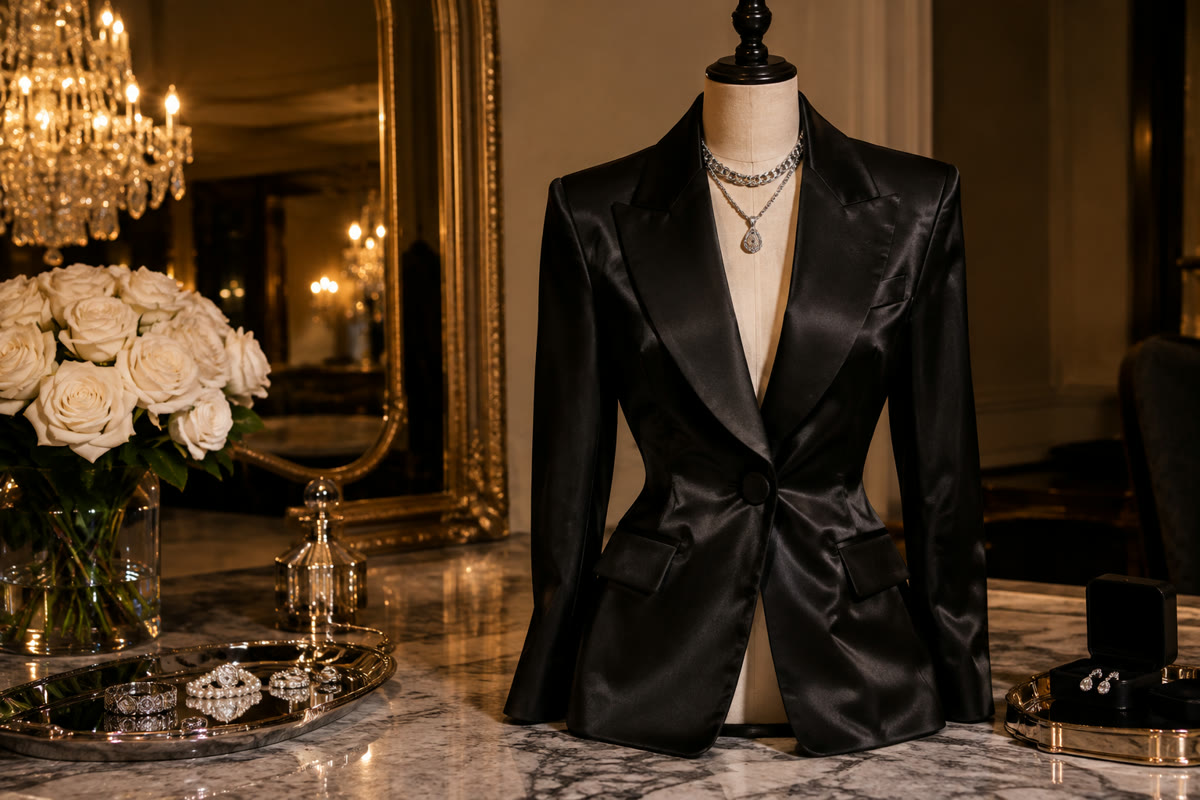
"Keep the adult subject's recognizable face, facial proportions, skin tone and body proportions. Replace the clothing with a black satin suit, a white shirt and a thin silver chain. Place the subject in a marble ballroom with warm chandelier light, a soft rim light and a shallow depth of field. Use photorealistic editorial photography, realistic fabric texture and natural skin detail. Keep one person only. Avoid altered identity, extra people, distorted hands, text, logos and watermarks."
The keep sentence is not optional. It is the part that protects the person. The change sentence gives the model a specific job. The scene sentence gives the image a reason to look like a photograph rather than a poster. The avoid list closes the common failure modes.
Background only versus outfit change
If you like the original clothing, change only the background and the light. Ask to keep the face, hair and clothing unchanged, then describe the room. That is the lowest-risk edit and often the most useful for a profile photo or an invitation.
If you want a new outfit, keep the scene simple. A single garment with a clear silhouette is easier than a full costume with props. Say "deep green velvet dress with a square neckline" rather than "elegant party dress." Say "warm chandelier light from above" rather than "beautiful lighting." Specific nouns give the model a target.
Do not ask for a new face and a new outfit in the same sentence unless you are prepared for both to drift. Change one layer, check the result, then decide whether another attempt is worth 10 credits.
What 10 credits buy
One image edit uses 10 site credits and returns a still image. A video uses 50 site credits and returns a silent 10-second, 720p, 9:16 MP4. New email accounts receive no free generation credits. Current packs and plans are on the pricing page.
| Output | Credits | Delivery |
|---|---|---|
| Party portrait | 10 | One still image, 3:4 direction |
| Party video | 50 | Silent 10-second 720p 9:16 MP4 |
A failed generation returns the consumed credits. A successful generation uses the credits even if you dislike the result. That is why the prompt should be specific before the first attempt. If you want to test several styles, read the Halloween AI prompts and choose one direction rather than generating at random.
Common failures and fixes
The face looks like a different person. Fix: simplify the scene, repeat the keep instruction and use a clearer source photo.
The outfit looks like plastic. Fix: name the fabric and the light. "Black satin with a soft sheen" is more useful than "black clothes."
The hands are distorted. Fix: crop the image to a portrait if the hands are not important, or ask for hands out of frame. Do not keep regenerating the same composition and hope for a different hand.
The background has extra people. Fix: add "one person only, no background crowd" and remove any instruction that implies a party crowd.
The image looks like a poster rather than a photo. Fix: ask for photorealistic editorial photography, natural skin texture, realistic fabric and a shallow depth of field. Remove graphic or illustration words.
Privacy and honest sharing
Uploaded photos are private inputs. Public results may be selected for the gallery after review; private results stay out. Do not upload someone else's photo without permission. Do not use the result to impersonate, harass or mislead. Label the image as AI-generated when the platform offers that option.
The service is independent and is not affiliated with any venue, brand, artist or social platform. A generated party portrait is a creative image, not evidence that an event happened or that a person attended it.
Frequently asked questions
Can I change only the background?
Yes. Ask to keep the face, hair and clothing unchanged, then describe the room and the light. The result may still shift small details, so check the hairline and collar.
Can I get a full-body portrait from a headshot?
Not reliably. The source photo needs enough of the body to work from. A headshot cannot become a full-body scene without the model inventing details.
How much does a party portrait cost?
One image edit uses 10 site credits. See the pricing page for current packs. Failed generations return their credits; successful generations use them.
Is the result private?
Uploaded photos stay private. You choose whether a finished result may be selected for the public gallery. Private results stay out of it.
Can I use the portrait on a wedding invitation?
You can use a result you have the rights to use, but label it as AI-generated and get permission from everyone depicted. For a moving result, use the Burning Bridges wedding video page, which explains the two-person video format.
Related tools
- AI party video generator for a 10-second entrance.
- AI party video editor for prompt-level revisions.
- Burning Bridges wedding video for a formal duo entrance.
- All party tools to compare formats and credits.
Continue with Two-Person AI Video Guide: Roles, Photos and Fixes for the next step.
Everyone needs a purchased pack or plan to create a personal video. Watch the sample for free, then choose the offer that fits your needs. Try the workflow