Burning Bridges AI Video Privacy and Consent Guide
Use Burning Bridges AI video with permission from every adult pictured. Learn what gets uploaded, how moderation works, result visibility, and safer sharing.
October 11, 2026 · Burning Bridges AI Video editorial team
Try the workflow
Create your Burning Bridges video
Choose one or two adult guests. The generated scene follows your photo and prompt; results can vary.
JPG, PNG, or WebP · up to 10 MB
Use a clear photo of one adult facing the camera. Include the outfit for full appearance. In duets, photo 1 replaces the first role and photo 2 the second.
Additional instructions (optional)
Public results may be selected for our gallery after review. Your photos remain private.
Three days, one free finished video
Sign in and open the studio on three consecutive UTC days. All 50 credits unlock on day 3. Missing a day resets progress. You can pay to create sooner.
$9.90/ 1 video
50 credits · 10 secondsChoose a one-time pack or a monthly or yearly plan. See all five offers below.
Your videos
Select a scene above. Completed videos will appear here.
Direct Answer: Burning Bridges AI Video Privacy and Consent
Burning Bridges AI video creation requires explicit consent from all depicted adults, respects privacy by distinguishing between public and private video results, and encourages safe sharing practices to protect personal data. Users must sign in and have sufficient credits to generate videos from portraits, ensuring control over who appears and how videos are distributed.
Understanding Consent in Burning Bridges AI Video Creation
Consent is the foundation of ethical AI-generated video content. Burning Bridges uses adult portraits to create original silent 10-second videos, so obtaining permission from the person(s) in the photo is mandatory before uploading. This protects privacy and complies with ethical standards.
Key Consent Principles:
- Explicit Permission: The individual must agree to their portrait being used for video creation.
- Awareness of Use: Users should inform subjects about the nature of the video (silent, AI-generated, 720p, 9:16 MP4).
- Right to Withdraw: Subjects can request deletion or cessation of use if possible.
Failure to secure consent can lead to privacy violations and ethical concerns. The platform accepts JPG, PNG, and WebP images under 10 MB, so users should ensure all images comply with consent requirements.
Public Versus Private Results: What You Need to Know
Burning Bridges AI videos are personal creations tied to user accounts and credits. Understanding the difference between public and private results is crucial for managing privacy.
| Aspect | Public Results | Private Results |
|---|---|---|
| Visibility | Available as free fictional samples | Accessible only to signed-in users |
| Sharing | Can be shared publicly on social media or platforms | Controlled sharing via user discretion |
| Data Storage | Anonymized for demonstration only | Stored securely linked to user account |
| Consent Requirements | Not applicable for fictional samples | Mandatory for all real portraits |
Videos created from real portraits are private by default and require user action to share. The free fictional sample video is publicly playable without sign-in, designed to demonstrate the AI’s capabilities without personal data.
Safe Sharing Practices for Burning Bridges AI Videos
Sharing AI-generated videos responsibly helps protect privacy and consent agreements. Follow these steps:
- Verify Consent: Confirm all individuals depicted have agreed to sharing.
- Control Platforms: Share videos on trusted platforms with appropriate privacy settings.
- Avoid Sensitive Contexts: Do not share videos that could cause harm or misrepresent subjects.
- Use Watermarks or Disclaimers: Clarify the video is AI-generated and silent to prevent misunderstandings.
- Review Before Sharing: Watch the final video to ensure it aligns with consent and privacy expectations.
By following these steps, users maintain respect for subjects and reduce risks associated with AI video dissemination.
Costs, Limits, and Credit Usage Explained
Burning Bridges operates on a credit system to generate videos. Understanding costs and limits helps users plan their usage.
| Pricing Option | Credits Included | Cost (USD) | Expiration |
|---|---|---|---|
| One-time pack (1) | 1 video | $9.90 | No expiration |
| One-time pack (3) | 3 videos | $19.90 | No expiration |
| One-time pack (5) | 5 videos | $29.90 | No expiration |
| Monthly subscription | 8 videos | $29.90/mo | Unused expire monthly |
| Yearly subscription | 45 videos | $149.90/yr | Unused expire yearly |
Each default video uses 50 site credits. The first-party sample video (task 5432d7ab4bf2cb5a97489e0e1584b024) used 410 Kie credits, which translates to approximately $2.05 model cost internally but users pay for a plan or pack shown above.
Users must sign in and have at least 50 credits to create a personal video. Non-ChatGPT first-touch visitors earn 50 credits after visiting three consecutive UTC days; ChatGPT first-touch visitors start with zero credits.
For detailed pricing and subscription management, visit the /pricing page.
Worked Hypothetical Scenario: Creating a Burning Bridges AI Video
Scenario:
Alice wants to create a Burning Bridges AI video featuring her portrait to celebrate a milestone. She follows these steps:
- Consent: Alice confirms she consents to use her portrait.
- Sign In: She creates an account and signs in.
- Credits: Alice has purchased a one-time pack of 3 credits for $19.90.
- Upload: She uploads a JPG photo under 10 MB.
- Video Creation: The system processes the photo, using 50 site credits.
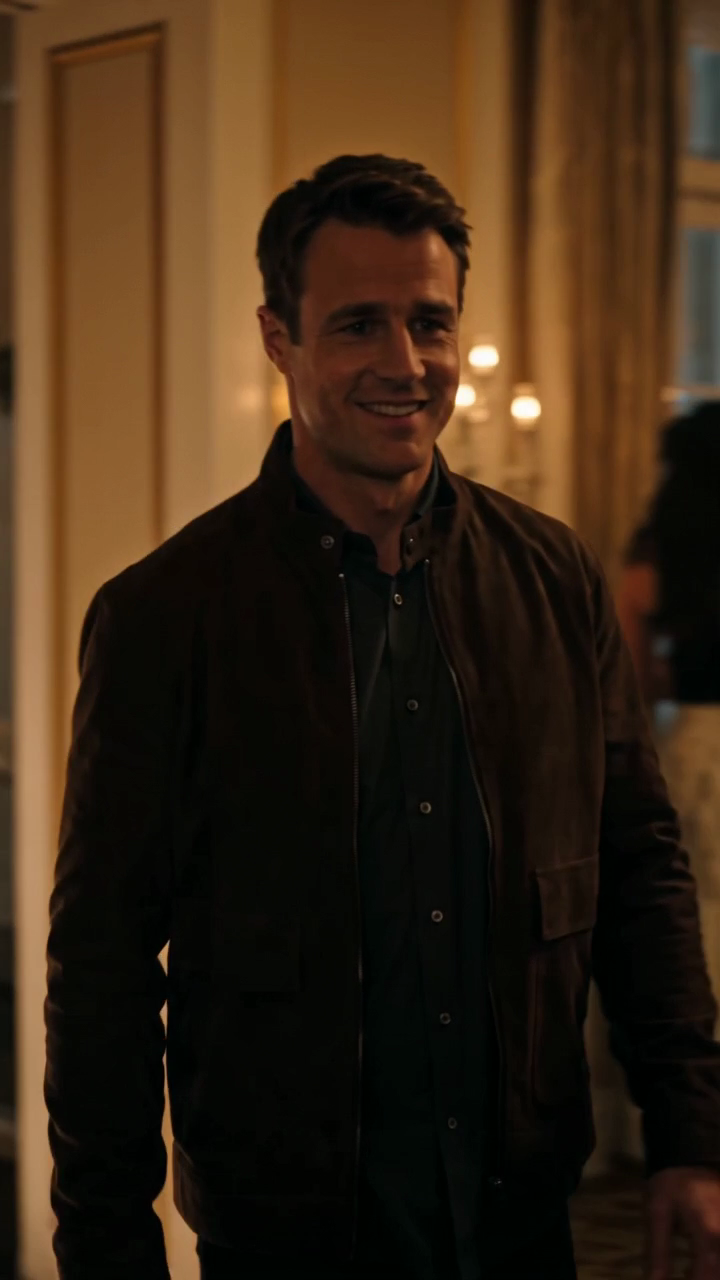
- Result: Alice receives a 10-second silent 720p 9:16 MP4 video showing a glowing bridge leading into a warm party scene.
- Review: She watches the video to ensure it meets her expectations.
- Share: Alice shares the video privately with friends via a secure messaging app.
Visual Frames from Alice’s Hypothetical Video:
This scenario illustrates the importance of consent, credit management, and safe sharing.
Limits and Ethical Considerations
- No Minors: Only adult portraits are accepted.
- No Copyrighted Material: The AI generates original visuals without using copyrighted songs, celebrity likenesses, or voice cloning.
- Silent Videos: Videos are silent to avoid audio consent complexities.
- No Video or Audio Uploads: Only still images are accepted.
These limits protect users and subjects from legal and ethical issues.
Frequently Asked Questions (FAQs)
1. Do I need to get consent from everyone in the photo?
Yes. Burning Bridges requires explicit consent from all adult individuals depicted before uploading their portraits.
2. Can I share my Burning Bridges video publicly?
You can, but only if you have consent from the subjects. Videos are private by default and should be shared responsibly.
3. What file formats and sizes are accepted?
JPG, PNG, and WebP images under 10 MB are accepted for video creation.
4. How long does video creation take?
The first-party sample took 283 seconds (about 4.7 minutes), but times may vary.
5. Are there any free credits?
Non-ChatGPT first-touch visitors earn 50 credits after visiting on three consecutive UTC days. ChatGPT first-touch visitors start with zero credits.
6. Can I cancel my subscription anytime?
Yes. Subscriptions auto-renew until canceled through the billing portal. Unused credits expire at renewal.
Additional Resources
For more information on related topics, see these internal pages:
- Burning Bridges AI Video Alternative
- Burning Bridges Solo Video Guide
- Burning Bridges Video Privacy and Consent
- Burning Bridges Video Cost Details
Understanding privacy, consent, and responsible sharing ensures your Burning Bridges AI video experience is safe, ethical, and enjoyable.
First-party scene references
Sign in and open the studio on three consecutive UTC days. All 50 credits unlock on day 3. Missing a day resets progress. You can pay to create sooner. Try the workflow