How to Make a Solo Burning Bridges AI Video in 2026
Create a solo Burning Bridges AI party video from one adult portrait. Learn which photo works, how to guide the scene, what a clip costs, and why results vary.
October 11, 2026 · Burning Bridges AI Video editorial team
Try the workflow
Create your Burning Bridges video
Choose one or two adult guests. The generated scene follows your photo and prompt; results can vary.
JPG, PNG, or WebP · up to 10 MB
Use a clear photo of one adult facing the camera. Include the outfit for full appearance. In duets, photo 1 replaces the first role and photo 2 the second.
Additional instructions (optional)
Public results may be selected for our gallery after review. Your photos remain private.
Three days, one free finished video
Sign in and open the studio on three consecutive UTC days. All 50 credits unlock on day 3. Missing a day resets progress. You can pay to create sooner.
$9.90/ 1 video
50 credits · 10 secondsChoose a one-time pack or a monthly or yearly plan. See all five offers below.
Your videos
Select a scene above. Completed videos will appear here.
Creating a solo Burning Bridges AI video involves using a single adult portrait and optionally one guest portrait to generate a short, original silent video with a clear creative theme. This process uses an independent photo-to-video tool powered by ByteDance Seedance 2.0 via Kie AI. The result is a 10-second, 720p vertical MP4 video that visually narrates a story without copyrighted music or celebrity likenesses.
Understanding the Basics: What You Need
To make a solo Burning Bridges AI video, you need:
- One adult portrait photo (JPG, PNG, or WebP format, under 10 MB)
- Optionally, one guest portrait photo (same format and size limits)
- A clear creative direction or concept for the video
- An account with at least 50 credits to generate the video
The tool generates a silent video lasting 10 seconds in 9:16 aspect ratio, suitable for social media stories or reels.
Step-by-Step Guide to Creating Your Solo Burning Bridges AI Video
- Choose Your Portrait(s): Select a clear, high-quality adult portrait photo. If you want to include a guest, prepare their portrait as well.
- Sign In and Check Credits: Create an account or sign in. You need a minimum of 50 credits to create a personal video. Note that ChatGPT first-touch users do not receive free credits.
- Upload Photos: Upload your portrait(s) in JPG, PNG, or WebP format, each under 10 MB.
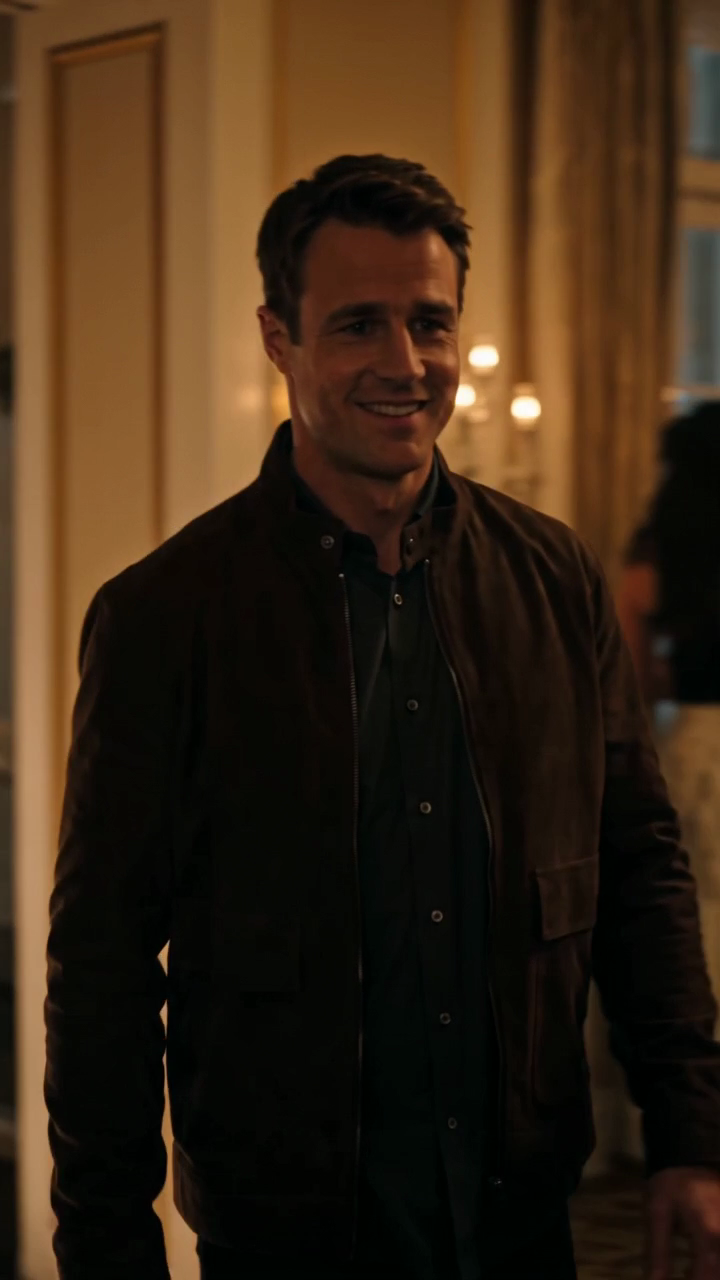
- Define Your Creative Direction: Decide on the story or mood you want the video to convey. For example, the first-party sample features a glowing bridge leading into a warm party scene.
- Submit and Wait: The AI processes your input using ByteDance Seedance 2.0 standard. Processing time varies; the sample took 283 seconds.
- Download and Share: Once generated, download your 10-second MP4 video.
Comparing Solo vs. Duo Burning Bridges AI Videos
| Feature | Solo Video | Duo Video |
|---|---|---|
| Number of Portraits | One (plus optionally one guest) | Two adult portraits |
| Video Length | 10 seconds | 10 seconds |
| Creative Complexity | Focused on one main subject | Interaction between two subjects |
| Credit Cost (Approximate) | 410 Kie credits ($2.05) | Provider cost varies by task |
| Use Cases | Personal stories, introspection | Conversations, dual narratives |
The solo video is ideal for a focused narrative involving one main subject and a guest, with a clear creative direction.
Limits and Costs to Consider
- File Size and Format: Only JPG, PNG, and WebP files under 10 MB are accepted.
- Credit Requirements: Each video consumes credits; the sample used 410 Kie credits, approximately $2.05 in model cost.
- Account Credits: You must have at least 50 credits to create a video. Non-ChatGPT users can earn 50 credits after visiting on three consecutive UTC days.
- Subscription Options:
- One-time packs: $9.90 (1 video), $19.90 (3 videos), $29.90 (5 videos), no expiration
- Monthly: $29.90 for 8 videos per billing month, unused credits expire at renewal
- Yearly: $149.90 for 45 videos per billing year, unused credits expire at year-end
- Processing Time: Varies; the sample video took 283 seconds to generate.
For detailed pricing, visit the /pricing page.
Hypothetical Scenario: Creating a Solo Burning Bridges AI Video
Imagine you want to create a video symbolizing moving on from a past relationship. You select a portrait of yourself looking contemplative and a guest portrait of a friend who represents support.
- You sign in and ensure you have at least 50 credits.
- Upload your portrait and your friend’s portrait.
- Set the creative direction as "A glowing bridge symbolizing transition, leading to a warm gathering representing new beginnings."
- Submit and wait for the AI to process.
The resulting video shows a glowing bridge leading into a warmly lit party scene, visually narrating your story without any copyrighted music or voice.
Tips for a Clear Creative Direction
- Be Specific: Define the mood, setting, and symbolism you want the video to convey.
- Use Metaphors: Bridges can symbolize transitions; parties can represent celebration or closure.
- Keep It Simple: The AI generates a 10-second silent video, so clarity is key.
- Avoid Copyrighted Elements: The tool does not include music or voice cloning.
Frequently Asked Questions
Q1: Can I upload more than two portraits for a Burning Bridges AI video?
No. The tool supports one or two adult portraits only.
Q2: Are the videos generated with copyrighted music or celebrity likenesses?
No. Videos are silent and do not include copyrighted music, celebrity likenesses, or voice cloning.
Q3: How long does it take to generate a video?
Processing times vary. The first-party sample took 283 seconds, but this is not a guaranteed speed.
Q4: Can I get free credits to create a video?
Non-ChatGPT users can earn exactly 50 credits after visiting on three consecutive UTC days. ChatGPT first-touch users do not receive free credits.
Q5: What happens to unused credits?
Unused credits in monthly and yearly subscriptions expire at renewal or year-end, respectively. One-time packs do not expire.
Q6: What file formats are accepted for portraits?
JPG, PNG, and WebP formats under 10 MB are accepted.
Additional Resources
For more information on related topics, consider visiting these internal pages:
- Burning Bridges Solo Video Guide
- Burning Bridges Video Cost Breakdown
- Photo Preparation Tips
- Video Privacy and Consent
Creating a solo Burning Bridges AI video is a straightforward process when you have a clear creative direction and the right portrait. By understanding the costs, limits, and steps involved, you can craft a meaningful visual story that resonates without relying on copyrighted content or complex editing tools.
For pricing details and to start your own video, visit the /pricing page. For general information, see the home page.
This article is based on the independent photo-to-video tool using ByteDance Seedance 2.0 standard through Kie AI and is not affiliated with Drake, any label, or rights holder.
Sign in and open the studio on three consecutive UTC days. All 50 credits unlock on day 3. Missing a day resets progress. You can pay to create sooner. Try the workflow