How it works
What the generator changes
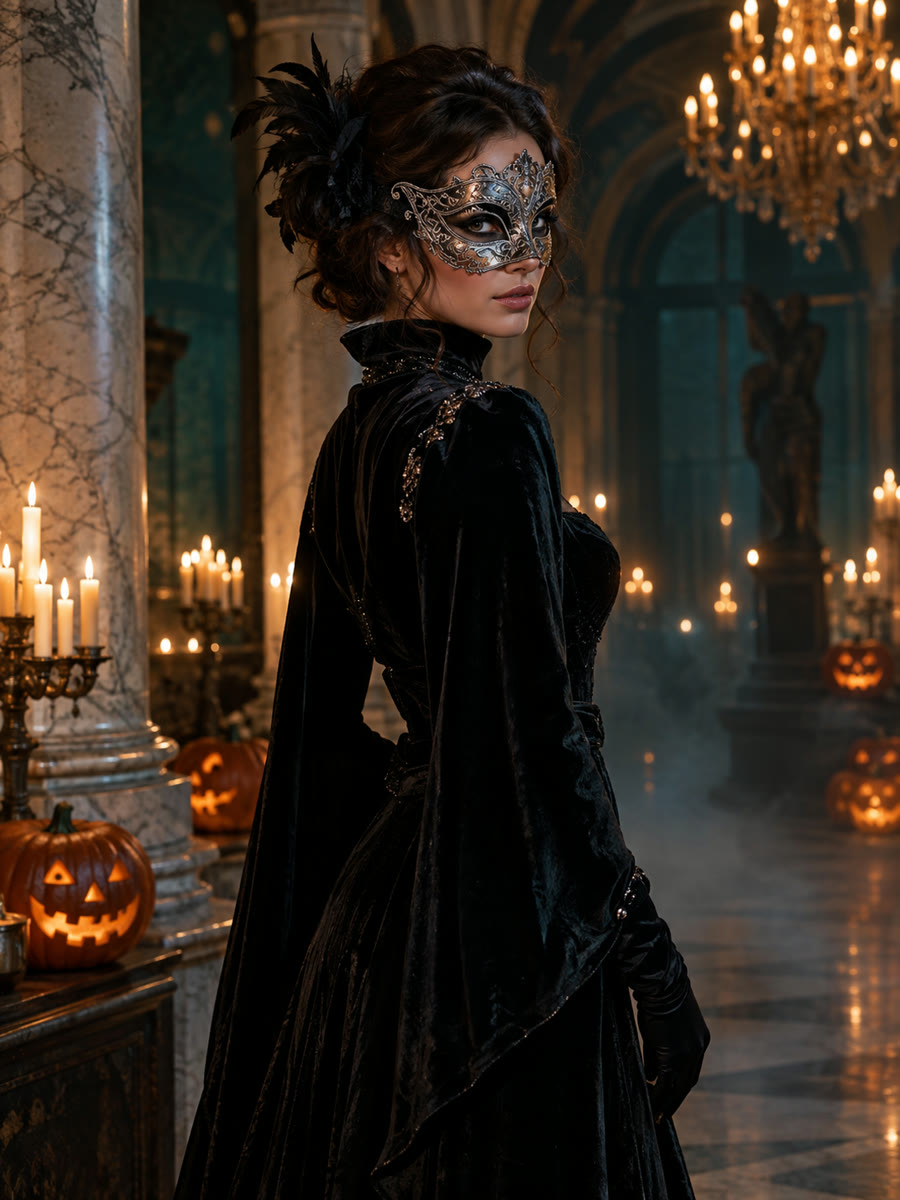
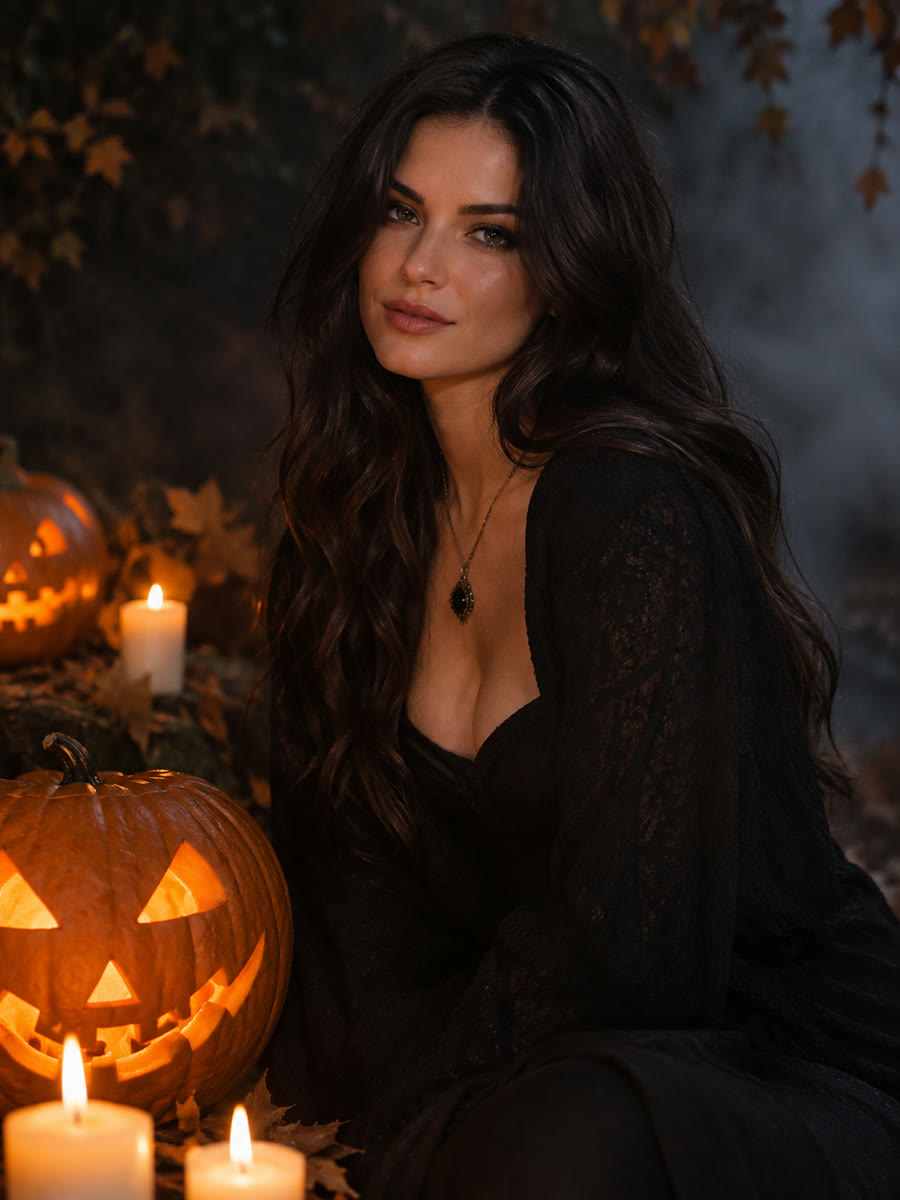
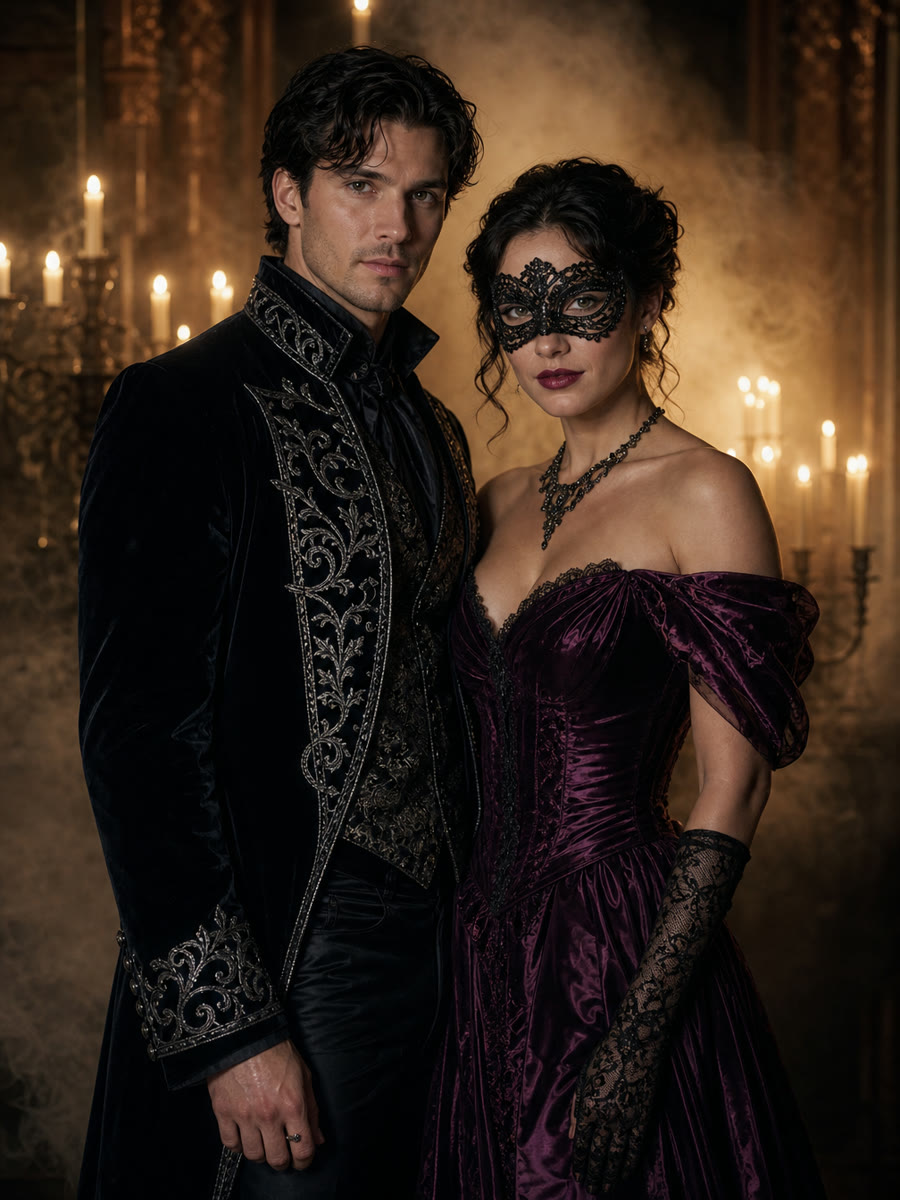
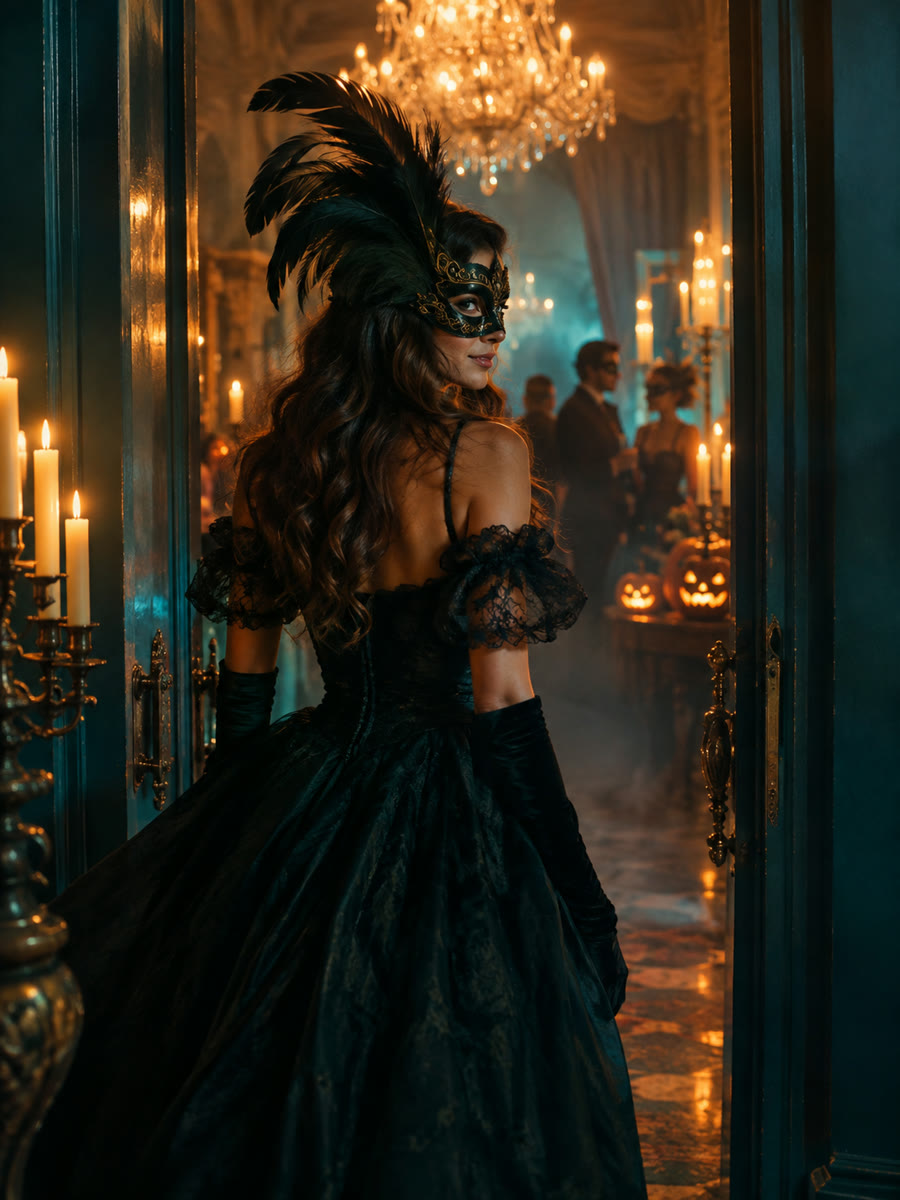
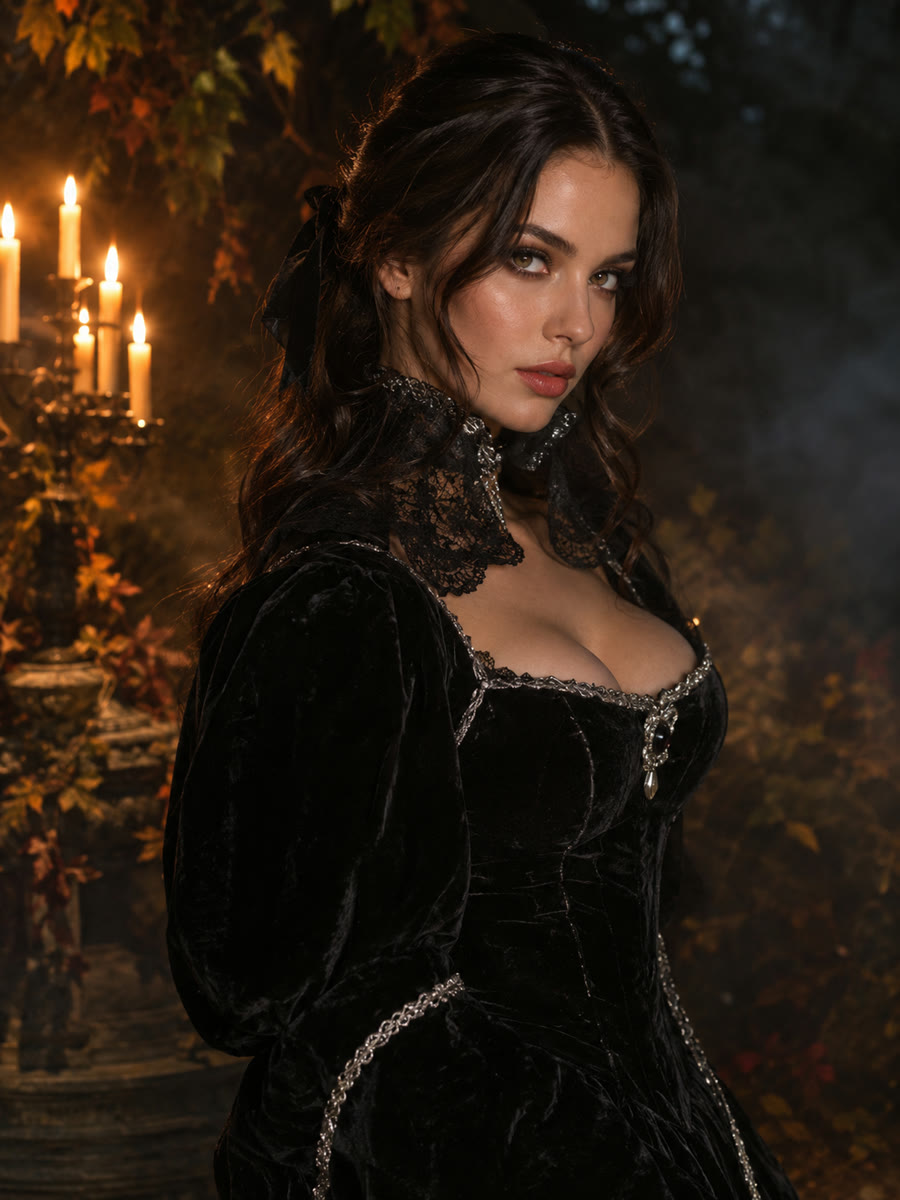
The editor can change clothing, accessories, makeup, background and lighting. It can turn a plain portrait into a gothic, masquerade, cosmic or pumpkin-themed scene. It is not a cut-and-paste costume overlay. The model rebuilds the image, so fine details such as lace, jewelry and fabric folds may differ from your description.
What it keeps
A good prompt tells the model to preserve the face, skin tone, approximate age, body proportions and pose. The result should still read as the same adult person. Identity preservation is not perfect. Faces can shift, hands can distort and small features can drift. Review the image at full size before you use it as a profile photo or print.
A prompt that works
Name the subject, the costume silhouette, the fabric, the setting and the lighting. Then add an avoid list: no extra people, no changed identity, no distorted hands, no text, no logos. For example: keep the adult face and curly hair, dress them in a black velvet masquerade outfit with silver trim, place them in a candlelit hall, use soft cinematic light and avoid a plastic costume look.
Cost and output
One image edit uses 10 site credits. The default output is a single high-resolution portrait. You can buy a one-time credit pack without a subscription. A failed generation returns its consumed credits. A successful result uses the credits even if you decide you want a different look, so start with a clear direction and change one variable at a time.
Permission and safe use
Every person in the photo must be an adult and must have agreed to this use. Do not upload a child, a celebrity or someone else's photo without permission. Do not use the result for fraud, harassment or a false endorsement. The tool is independent and does not grant rights to a film character, costume design or trademark.
Read guide Read the practical guide before you spend credits.