Skip to content
Burning Bridges AI Video

Quick actions

Appearance

PHOTO TO PARTY

AI Party Video Generator

This is the shortest path from a portrait to a moving party scene. Upload one permitted adult photo, describe the entrance and let the model build a silent 10-second vertical clip. The sample below is a real first-party output, so you can judge the format before you spend credits.

  • 10 seconds · 720p · 9:16 · silent
  • 50 credits per video
  • Watch the sample, then choose a pack or plan to make yours.
  • Silent MP4 · add music when you share
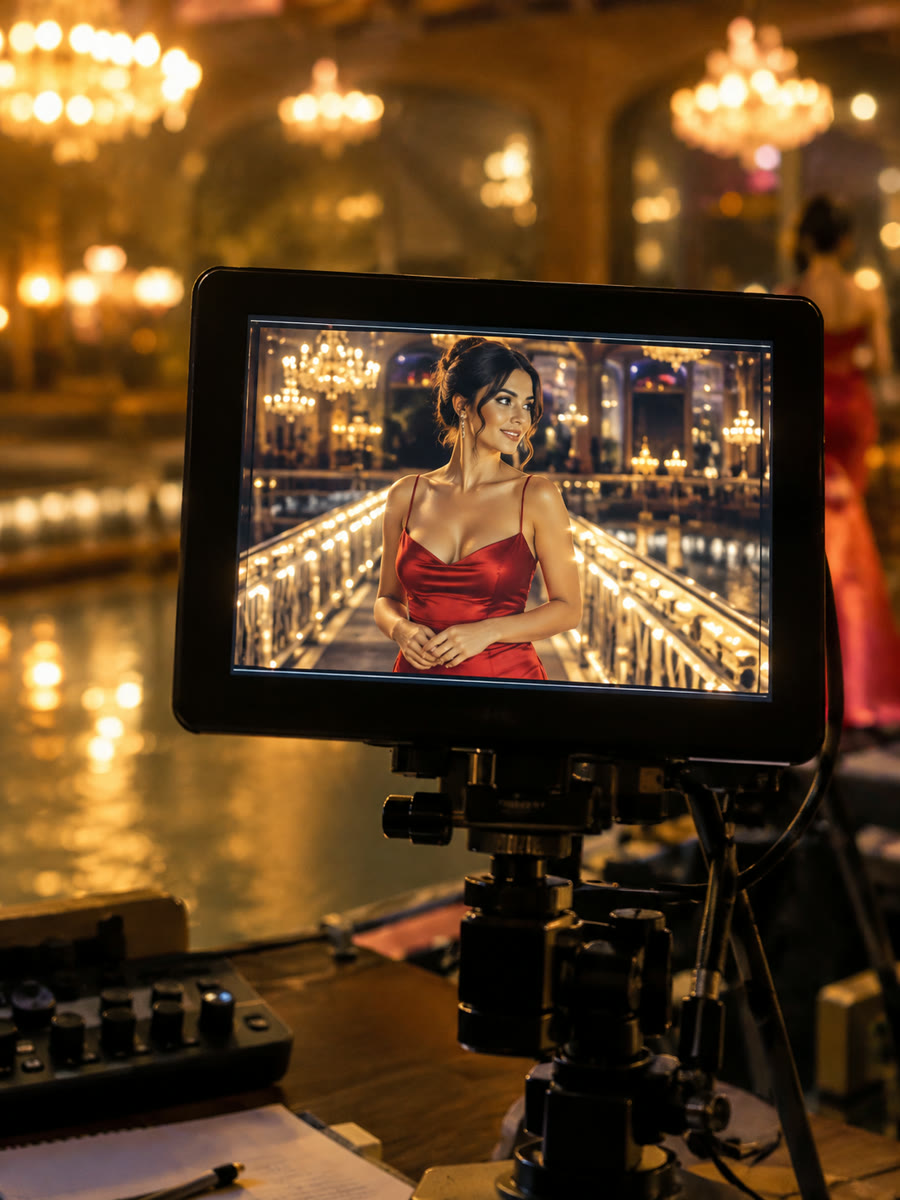
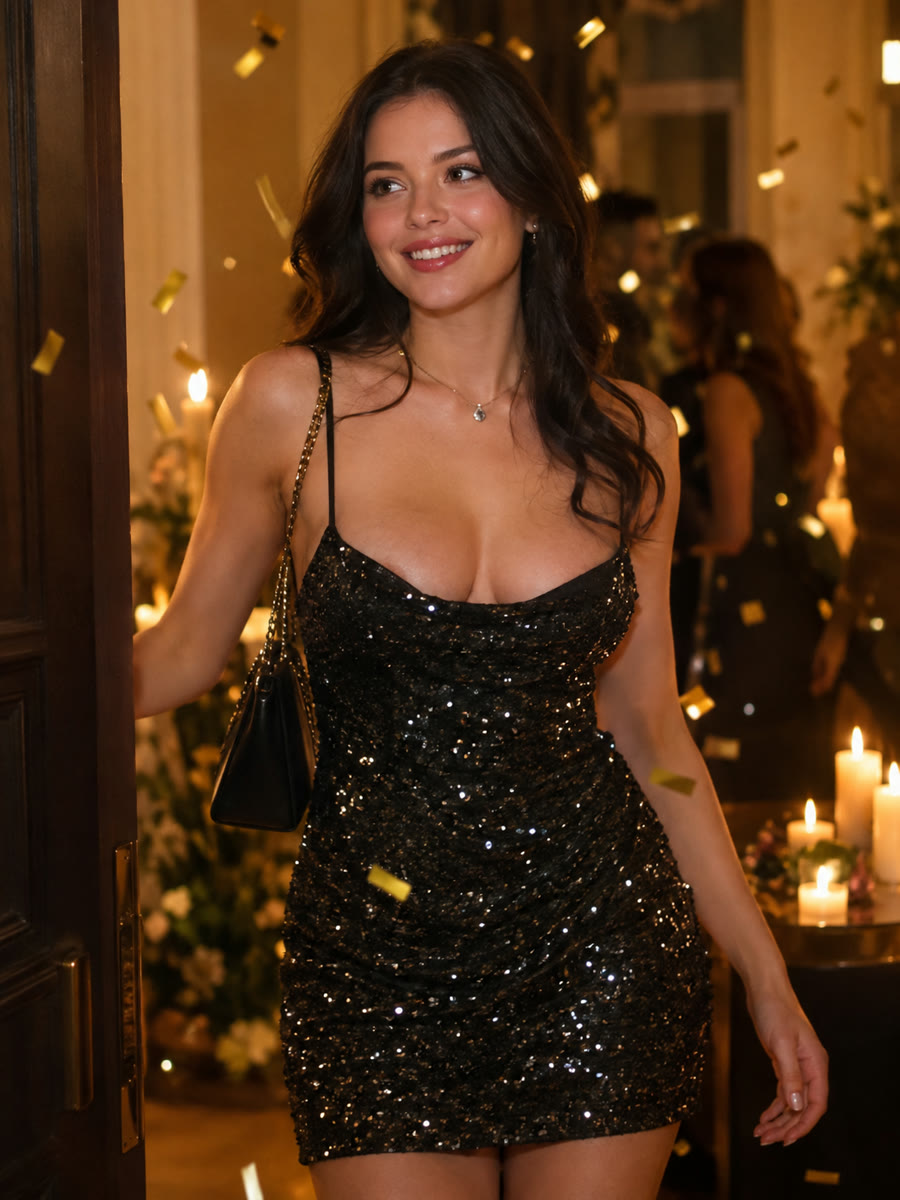
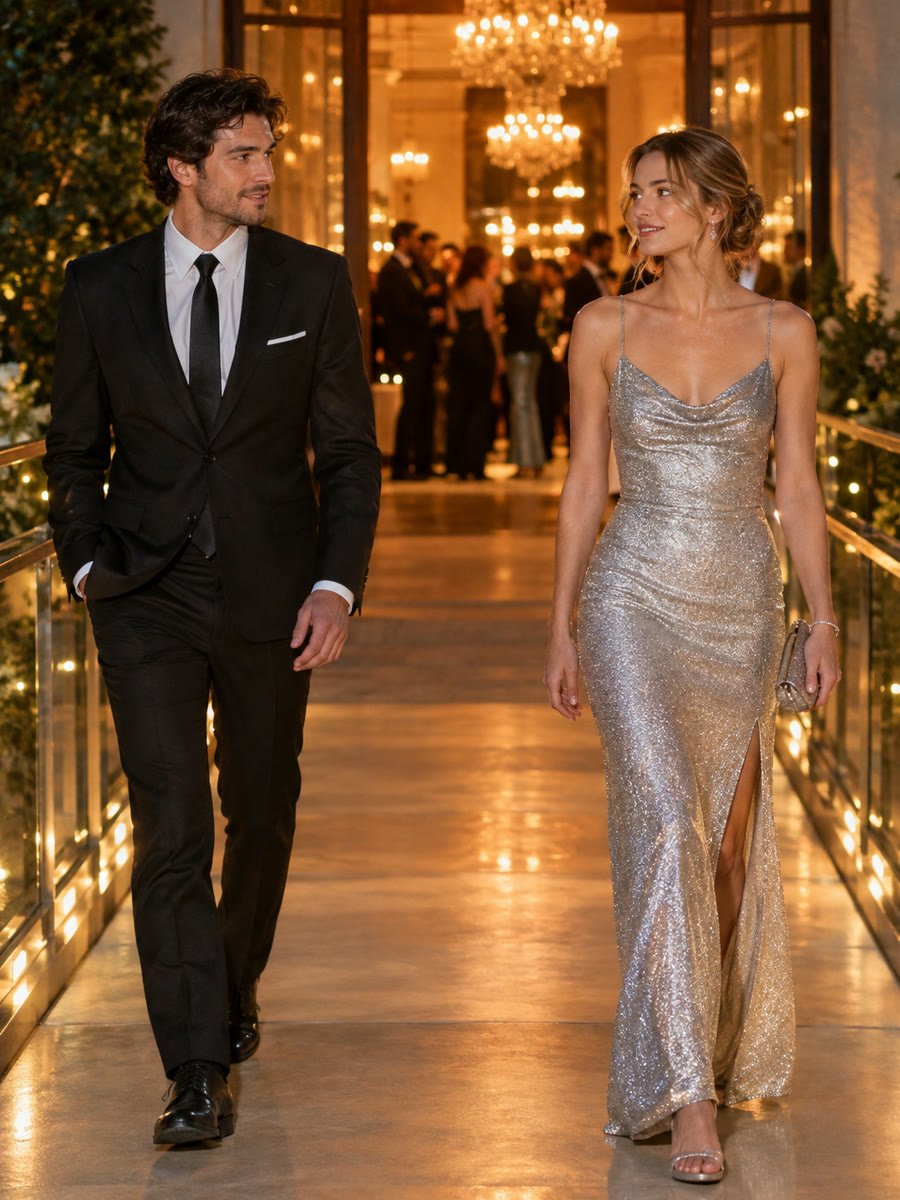
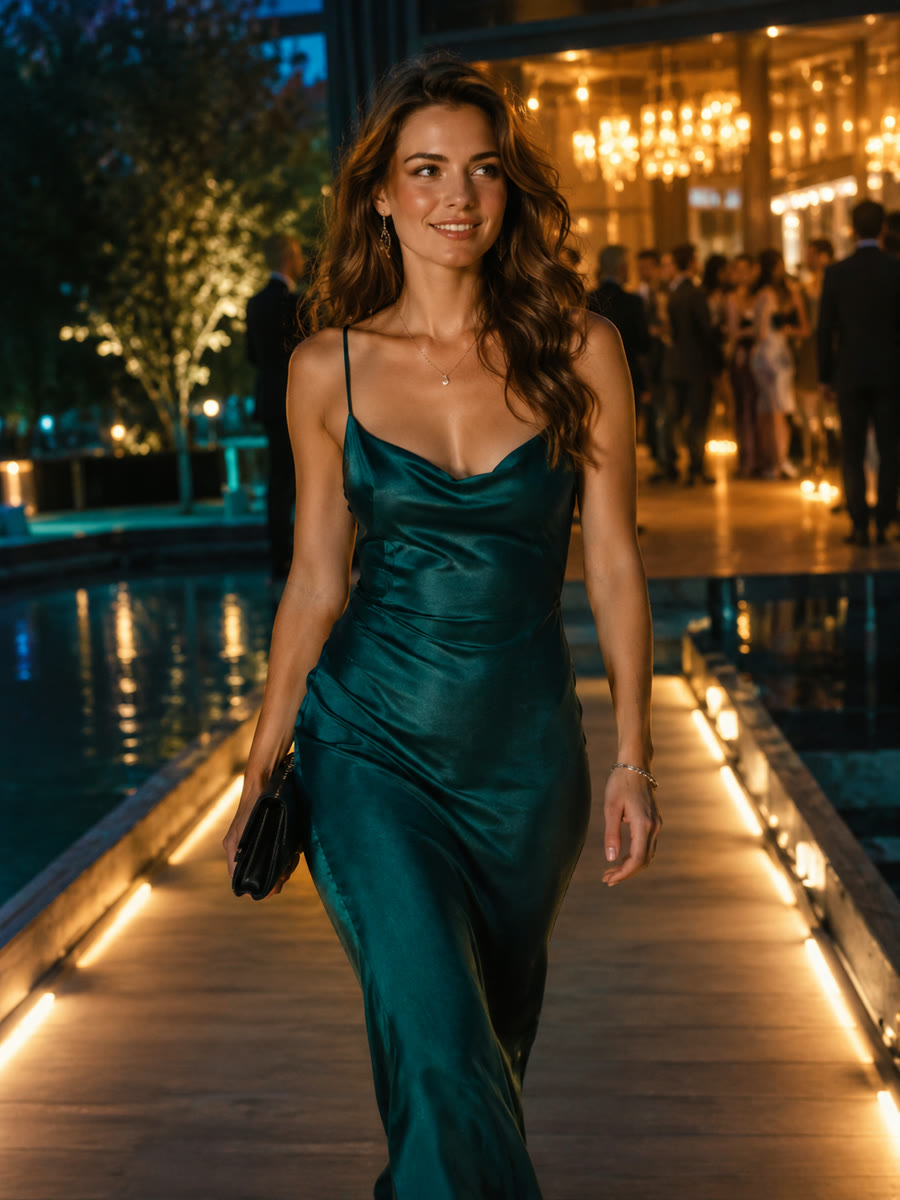
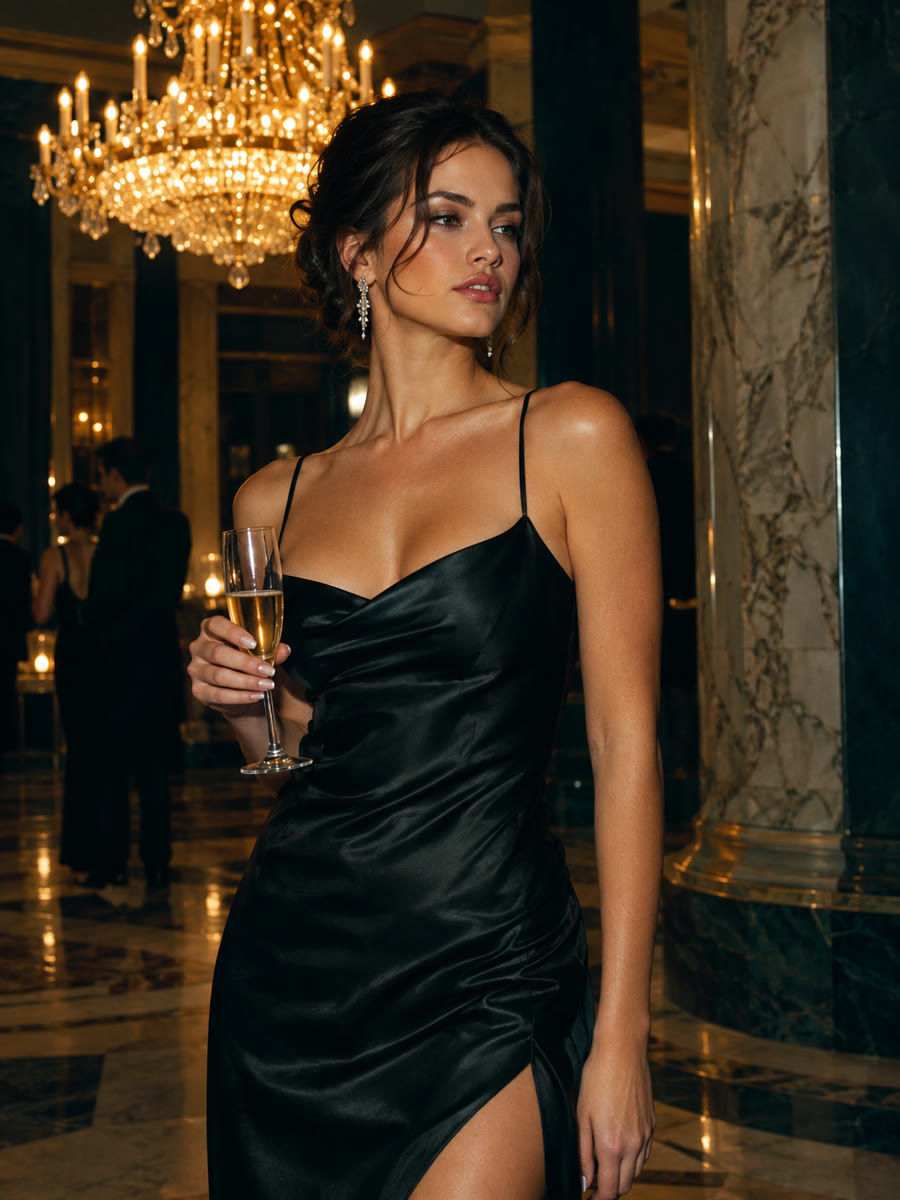
An adult walking across a glowing bridge into a warm chandelier-lit party
First-party sample

Create your Burning Bridges video

Choose text or photos. Describe a scene, or add one or two adult guests. AI results can vary.

Add your photos

JPG, PNG, or WebP · up to 10 MB

Use a clear photo of one adult facing the camera. Include the outfit for full appearance. In duets, photo 1 replaces the first role and photo 2 the second.

Choose one or two guests
What should change?

Public results may be selected for our gallery after review. Your photos remain private.

Payment is required to create your video

Everyone needs a purchased pack or plan to create a personal video. Watch the sample for free, then choose the offer that fits your needs.

$9.90/ 1 video

50 credits · 10 seconds

No music included — add licensed music after export.

Choose a one-time pack or a monthly or yearly plan. See all five offers below.

Your videos

Select a scene above. Completed videos will appear here.

$9.90/ 1 video

One-time pack · no subscription

How it works

One photo, one entrance

The default scene places an adult guest on a glowing bridge that leads into a warm, chandelier-lit party. You can change the room, the light and the mood with a direction. The model keeps the same person and role across the clip. It does not add dialogue, music or a second scene. Ten seconds is enough for a turn, a step and a camera push, not a full story.

What you receive

A successful job returns a 720p, 9:16, silent MP4 that is 10 seconds long. The clip uses 50 site credits. You can download it after the job completes. If the job fails, the credits return. If it succeeds but you dislike the creative result, the credits are still used, so review the sample and write a clear direction first.

Photo checklist

Use one adult, facing the camera, with a clear face and visible upper body. Avoid sunglasses, heavy filters and crowded backgrounds. A plain wall is better than a cluttered room. If you want a duet, use two separate photos and the duet scene. Do not upload a group photo and hope the model picks the right person.

Where the cracks appear

Faces can drift, hands can distort and clothing can simplify. A very dark source photo can produce a flat face. A busy background can leak into the generated room. If the first result misses, change one input: the photo, the outfit mode or the direction. Regenerating the same prompt rarely fixes a structural problem.

A clip, not a claim

The output is an AI-generated clip. Label it as AI-generated when you publish it. Do not present it as real event footage or imply that a person, venue or brand endorsed it. Add licensed music in the platform where you share it. The service is independent and does not supply music rights.

Read guide Read the practical guide before you spend credits.
Questions people ask

Can I try it without paying?

You can watch the first-party sample and read the guides without paying. A personal clip requires purchased credits. New email accounts do not receive free generation credits.

What is the exact video format?

10 seconds, 720p, 9:16 vertical, silent MP4. The current product does not offer a longer duration or a soundtrack.

Can I use my own music?

Yes, after download, if you have the rights. Add it in TikTok, Reels or another editor. The generated file itself is silent.

What happens if generation fails?

The consumed credits are returned automatically. If the request status is uncertain, contact support with the job ID before retrying so you are not charged twice.

Related tools

All party tools