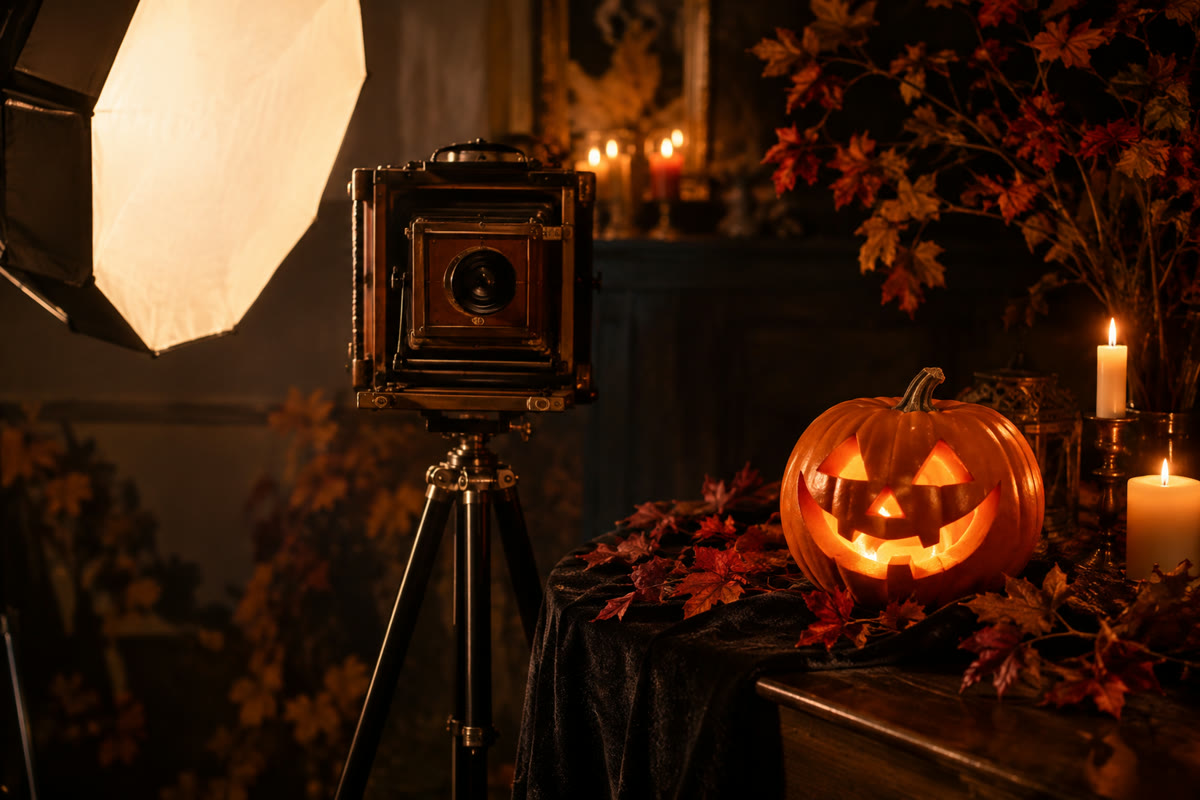
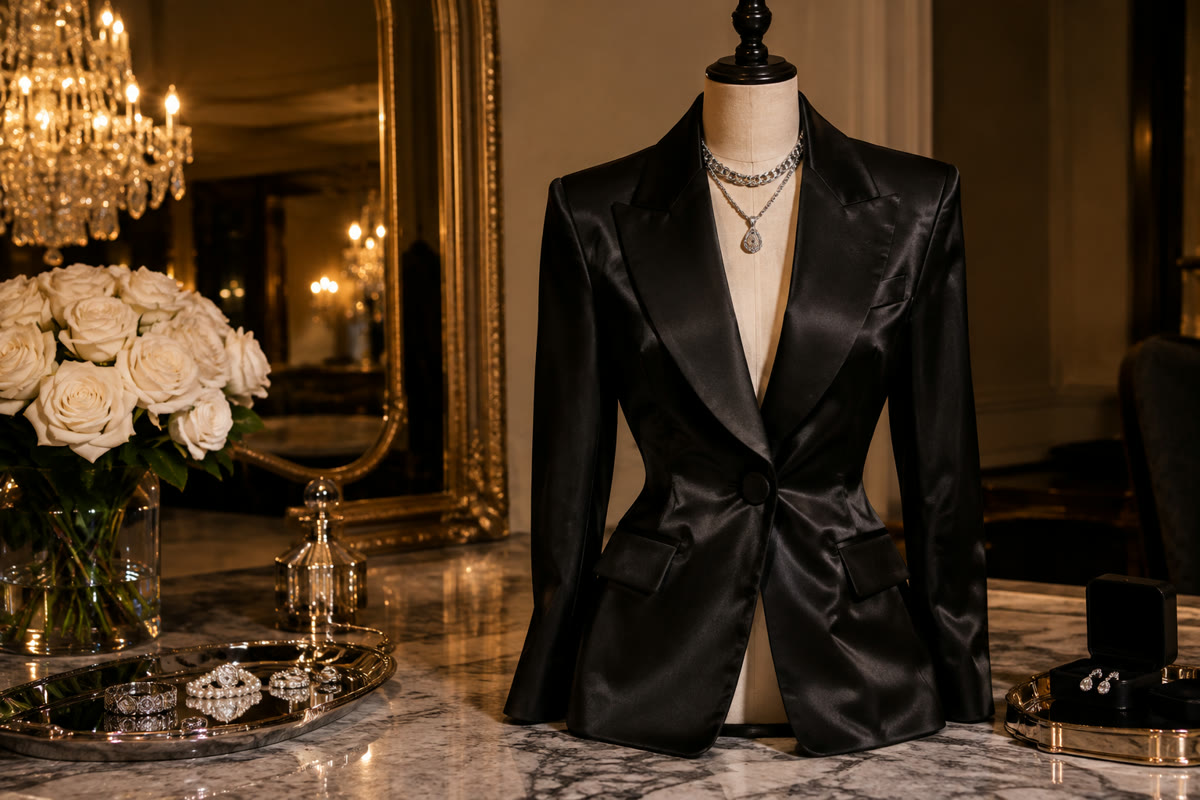
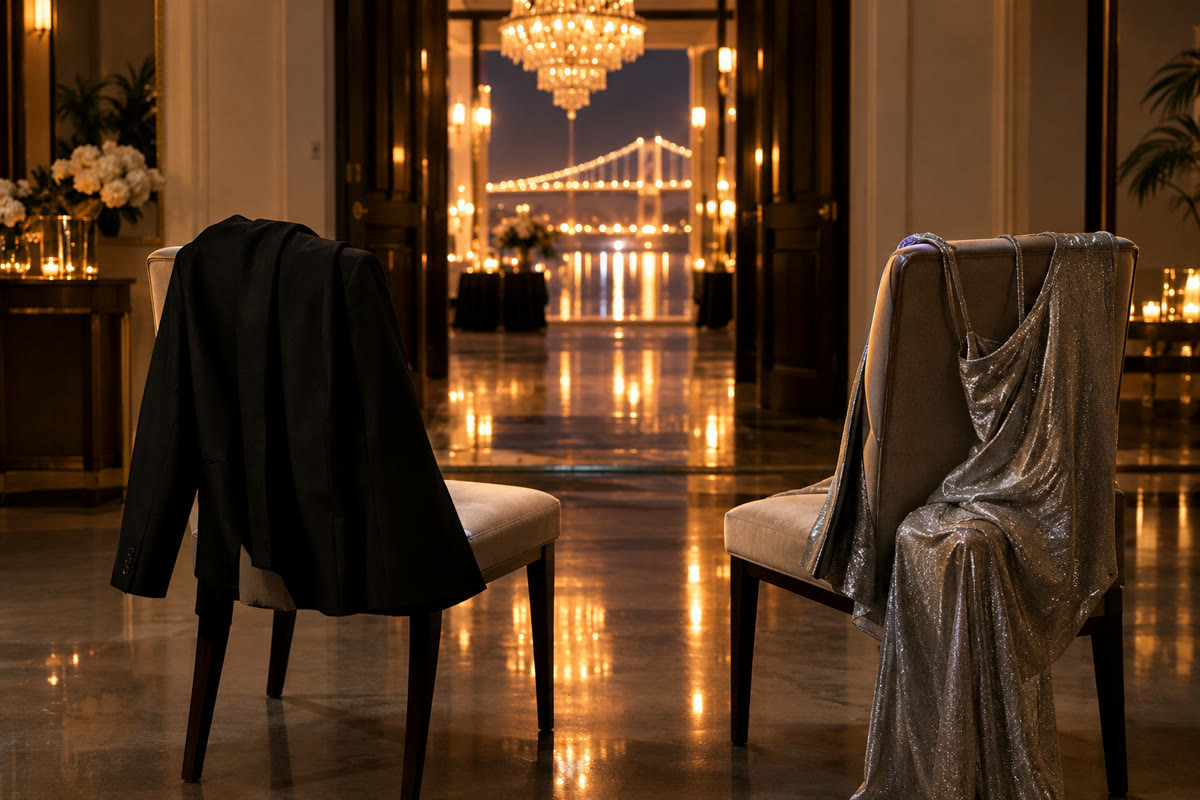
Try this workflow without leaving the page
The tool below uses the same format described in this guide. Check the photo, cost and limits before you generate.
Create a party portrait
Upload one or two permitted adult photos and choose a look. The editor keeps the person recognizable while changing the outfit, light and scene.
JPG, PNG or WebP - up to 10 MB. Use one adult per photo.
$1.98/ per image
10 credits per imageAI results vary. Review the image before sharing and label it as AI-generated.
See all packs · A 50-credit one-time pack covers up to five image edits.
Your portrait
Your next portrait will appear here.
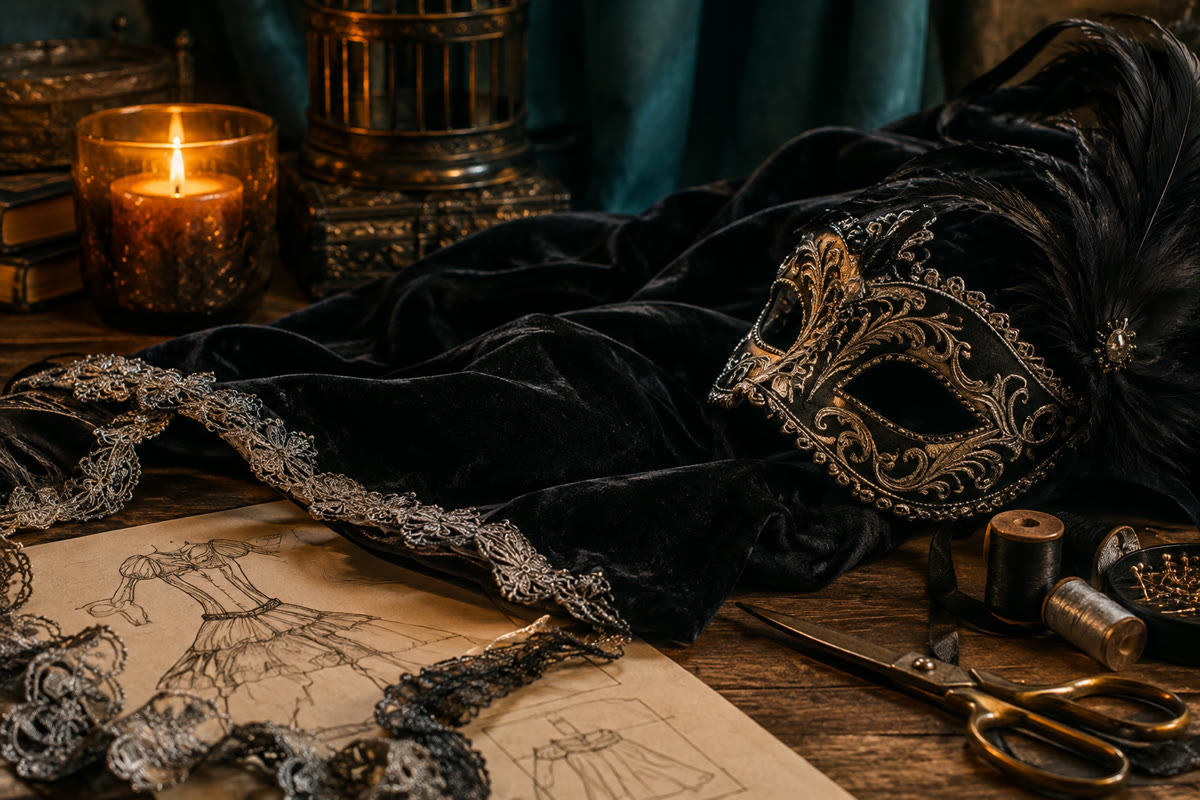
An AI Halloween costume portrait starts with one permitted adult photo. This guide explains what the AI Halloween costume generator changes, how to prepare a photo, how to write a prompt, what credits buy, and how to avoid common failures. It also covers consent and AI labels.
What the costume generator actually changes
A still image edit takes the person in the source photo and replaces clothing, props, and background according to your prompt. It does not guarantee exact likeness, and it cannot copy a protected character. The output is a still image, not a face swap. The tool can preserve facial structure, but the result will vary.
A successful still image generation uses 10 site credits. If you want a video version, use the separate Halloween AI video generator; a video costs 50 site credits. The video output is 720p, 9:16 MP4, and no music is supplied. Video generation uses Seedance 2.0.
The sample shown on the tool page is a first-party demonstration, not a guaranteed result. The service is independent and not affiliated with any artist, film, costume brand or social platform.
The photo checklist
Use this checklist before you upload. A weak source photo is the most common reason for a poor result.
- File type: JPG, PNG or WebP up to 10 MB.
- Photo count: one photo for single portrait mode or two photos for couple mode, depending on the selected mode.
- Subject age: adults only, with permission.
- Face clarity: front-facing face, both eyes visible, no heavy face paint or large accessories.
- Lighting: even light with no strong shadows across the face.
- Background: plain or low clutter. A busy background can confuse edge detection.
- Avoid existing text and logos. They can become garbled in the output.
- Do not include minors, public figures, or people who have not consented.
If the source photo needs cleanup first, use the Halloween photo editor for basic adjustments before you run the costume generator.
A four-part prompt structure
A reliable prompt has four parts: subject description, costume detail, background and mood, and exclusions. Keeping these parts separate reduces the chance of the model mixing details.
Part 1: subject description
Describe the person in the source photo without asking for a new face. Use short phrases like "adult woman in the provided photo, short dark hair, neutral expression, keep facial structure from source photo."
Part 2: costume detail
Describe an original costume. Say what the clothing is made of, what accessories are present, and what to leave out. Example: "silver foil tunic, dark goggles pushed up on forehead, utility belt, no text or logos."
Part 3: background and mood
Set the scene briefly. Example: "foggy autumn street at dusk, orange and blue practical light, shallow depth of field."
Part 4: exclusions
List what you do not want. Example: "no face swap, no weapons, no celebrity resemblance, no text, no extra limbs."
Full example prompt:
"Adult woman in the provided photo, short dark hair, neutral expression, keep facial structure from source photo. Costume: silver foil tunic, dark goggles pushed up on forehead, utility belt, no text or logos. Background and mood: foggy autumn street at dusk, orange and blue practical light, shallow depth of field. Exclusions: no face swap, no weapons, no celebrity resemblance, no text, no extra limbs."
For more prompt examples, see Halloween AI prompts. If you are making a two-person image, see the Halloween couple costume generator.
What 10 credits buy and when credits return
A still image edit costs 10 site credits. A video costs 50 site credits. New email accounts receive no free generation credits.
| Output type | Credits | Format and notes |
|---|---|---|
| Still image edit | 10 | Still image from one or two permitted adult photos |
| Video generation | 50 | Silent, 10 seconds, 720p, 9:16 MP4, no music supplied |
A failed generation returns the consumed credits. A successful generation uses the credits even if you dislike the result. Content is moderated before and after generation, so a prompt that passes one stage can still be blocked later.
Check current pricing on the pricing page.
Five most common failure modes and one-variable fixes
-
Face looks painted over or unlike the person.
Fix: reduce costume detail and add "keep facial structure from source photo" as the single change. -
Extra hands, merged objects, or a duplicate person appears.
Fix: remove one background element from the prompt and add "no extra limbs, one person only" for single portrait mode. -
Text on clothing or signs comes out garbled.
Fix: remove the text request and add "no text, no logos" to exclusions. -
Output is blocked by moderation.
Fix: remove one flagged term at a time, such as a celebrity name, a weapon, or a minor reference. -
Source pose is too weak.
Fix: replace the photo with a front-facing adult photo, even lighting, and a plain background. Do not change the prompt yet.
Consent, minors, public figures and AI labels
All subjects must be adults with permission. Uploading photos of minors is not supported. Public figures need permission, and the tool is not intended for depicting real people without consent.
Do not ask for a specific movie character costume. The tool cannot copy a protected character. Use an original costume description instead.
Content is moderated before and after generation. If a generation fails moderation, credits are returned. If a generation succeeds but you dislike the result, credits are still consumed.
When you share the result, label it as AI-generated. A caption like "AI-generated image" is a clear, practical label. The service itself does not add a label to your file, so you should add one.
FAQ
How many credits does a still Halloween costume portrait cost?
A still image edit costs 10 site credits. A video costs 50 site credits.
Do failed generations return credits?
Yes. Failed generations return consumed credits. A successful generation uses credits even if you dislike the result.
Can I use a photo of my child in a costume?
No. All subjects must be adults with permission. Photos of minors are not supported.
What video format does the tool produce?
Video output is silent, 10 seconds, 720p, 9:16 MP4. No music is supplied. Video generation uses Seedance 2.0.
Can I ask for a specific movie character costume?
No. The tool cannot copy a protected character. Use an original costume description that does not reference protected IP.
Continue with Halloween Photo Editor Guide: Fog, Light and Costume for the next step.
Everyone needs a purchased pack or plan to create a personal video. Watch the sample for free, then choose the offer that fits your needs. Try the workflow