Tools
Every way to make a party entrance
Pick a still portrait or a 10-second video, then choose the occasion. Each page states the real format, the credit cost and the limits before you upload a photo. Start with the free sample if you only want to see the style.
Portraits cost 10 credits and return a still image.
Videos cost 50 credits and return a silent 10-second MP4.
Failed generations return their credits automatically.
Interactive Pre-Render Suite
Check framing, lighting prompts, and chorus timing before you spend credits
Test your solo or duet portrait crop in a 9:16 safe frame, dial in warm bridge lighting directions, and align your 10-second silent MP4 to your chorus drop before generating.
Party & Duet Portrait 9:16 Framing Checker
Check one or two adult party portraits in a local 9:16 canvas overlay before generating. Verify 512px minimum edges, headroom clearance, and duet framing for $9.90 clips.
Pyrotechnics & Crowd-Vibe Party Prompt Studio
Build custom Seedance 2.0 party entrance prompts with warm ember arches, cold-spark aisles, chandelier bokeh, and camera choreography. Load directly into Studio.
Chorus Beat-Drop & 10-Second Clip Timer
Tap your song BPM, pick the exact chorus drop second inside a 10-second Burning Bridges AI clip, get your TikTok/CapCut audio trim offset, and generate a timed motion prompt.
Halloween
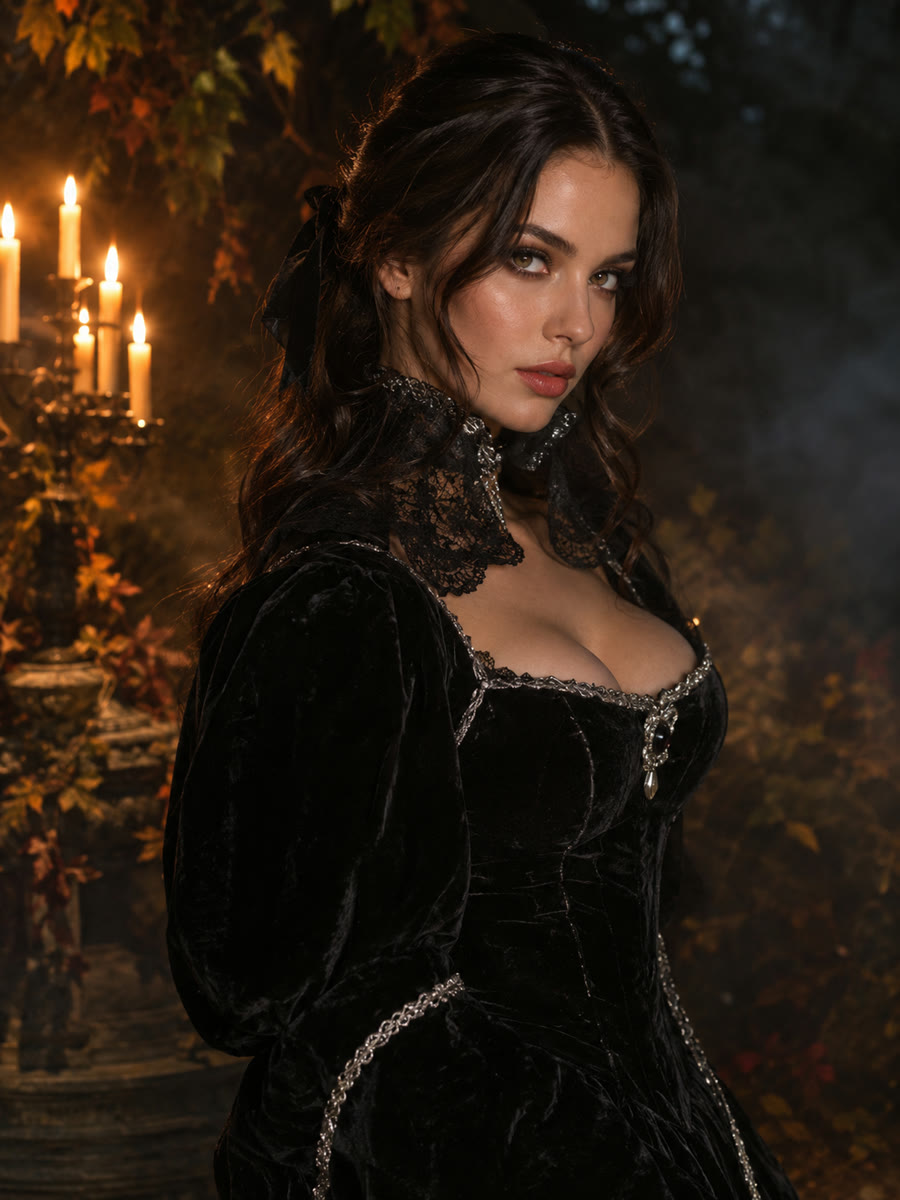
AI Halloween Costume Generator
This is a costume portrait tool, not a costume shop. Upload one permitted adult photo, describe the look and get an original image that keeps the person recognizable. You can use it to test a costume idea, make a party portrait or create a visual for a group chat before you buy anything.
Open the tool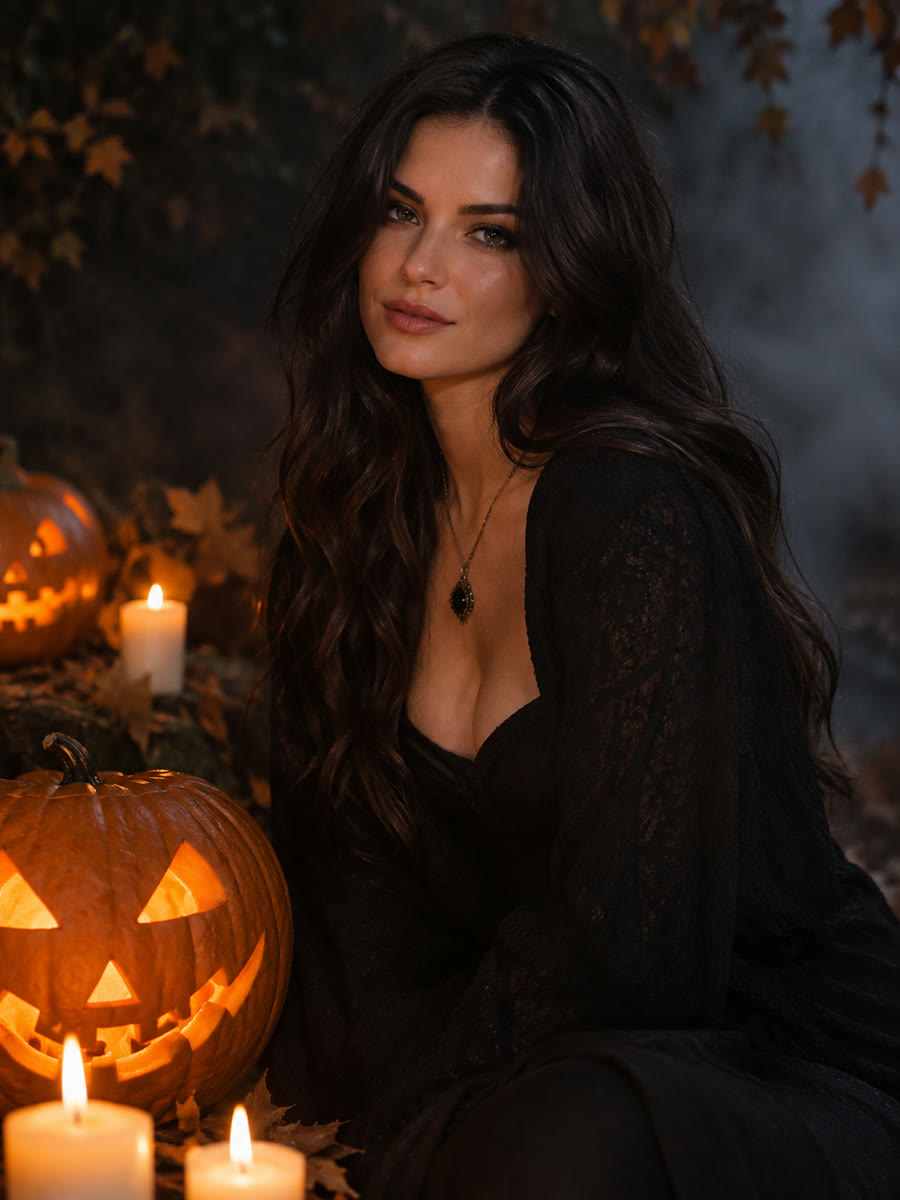
Halloween Photo Editor for Realistic Party Portraits
Sometimes you do not need a new costume. You need better light, a darker background and a few Halloween details. This editor changes the atmosphere around a permitted adult photo while leaving the person as the subject. It is built for portraits, invitations and social posts, not for documentary evidence.
Open the tool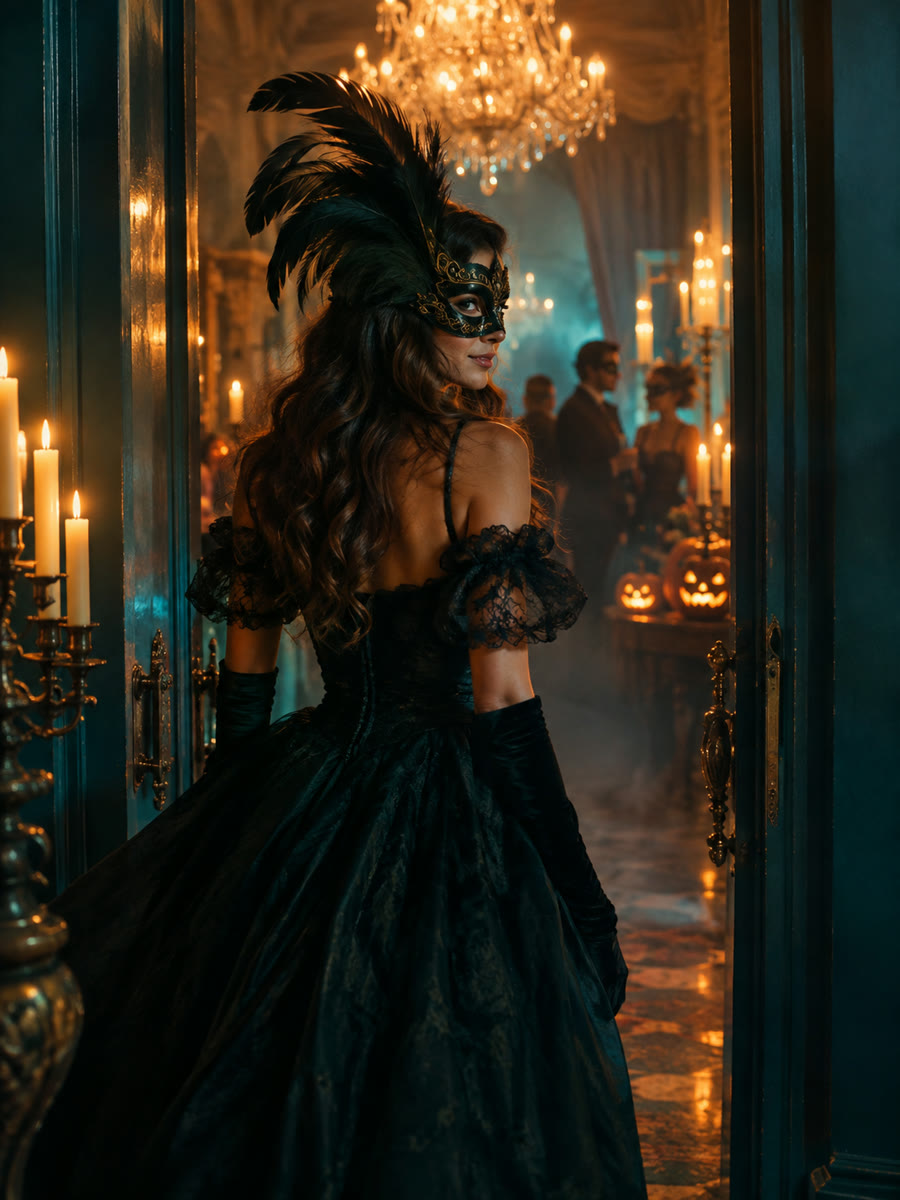
Halloween AI Video Generator
A Halloween video does not need a crew. Start with a permitted adult photo, choose a solo or duet scene and describe the entrance you want. The result is a silent 10-second vertical clip that you can download and edit with licensed music in TikTok, Reels or another editor.
Open the tool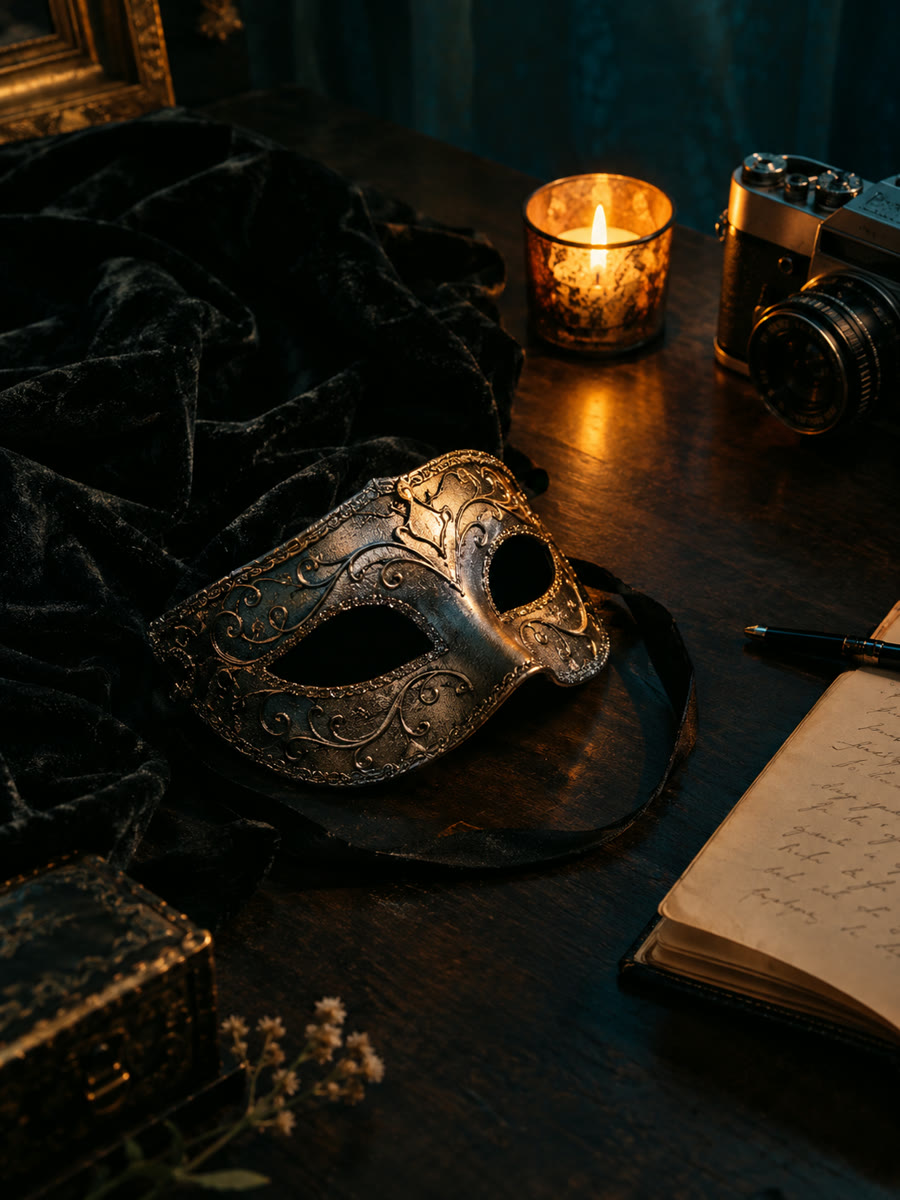
Halloween AI Prompts You Can Copy and Test
A good Halloween prompt is not a list of spooky adjectives. It is a short brief: who is in the photo, what stays the same, what changes, where the scene takes place, how it is lit and what must not appear. The prompts below follow that structure so you can reuse them in this site or another image model.
Open the tool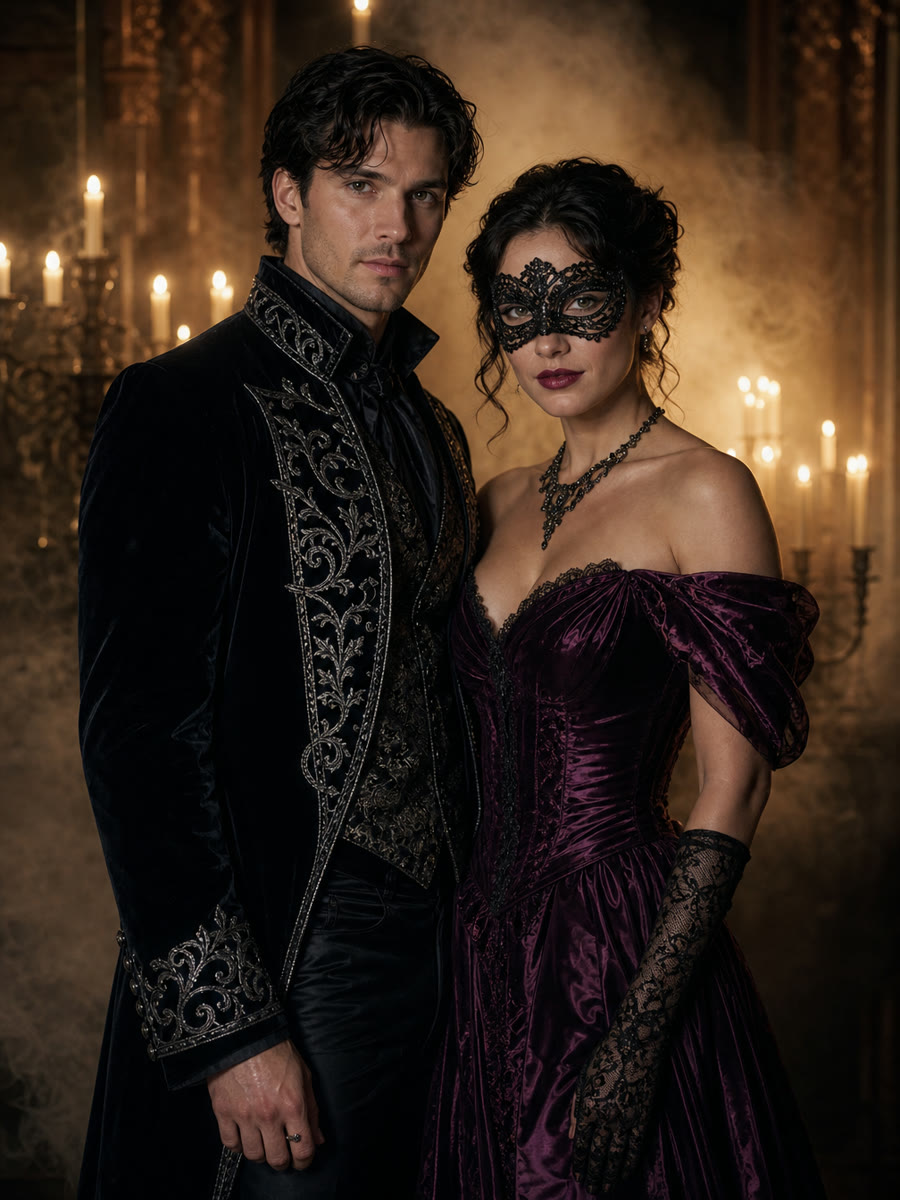
Halloween Couple Costume Generator
A couple costume only works when both people still look like themselves. This tool takes two separate adult photos, assigns one person to each side of the frame and builds a coordinated Halloween portrait. It is a two-person image edit, not a group generator and not a face swap.
Open the toolParty
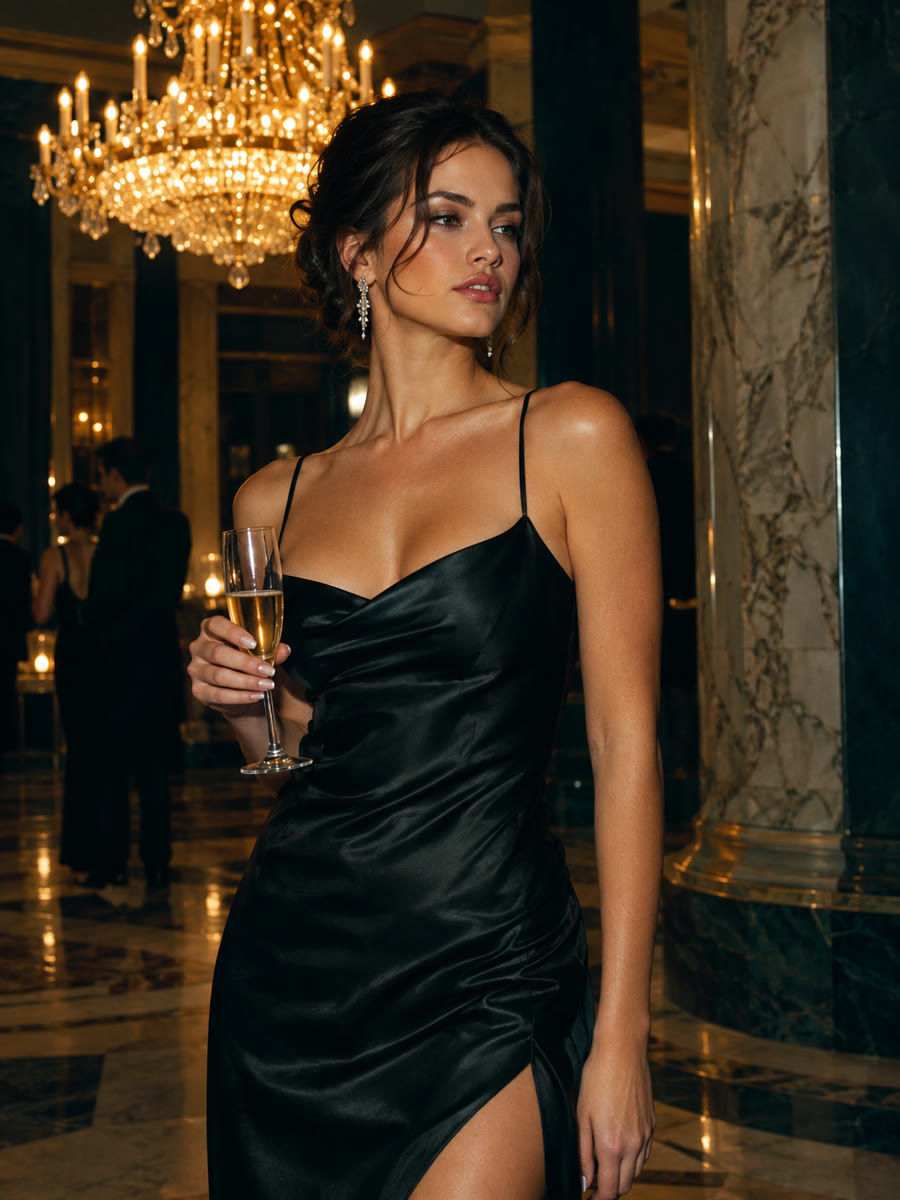
AI Party Photo Editor for Chandelier-Lit Portraits
A party portrait is a small piece of theatre: the outfit, the light and the room all do part of the work. This editor takes one permitted adult photo and rebuilds those parts around the person. Use it for an invitation, a profile update or a visual you can share before the event.
Open the tool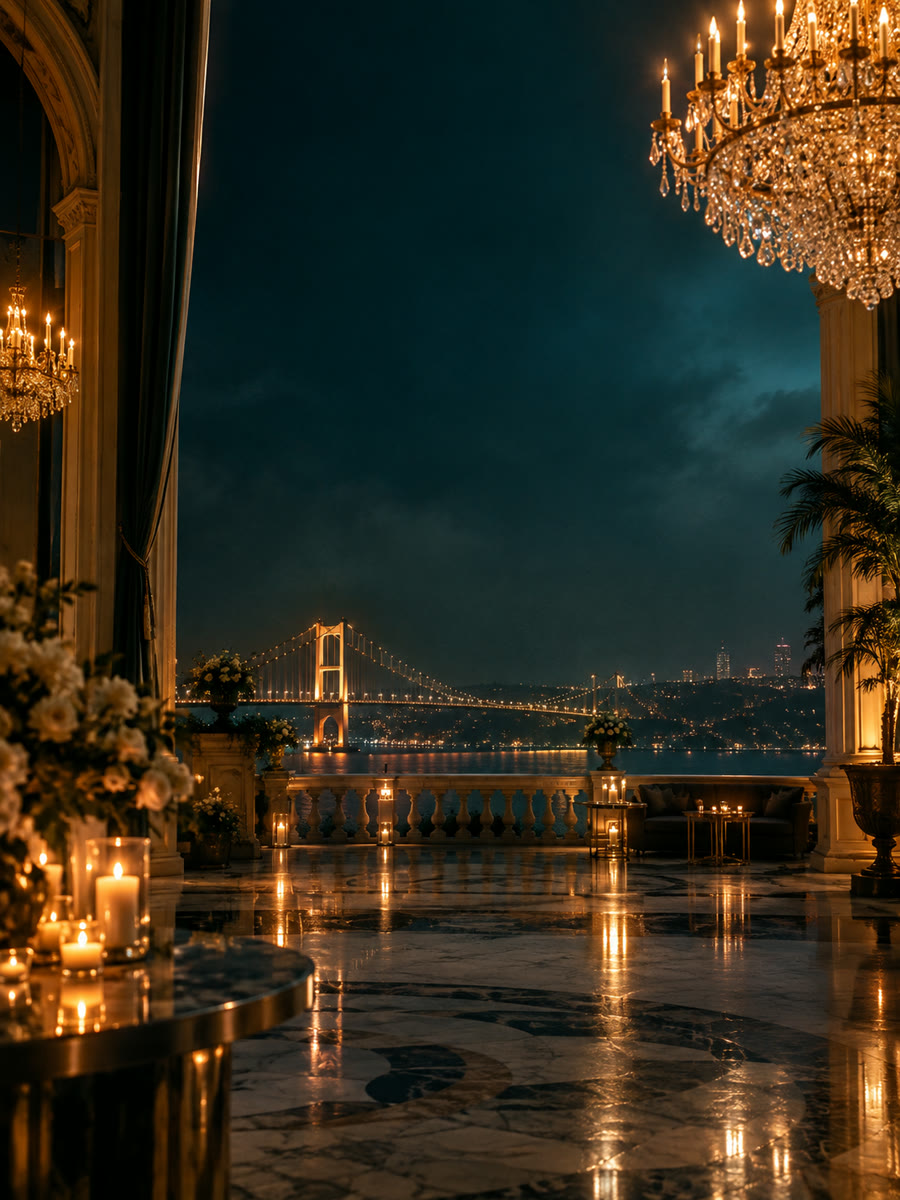
AI Party Poster Generator
A useful party poster needs a strong image before it needs a headline. This tool turns a written scene into an original vertical poster background with a glowing bridge, chandeliers and a cinematic room. Add the date, names and details in Canva, Figma or any editor you already use.
Open the tool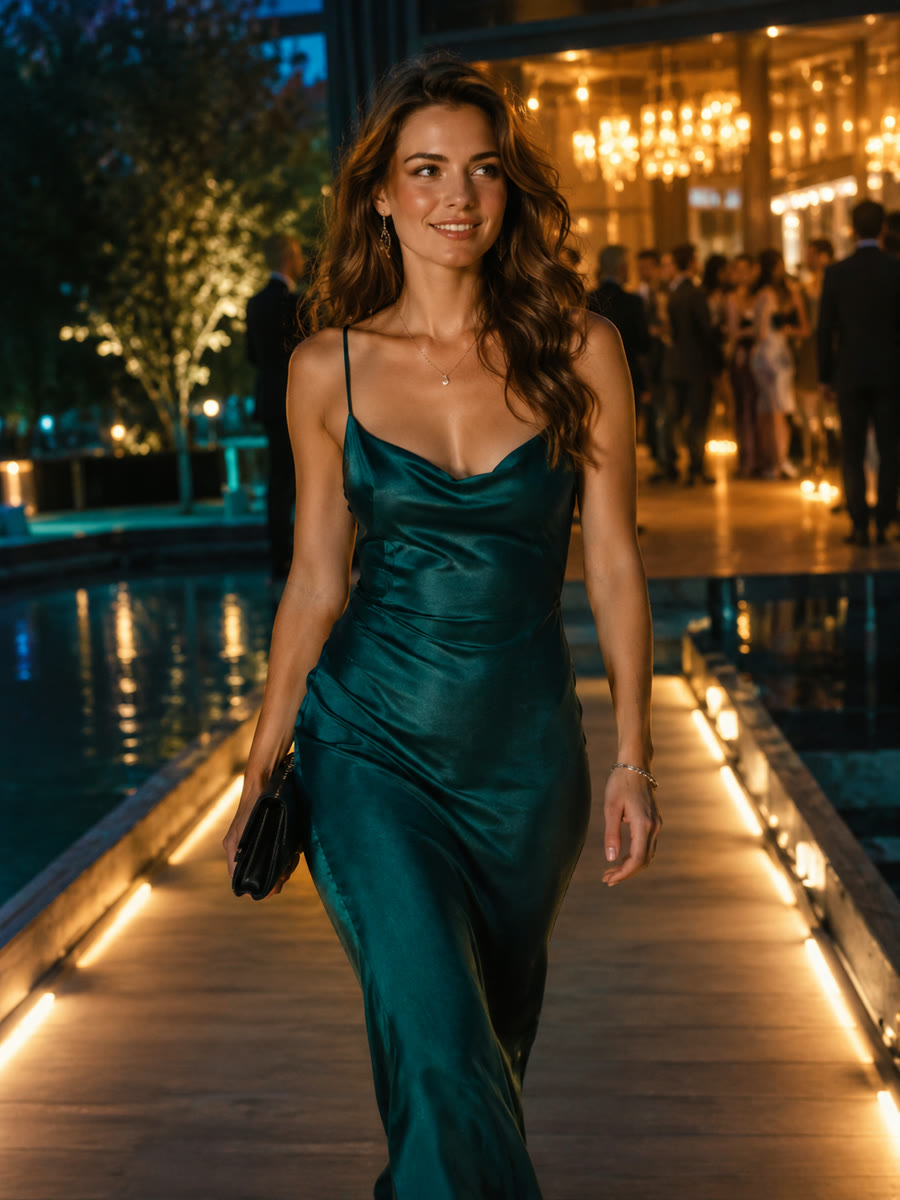
AI Party Video Generator
This is the shortest path from a portrait to a moving party scene. Upload one permitted adult photo, describe the entrance and let the model build a silent 10-second vertical clip. The sample below is a real first-party output, so you can judge the format before you spend credits.
Open the tool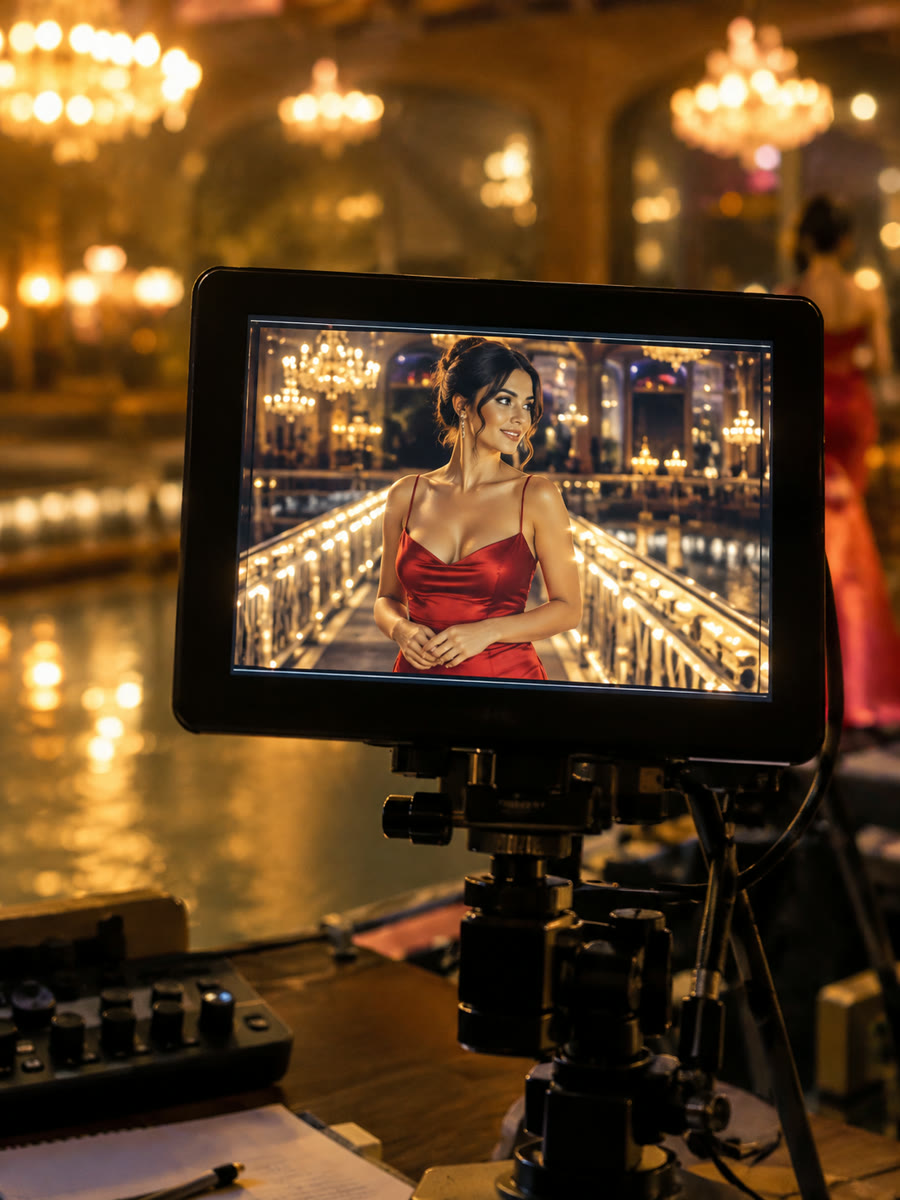
AI Party Video Editor Without a Timeline
This editor does not have a timeline, a trim handle or a layer stack. It edits the inputs that shape the clip: the photo, the appearance mode and the scene direction. That makes it fast for creative changes and honest about its limits. If you need frame-accurate cutting, use a normal video editor after download.
Open the tool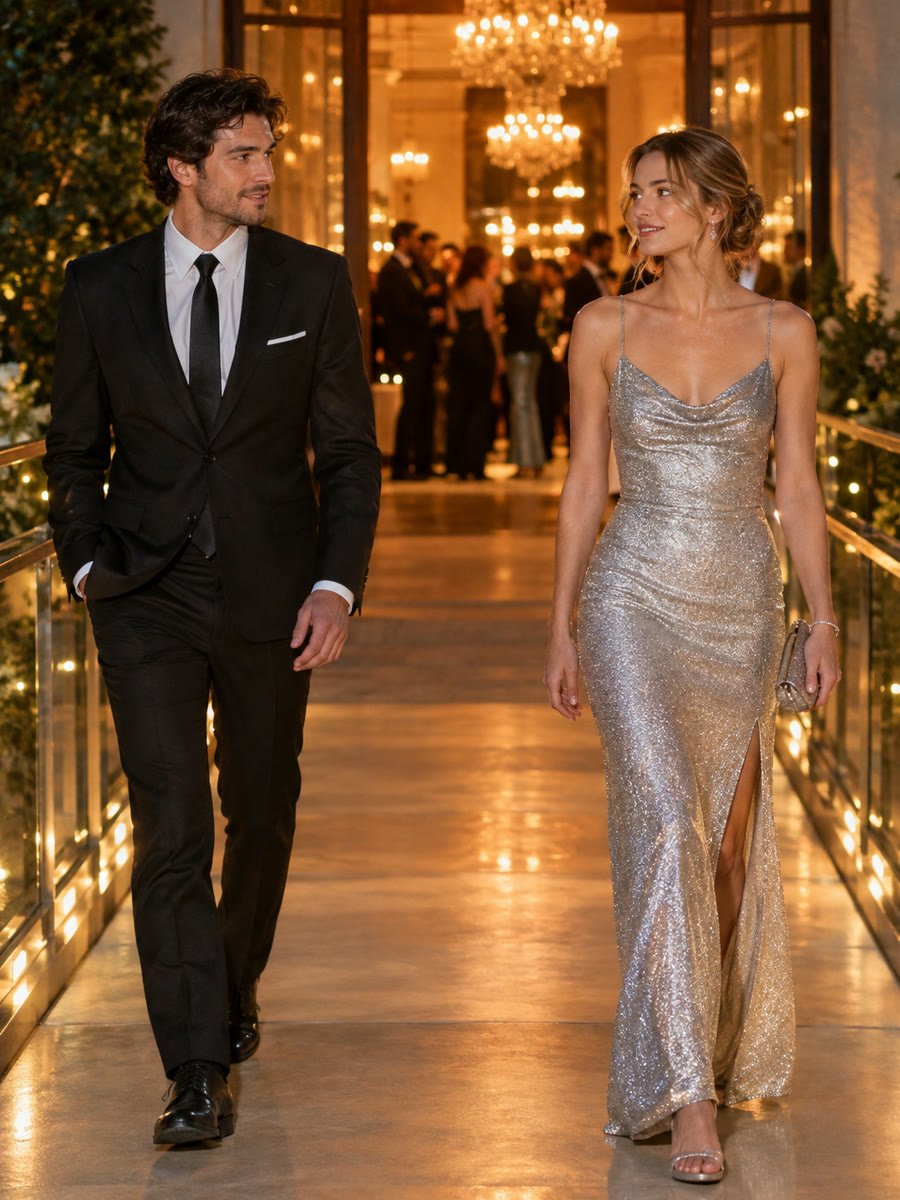
Two-Person AI Video Generator
Two-person videos fail when the model loses track of who is who. This tool avoids that by taking two separate photos and assigning one role to each: the adult on the left and the adult on the right. The result is a silent 10-second party entrance made for a shared moment, not a group scene.
Open the toolCelebrations
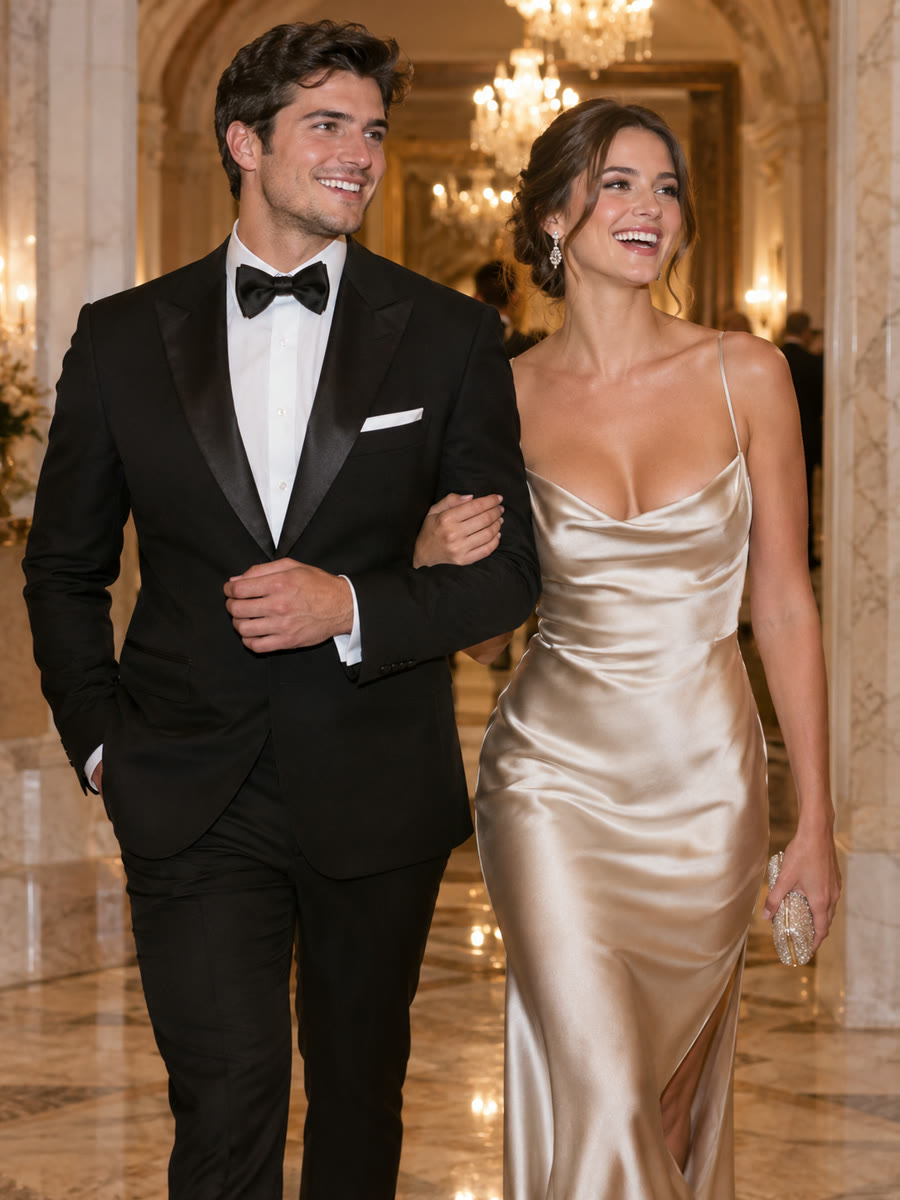
Burning Bridges Wedding Video for the After-Party
A wedding has two very different video jobs: documenting the day and making a playful announcement. This tool is for the second one. It turns permitted adult photos into a short, stylized party entrance that you can share with guests or use as a save-the-date teaser. It is not a record of the ceremony.
Open the tool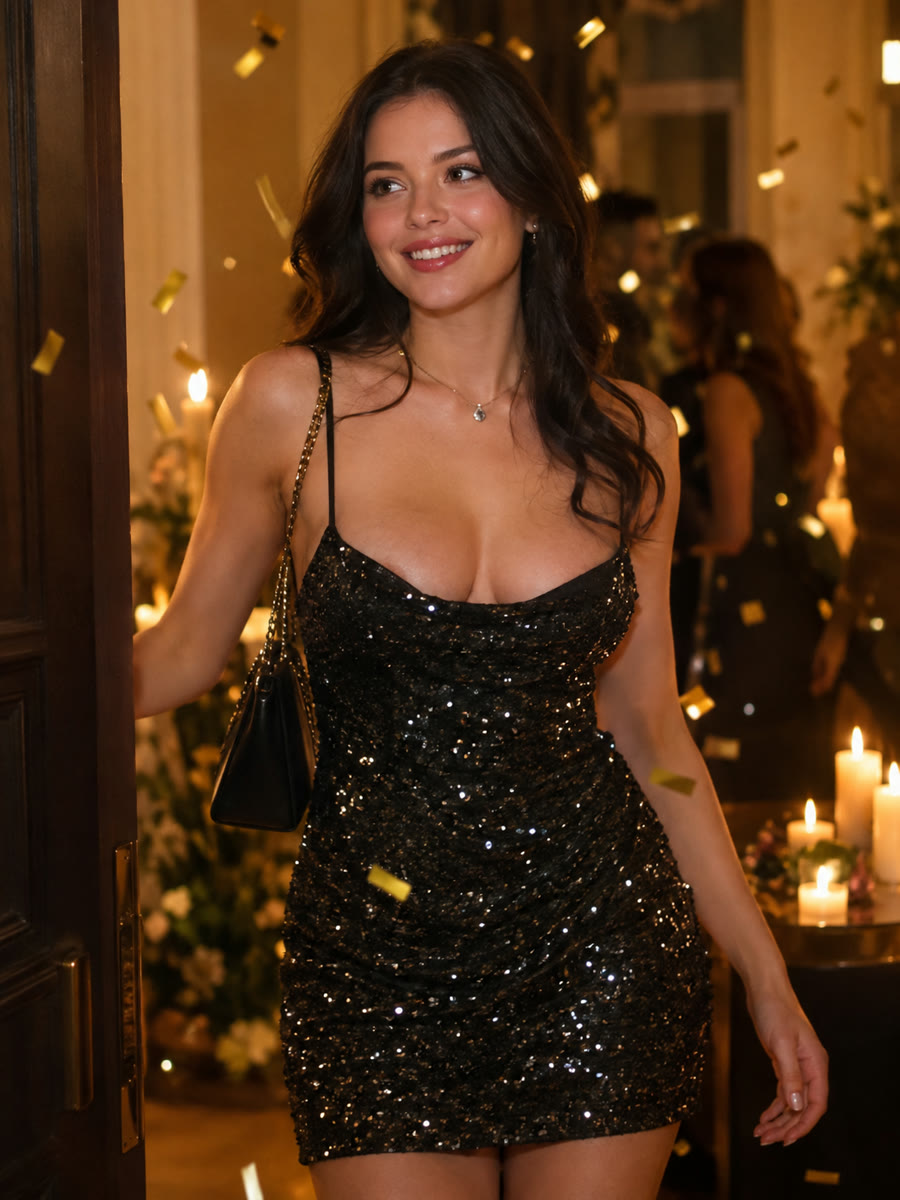
Burning Bridges Birthday Video Invitation
A birthday invitation can be more than a date and a dress code. Use a permitted adult photo to make a short party entrance that sets the mood for the night. It works for milestone birthdays, surprise dinners and any celebration where the guest of honor wants a playful visual.
Open the tool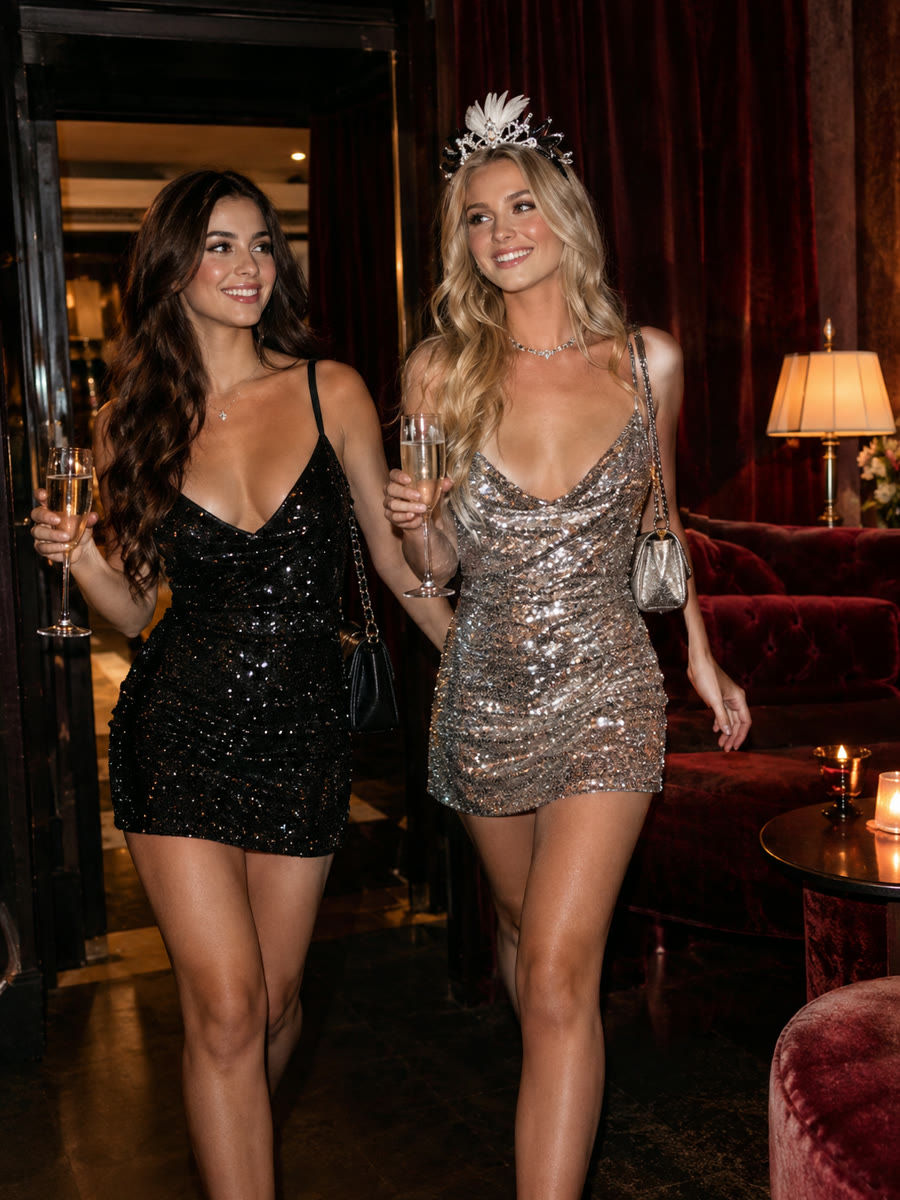
Burning Bridges Bachelorette Video
A bachelorette invitation should feel like the night itself: a little theatrical, a little glamorous and easy to share in a group chat. This tool turns one or two permitted adult photos into a short party entrance. It is designed for the invitation and the mood board, not for documenting the actual event.
Open the tool