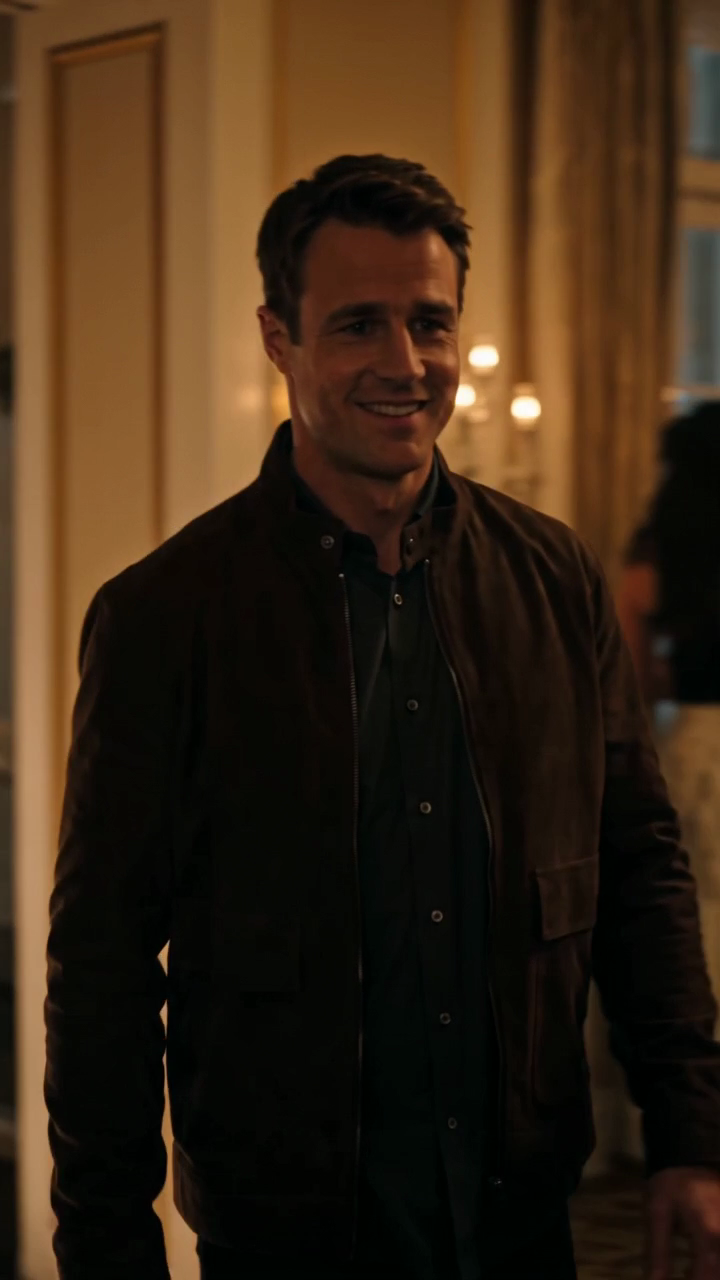
How to Add Music to a Burning Bridges AI Video in 2026
Burning Bridges AI video downloads are silent. Learn how to add music you may use, keep a clean edit, credit the source when needed, and avoid rights mistakes.
October 11, 2026 · Burning Bridges AI Video editorial team
Try the workflow
Create your Burning Bridges video
Choose one or two adult guests. The generated scene follows your photo and prompt; results can vary.
JPG, PNG, or WebP · up to 10 MB
Use a clear photo of one adult facing the camera. Include the outfit for full appearance. In duets, photo 1 replaces the first role and photo 2 the second.
Additional instructions (optional)
Public results may be selected for our gallery after review. Your photos remain private.
Three days, one free finished video
Sign in and open the studio on three consecutive UTC days. All 50 credits unlock on day 3. Missing a day resets progress. You can pay to create sooner.
$9.90/ 1 video
50 credits · 10 secondsChoose a one-time pack or a monthly or yearly plan. See all five offers below.
Your videos
Select a scene above. Completed videos will appear here.
If you've created a video using Burning Bridges AI and noticed that the exported MP4 is silent, you're not alone. The direct answer is that Burning Bridges AI currently generates original silent videos without built-in audio tracks. To add music, you need to use licensed audio from external platforms or your own legally obtained tracks and combine them with the video using video editing software.
This article explains why the videos are silent, how to add music properly, compares options for licensed audio, outlines costs and limits, and provides a worked hypothetical example. You'll also find answers to common questions about music and video creation on Burning Bridges AI.
Why Are Exported Burning Bridges AI MP4 Videos Silent?
Burning Bridges AI is an independent photo-to-video tool that generates original 10-second silent videos based on one or two adult portraits. It uses ByteDance Seedance 2.0 standard through Kie AI to produce 720p 9:16 MP4 files. These videos do not include any audio track by design.
This silence is intentional for several reasons:
- Originality and Licensing: The video content is original and does not include copyrighted music, celebrity voices, or likenesses.
- Simplicity: The tool focuses on generating visual stories, such as a glowing bridge leading to a warm party scene, without embedding audio.
- Licensing Restrictions: Burning Bridges AI does not provide licensed music tracks due to rights and cost complexities.
Therefore, when you export a video, it will be silent, and you need to add music separately if desired.
For more details on video creation, see our how-to guide.
How to Add Licensed Music to Your Burning Bridges AI Video
To add music, follow these concrete steps:
-
Create and Export Your Video: Use Burning Bridges AI to generate your silent MP4 video. Ensure you have at least 50 credits to create a personal video. You can purchase credits or subscriptions on the pricing page.
-
Select Licensed Music: Choose music from a platform that offers properly licensed audio for your intended use. Examples include royalty-free libraries or subscription services.
-
Download Your Music Track: Obtain the audio file in a compatible format (usually MP3 or WAV).
-
Use Video Editing Software: Import your silent MP4 and the music track into video editing software such as iMovie, Adobe Premiere Pro, or free tools like OpenShot.
-
Sync and Adjust Audio: Place the music track on the timeline, trim or loop it to fit the 10-second video length, and adjust volume levels.
-
Export the Final Video: Export the combined video with audio as an MP4 or your preferred format.
Important Considerations
- Licensing: Always verify the license terms of the music you use to avoid copyright infringement.
- Length: Burning Bridges AI videos are 10 seconds long, so choose or edit music accordingly.
- File Size and Format: Keep your final video optimized for your intended platform (e.g., Instagram Reels, TikTok).
For tips on video ideas and platform-specific formats, visit our video ideas and Instagram Reels guide.
Comparing Licensed Music Sources for Your Video
Here is a comparison table of common licensed music sources you might consider:
| Music Source | Licensing Type | Cost Range | Usage Limits | Ease of Use |
|---|---|---|---|---|
| Royalty-Free Libraries | One-time purchase or subscription | $0 - $50 per track or subscription | Usually unlimited use after purchase | Easy; direct download |
| Subscription Services | Monthly or yearly subscription | $10 - $50/month | Use limited to subscription period | Easy; large libraries |
| Stock Music Marketplaces | Per-track license | $10 - $100+ per track | License varies; check terms | Moderate; license management |
| Creative Commons Music | Free with attribution | Free | Must credit artist; check license | Moderate; verify license terms |
Each option has pros and cons depending on your budget, usage needs, and platform requirements.
For example, a monthly subscription might be ideal if you plan to create multiple videos, while a one-time purchase suits occasional use.
Limits, Costs, and Credits for Burning Bridges AI Videos
Video Creation Costs
- Each personal video creation consumes credits. The first-party sample video (task 5432d7ab4bf2cb5a97489e0e1584b024) used 410 Kie credits, costing $2.05.
- You must sign in and have at least 50 credits to create a video.
- Non-ChatGPT users earn 50 free credits after visiting three consecutive UTC days; ChatGPT users get zero free credits.
Credit Packages and Subscriptions
| Package Type | Price | Videos Included | Expiry |
|---|---|---|---|
| One-time Packs | $9.90 - $29.90 | 1 to 5 videos | No expiry |
| Monthly Subscription | $29.90 | 8 videos/month | Unused credits expire monthly |
| Yearly Subscription | $149.90 | 45 videos/year | Unused credits expire yearly |
Subscriptions auto-renew until canceled via the billing portal.
For full details, see our pricing page.
Video Input Limits
- Upload JPG, PNG, or WebP images under 10 MB per photo.
- Videos are generated at 720p resolution, 9:16 aspect ratio.
Worked Hypothetical Scenario: Adding Music to a Burning Bridges AI Video
Suppose you want to create a 10-second video showing a glowing bridge leading to a party, similar to the first-party sample, and add a licensed music track.
-
Create the Video: You upload a single portrait JPG under 10 MB, sign in, and use 50 credits from a one-time pack purchased for $9.90.
-
Export the Silent MP4: After about 283 seconds of processing, you receive your silent 10-second video.
-
Choose Music: You subscribe to a royalty-free music service for $15/month and download a 15-second upbeat track.
-
Edit Video: Using free software, you trim the music to 10 seconds and sync it with your video.
-
Export Final Video: You export the combined video with audio and upload it to social media.
This process ensures you have a legally compliant, engaging video with music.
Frequently Asked Questions (FAQs)
Q1: Why does Burning Bridges AI not include music in exported videos?
A1: The platform focuses on original silent video generation without embedding audio due to licensing complexities and the nature of AI-generated visual content.
Q2: Can I upload my own music to Burning Bridges AI?
A2: No, the platform currently does not support uploading or embedding audio tracks. You must add music externally after exporting the silent video.
Q3: Are there any free music options I can use?
A3: Yes, Creative Commons licensed music is available but requires careful adherence to attribution and license terms.
Q4: How long does it take to generate a video?
A4: The sample video took approximately 283 seconds (about 4.7 minutes) to process, though times may vary.
Q5: What file formats are supported for photo uploads?
A5: JPG, PNG, and WebP images under 10 MB are supported.
Q6: Where can I find more tips on video creation and troubleshooting?
A6: Visit our video troubleshooting and photo guide articles.
Adding music to your Burning Bridges AI video requires external tools and licensed audio, but with the right approach, you can create compelling multimedia stories. For more information on credits, pricing, and video ideas, explore our pricing and blog sections.
Sign in and open the studio on three consecutive UTC days. All 50 credits unlock on day 3. Missing a day resets progress. You can pay to create sooner. Try the workflow