How it works
What you can edit
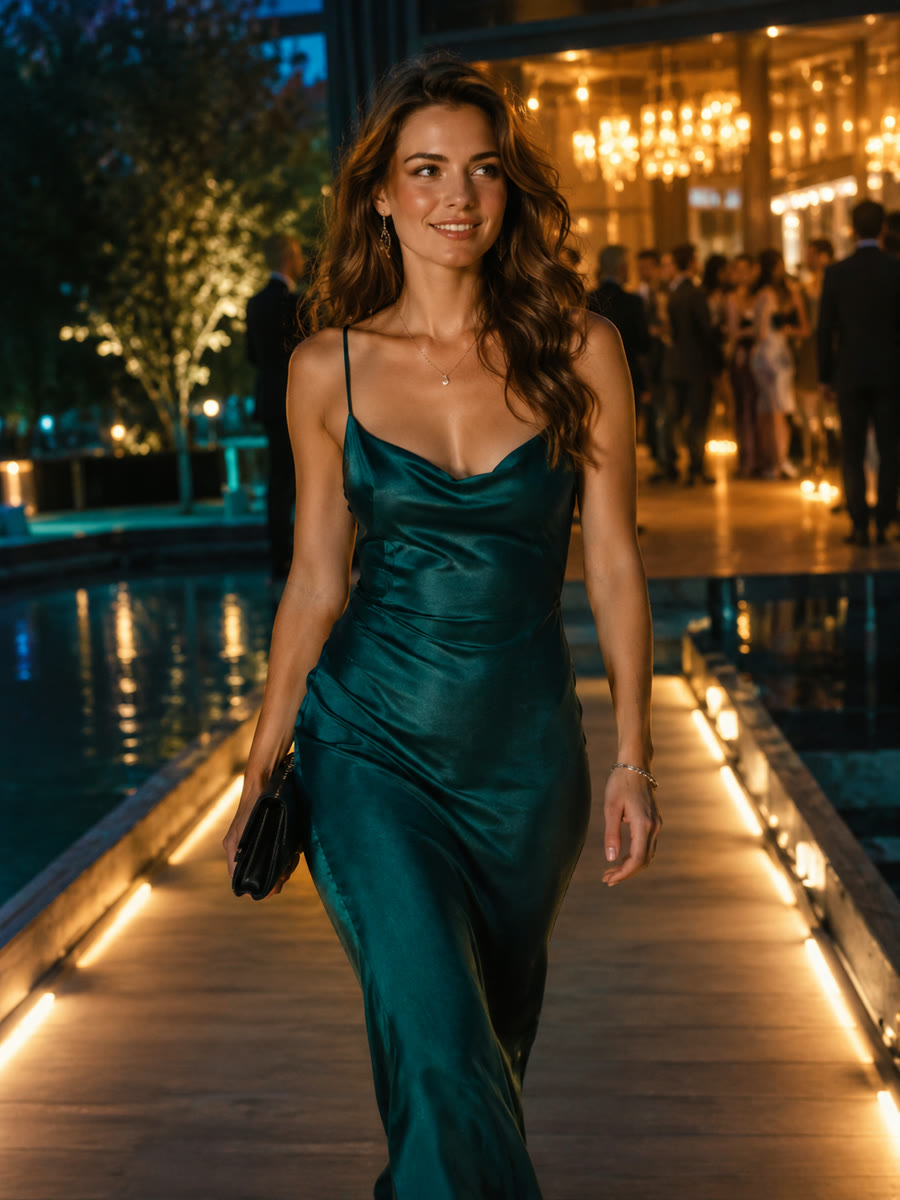
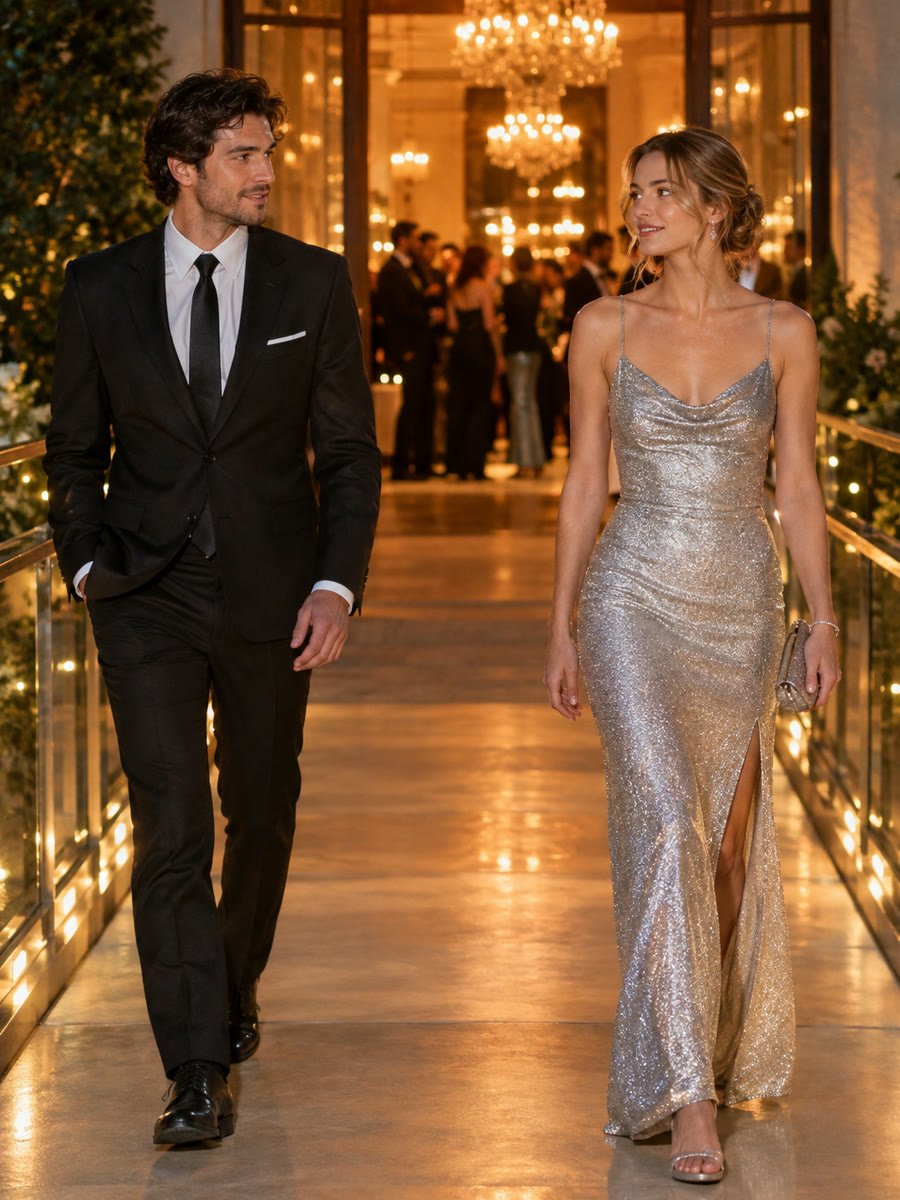
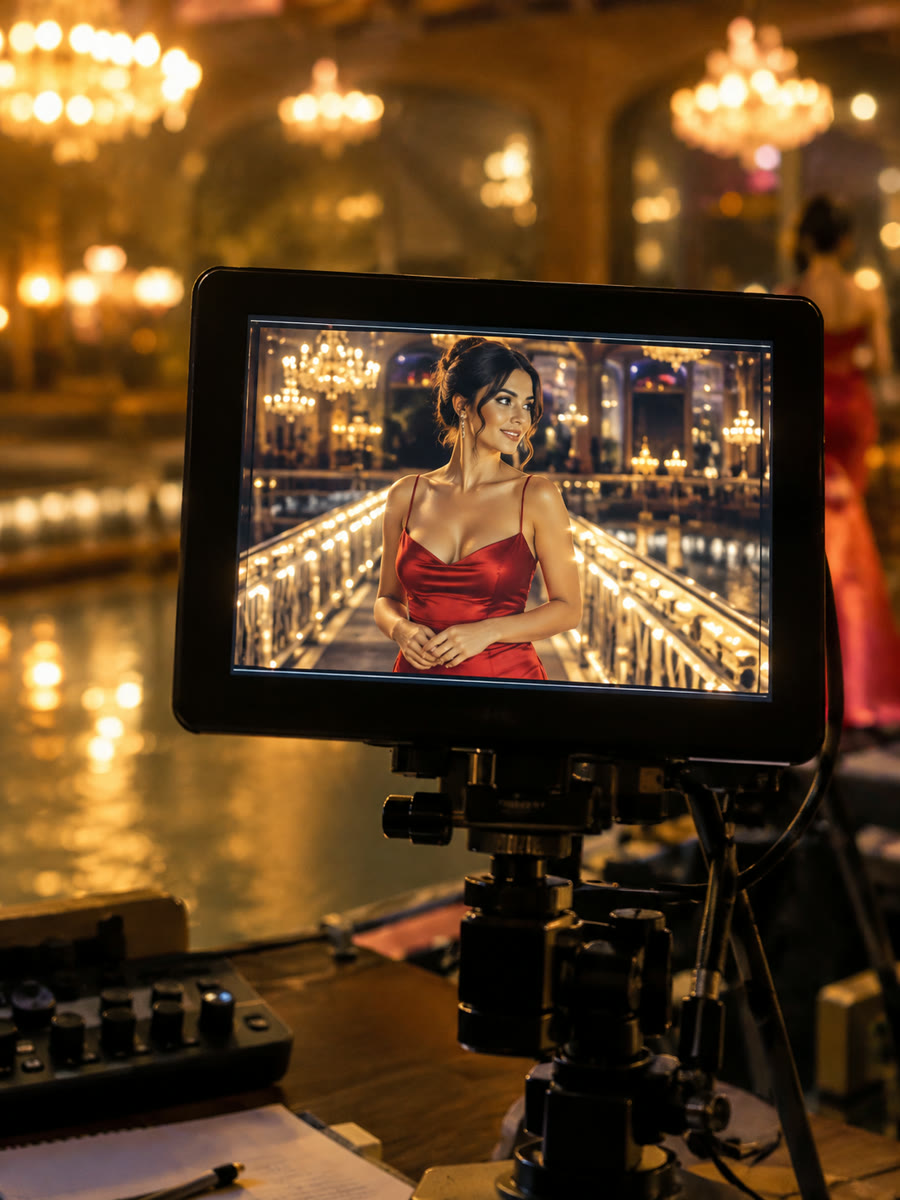
You can swap the source photo, choose face-and-hair or whole-appearance mode, rewrite the scene direction and regenerate. You can switch between solo and duet. You can change the room, the lighting, the camera move and the mood. Each regeneration is a new generation job and uses 50 credits. The previous clip stays in My videos if it succeeded.
What you cannot edit
You cannot drag a cut, trim the last second, remove a specific frame or add a caption inside the generator. You cannot guarantee that a new attempt will keep the previous result's face. The model is generative, not a layer-based compositor. For precise cuts, captions, color and music, download the MP4 and finish in a dedicated editor.
A controlled revision
Write down the current direction, then change one sentence. If the room is wrong, change the room only. If the face drifts, simplify the scene and repeat the identity instruction. If the motion is too fast, ask for a slow push-in and a subtle head turn. Keep the source photo the same while you test the direction so you can tell what caused the change.
Cost discipline
Every successful generation uses 50 credits, even if you do not like the result. Failed jobs return credits. Before a revision, compare the current clip with the sample and decide whether the problem is the photo, the direction or the model. Some problems are cheaper to fix in a normal editor than with another generation.
Finish outside the tool
Use the downloaded MP4 in CapCut, Premiere, DaVinci Resolve or the platform's built-in editor. Add licensed music, captions and a title card there. Keep the AI-generated label. Do not use the clip to misrepresent a real event or a person's endorsement.
Read guide Read the practical guide before you spend credits.