Skip to content
Burning Bridges AI Video

Quick actions

Appearance

PHOTO EDITING

Halloween Photo Editor for Realistic Party Portraits

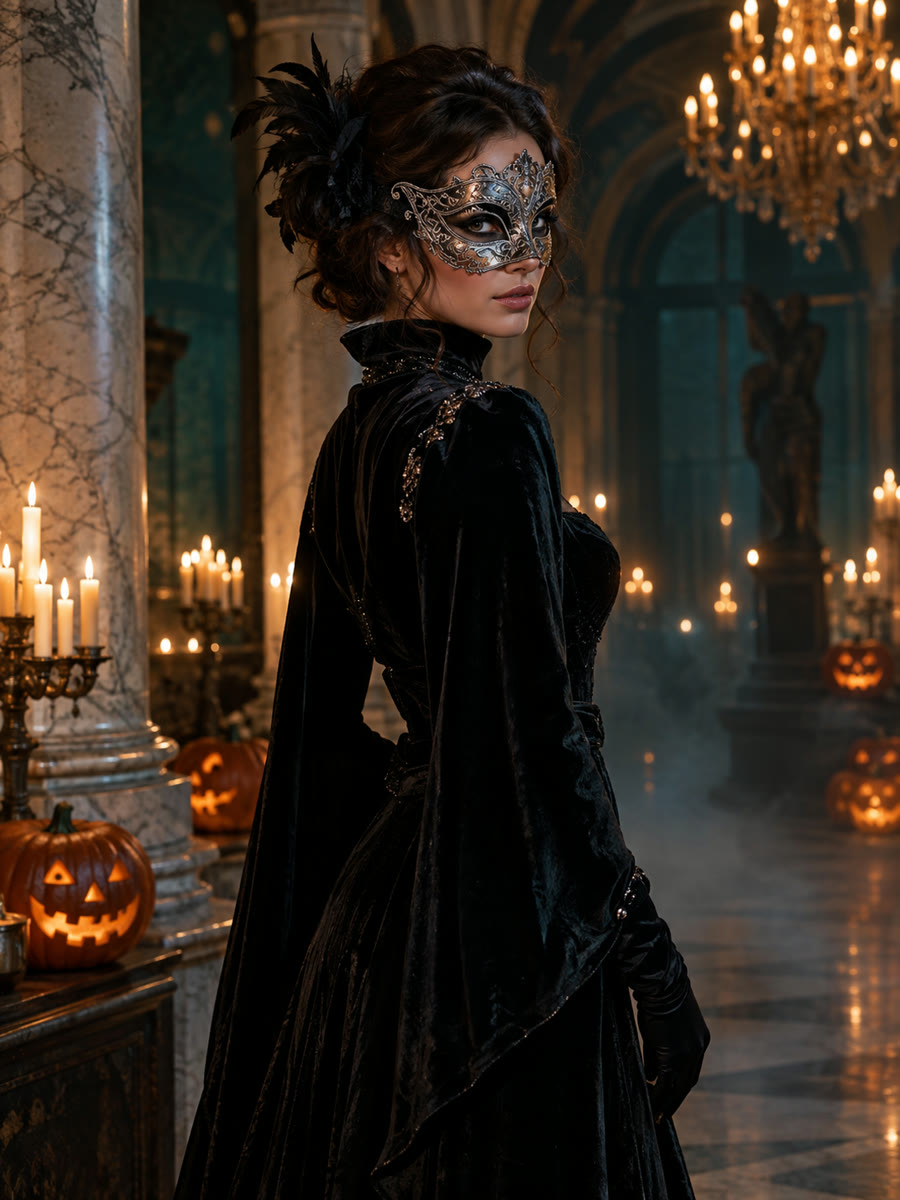
Sometimes you do not need a new costume. You need better light, a darker background and a few Halloween details. This editor changes the atmosphere around a permitted adult photo while leaving the person as the subject. It is built for portraits, invitations and social posts, not for documentary evidence.

  • Still image - 3:4
  • 10 credits per image
  • Watch the sample, then choose a pack or plan to make yours.
  • AI results vary. Review the image before sharing and label it as AI-generated.
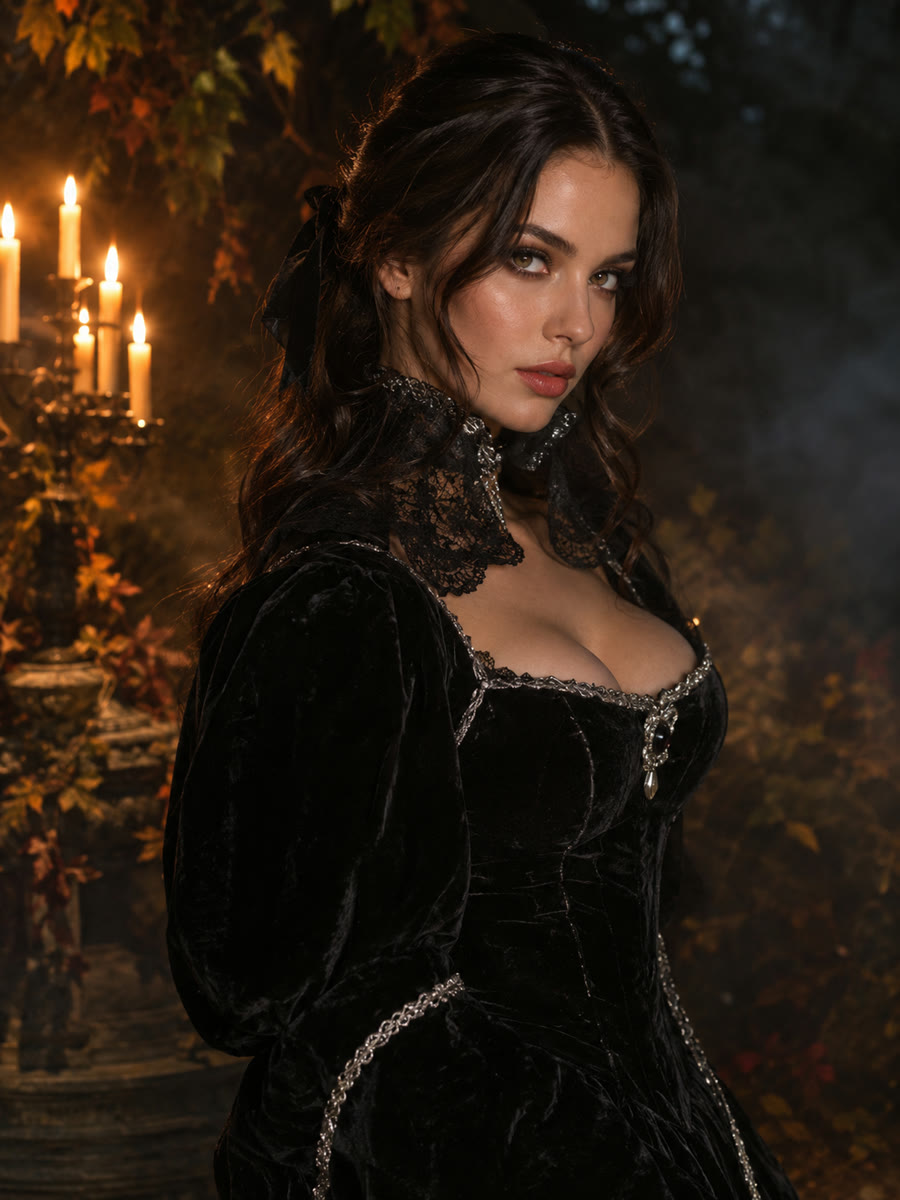
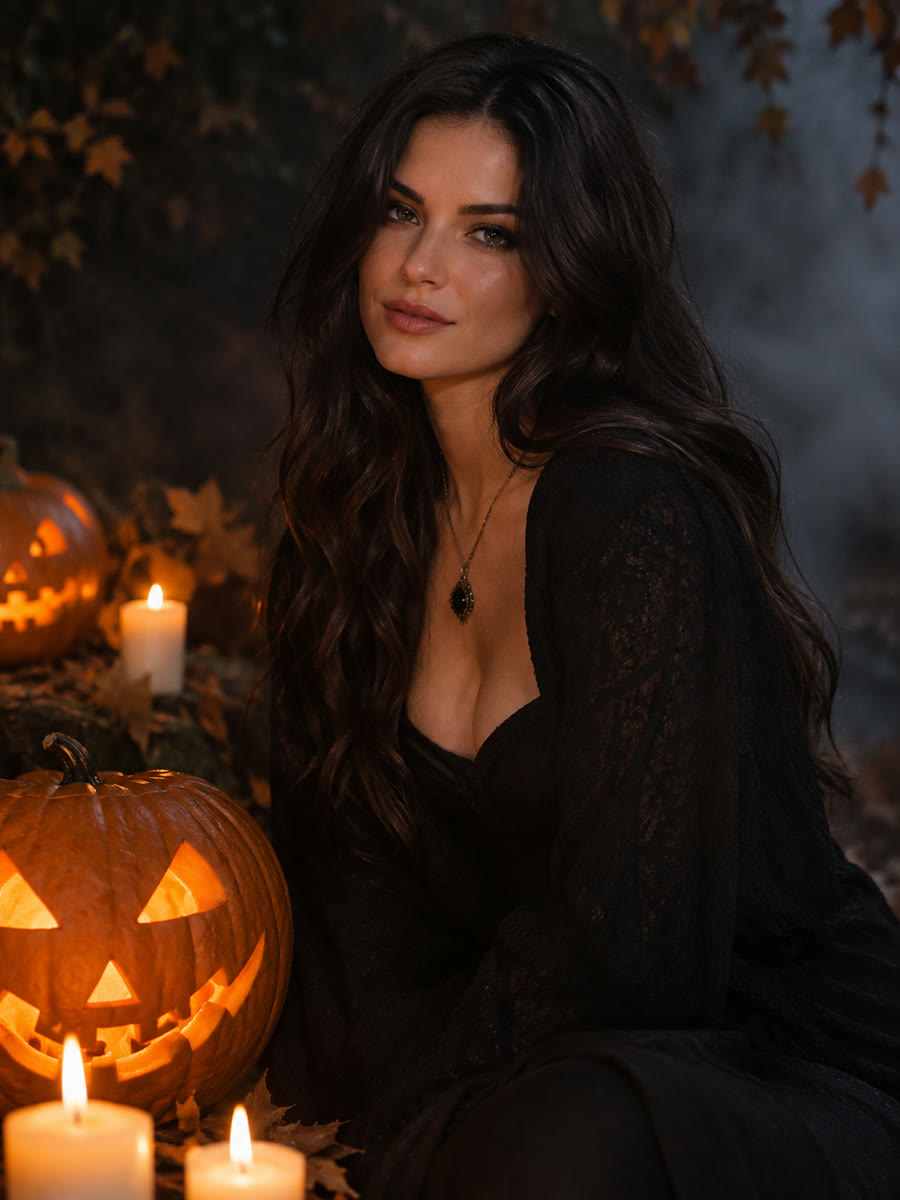
A candlelit Halloween portrait with carved pumpkins and soft fog
First-party sample

Create a party portrait

Upload one or two permitted adult photos and choose a look. The editor keeps the person recognizable while changing the outfit, light and scene.

Still image - 3:4
Your photo

JPG, PNG or WebP - up to 10 MB. Use one adult per photo.

$1.98/ per image

10 credits per image

AI results vary. Review the image before sharing and label it as AI-generated.

See all packs · A 50-credit one-time pack covers up to five image edits.

Your portrait

Your next portrait will appear here.

How it works

Atmosphere without a costume

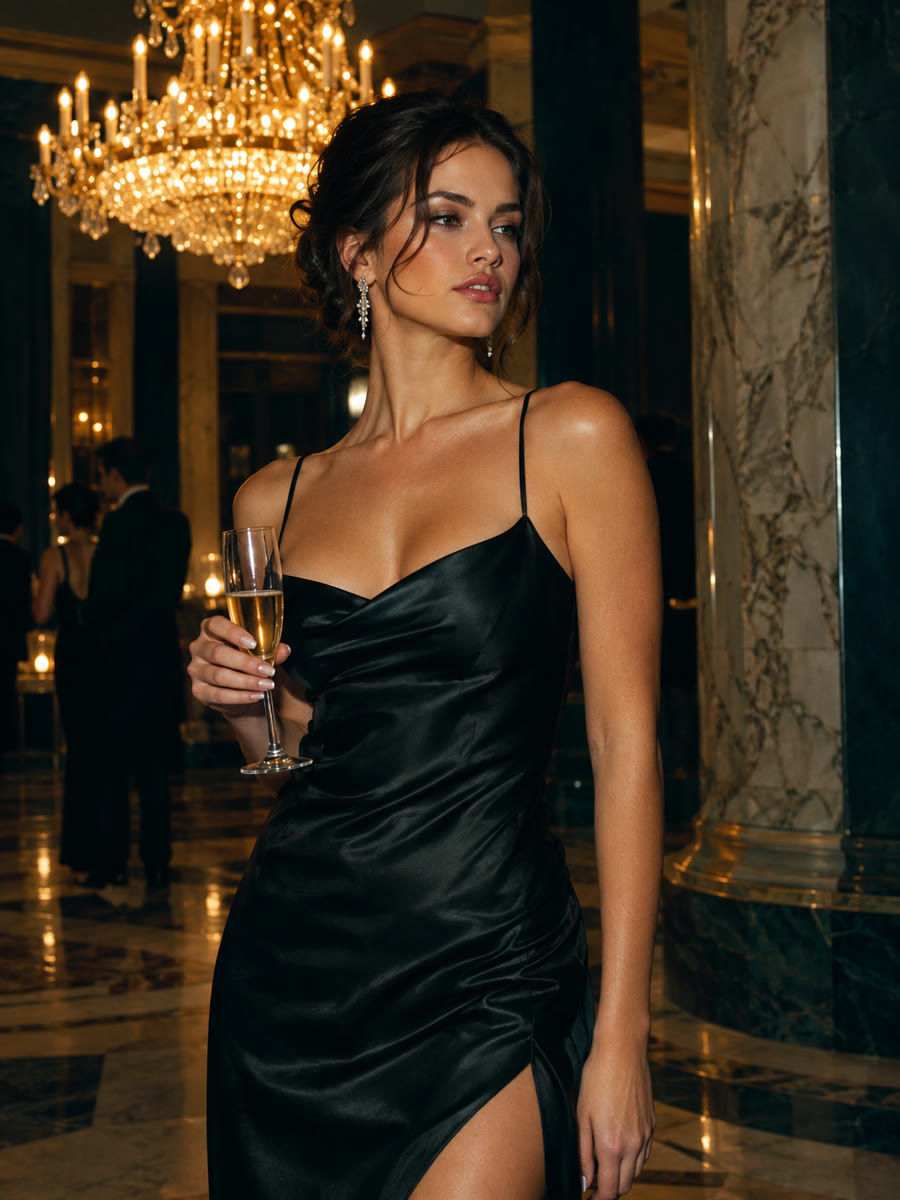
Use this page when you want fog, carved pumpkins, candlelight, autumn leaves or a dark ballroom behind the subject. The editor can keep the original clothing and add small seasonal accessories. It can also add a subtle costume detail such as a lace collar or a velvet cape. The result is a new image, not a filter applied to the original pixels.

A clean photo gives a cleaner edit

Front-facing light, a simple background and an unobstructed face give the editor room to work. Avoid photos with several people, strong beauty filters or heavy shadows across the eyes. If the original photo is dark, ask for soft fill light rather than a completely new face. The goal is to keep the person recognizable while changing the scene.

Where it works best

This editor is useful for a party invitation, a profile update, a family group chat or a mood board. It is not a forensic tool and it is not a replacement for a professional retoucher. Fine jewelry, glasses and hands can change. Check the result at full size, especially around the eyes, fingers and hairline.

Cost and turnaround

One edit uses 10 site credits. The result is a still image, not a video. Most jobs return in a few minutes. If the provider fails, the consumed credits are returned. If the result is technically successful but not to your taste, that attempt still uses the credits, so write a specific direction before you start.

A responsible Halloween edit

Only upload photos of consenting adults. Do not add another person's likeness, a minor or a public figure. Do not present the edited image as a real photograph of an event. If you publish it, label it as AI-generated where the platform offers that option. Keep the original photo if you need a truthful record.

Read guide Read the practical guide before you spend credits.
Questions people ask

Can I keep my original outfit?

Yes. Ask the editor to preserve the clothing and change only the background, lighting and small accessories. The result can still differ in fabric and detail.

Can I add pumpkins and fog?

Yes. Name the number and placement of pumpkins, the density of the fog and the light source. Specific directions are easier to follow than a single word such as spooky.

Is this a real photo after editing?

No. The output is an AI-generated image. Label it as AI-generated when you publish it and do not use it as evidence that an event occurred.

What does one edit cost?

One image edit uses 10 site credits. See the pricing page for current packs and subscription options.

Related tools

All party tools