Skip to content
Burning Bridges AI Video

Quick actions

Appearance

TEXT TO POSTER

AI Party Poster Generator

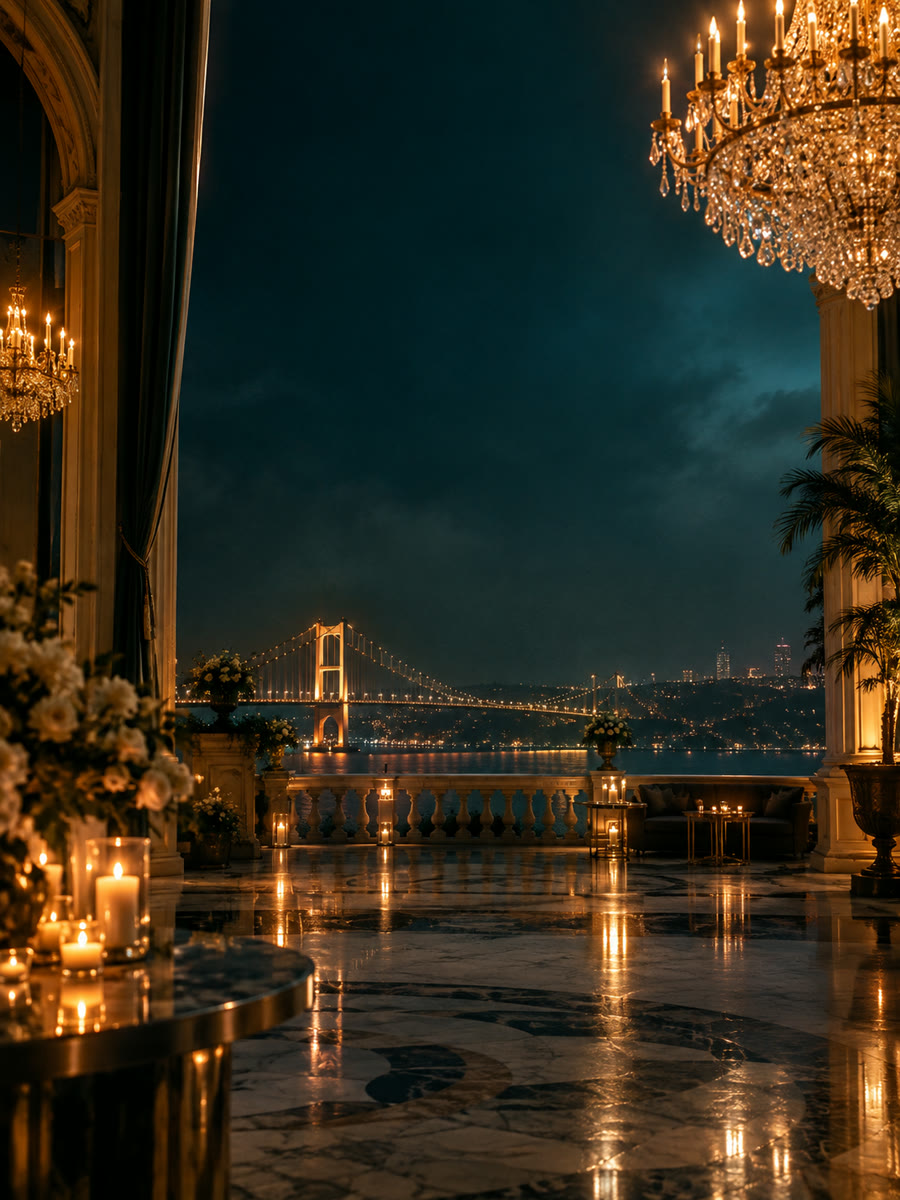
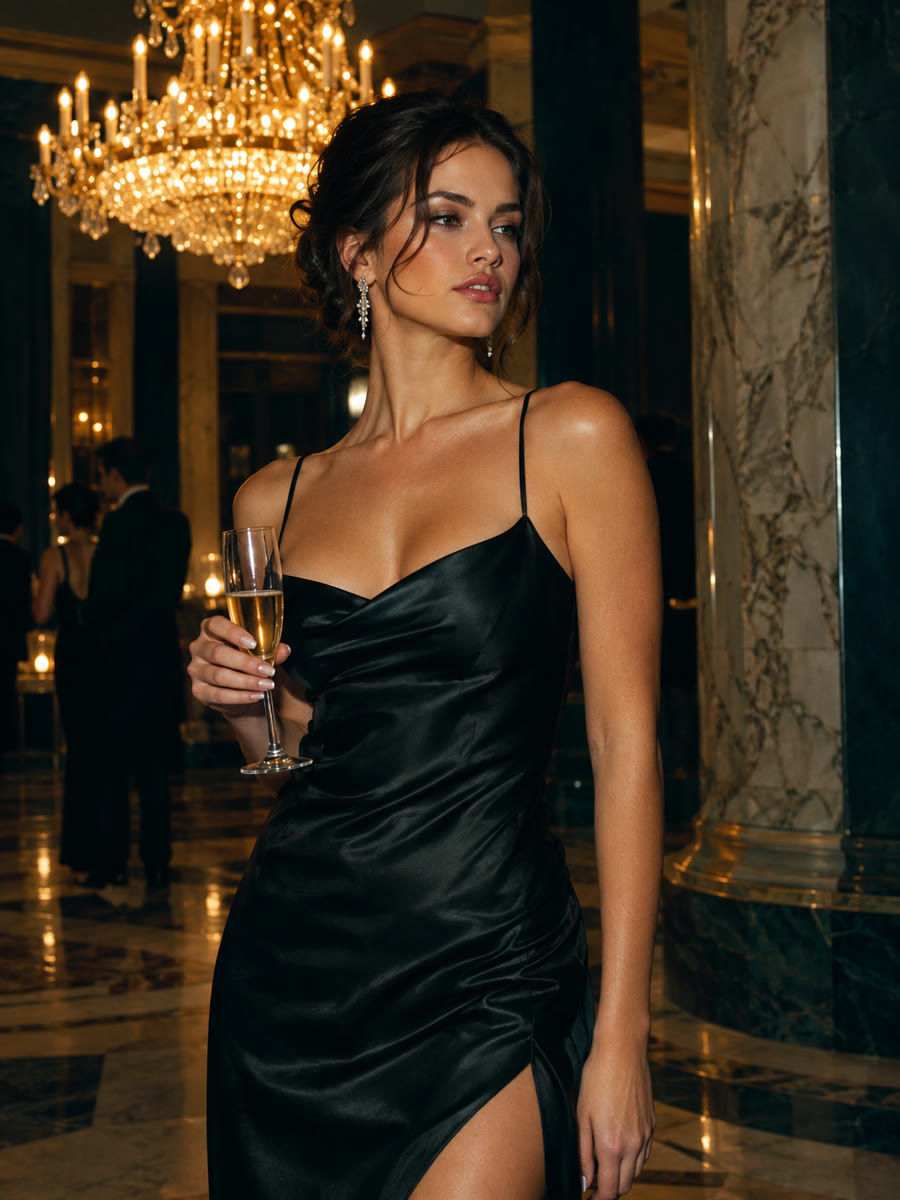
A useful party poster needs a strong image before it needs a headline. This tool turns a written scene into an original vertical poster background with a glowing bridge, chandeliers and a cinematic room. Add the date, names and details in Canva, Figma or any editor you already use.

  • Still image - 3:4
  • 10 credits per image
  • Watch the sample, then choose a pack or plan to make yours.
  • AI results vary. Review the image before sharing and label it as AI-generated.
A cinematic party poster background with a glowing bridge and warm chandeliers
First-party sample

Create a party poster background

Describe the room, light and mood. The tool returns a still image with space for your title; add text and event details in any design editor.

Still image - 3:4

$1.98/ per image

10 credits per image

AI results vary. Review the image before sharing and label it as AI-generated.

See all packs · A 50-credit one-time pack covers up to five image edits.

Your portrait

Your next portrait will appear here.

How it works

What the generator makes

The output is a still image, not a finished invitation. It can build a ballroom, a rooftop, a candlelit hall or a glowing bridge scene. The image is designed to leave negative space for a title. Text inside AI images is often unreliable, so the tool avoids asking the model to render your event details.

Write a scene, not a slogan

Name the room, the light and the mood. For example: a marble ballroom at night, warm chandeliers, a glowing bridge in the background, deep teal shadows and room for a title at the top. Keep the prompt focused on the image. Add the date, dress code and RSVP details later in a normal design tool.

Use people sparingly

A poster can work with no people at all. If you want figures, ask for fictional adults in the distance rather than a close-up portrait. Do not upload a photo to this mode and do not ask for a celebrity likeness. For a personal portrait, use the party photo editor or the costume generator instead.

Cost and output

One poster generation uses 10 site credits and returns a still image. Failed generations return their credits. A successful generation uses the credits even if the composition is not what you wanted, so describe the room and the light before you submit. Check the pricing page for current packs.

Finish the poster elsewhere

Download the image and add your title, date, venue and RSVP details in Canva, Figma, Affinity or another editor. Use a readable typeface and check contrast. Label the background as AI-generated when the platform offers that option. Do not imply that a venue or brand endorsed the event.

Read guide Read the practical guide before you spend credits.
Questions people ask

Can the generator write my event details?

It is designed to create the background, not reliable text. Add the date, venue and RSVP details in a normal design editor.

Can I upload a photo here?

No. This is a text-to-image mode. For a personal portrait, use the AI party photo editor or the Halloween costume generator.

How much does a poster cost?

One poster generation uses 10 site credits. Failed generations return their credits; see the pricing page for current packs.

Can I use the poster commercially?

Use it for a lawful event or promotion and follow the platform rules for AI-generated media. Do not imply an endorsement or use a real person's likeness without permission.

Related tools

All party tools