How it works
What the video shows
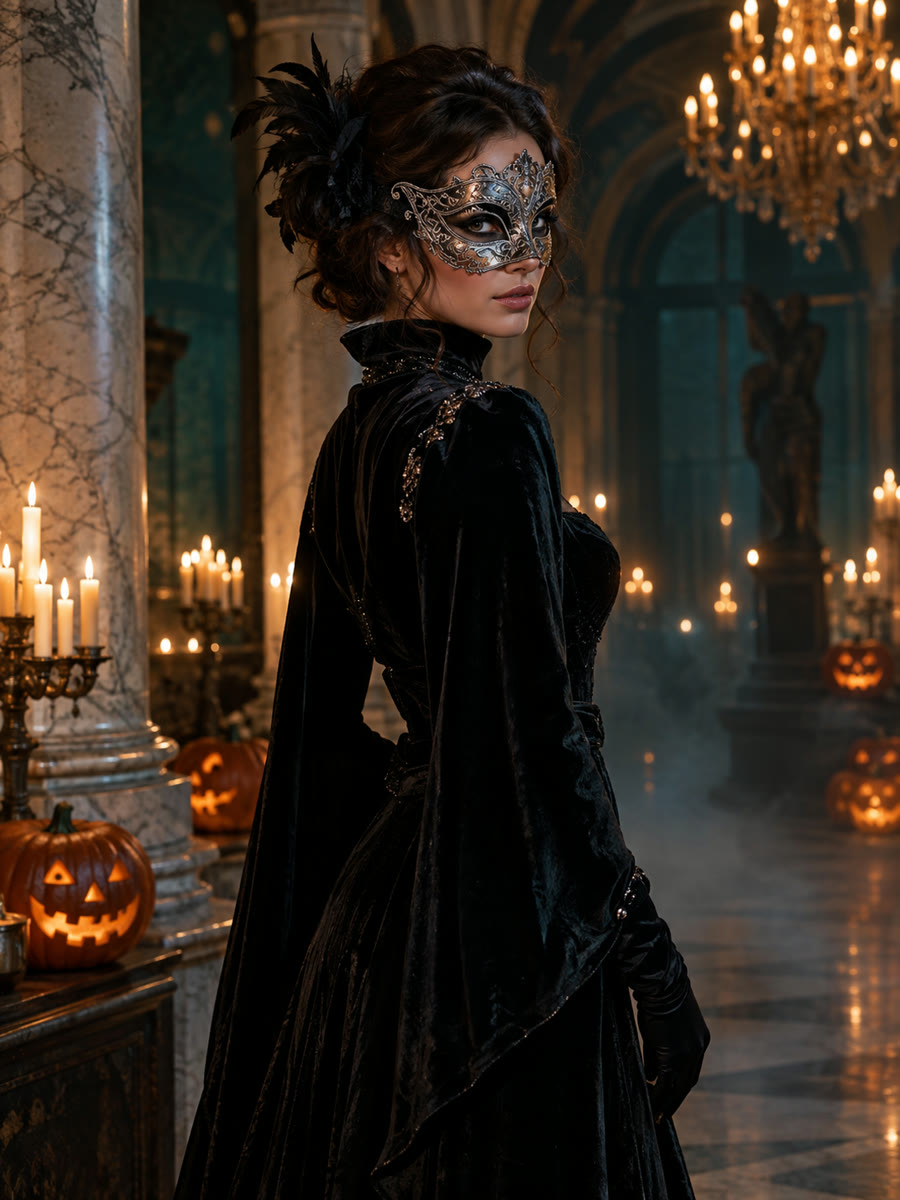
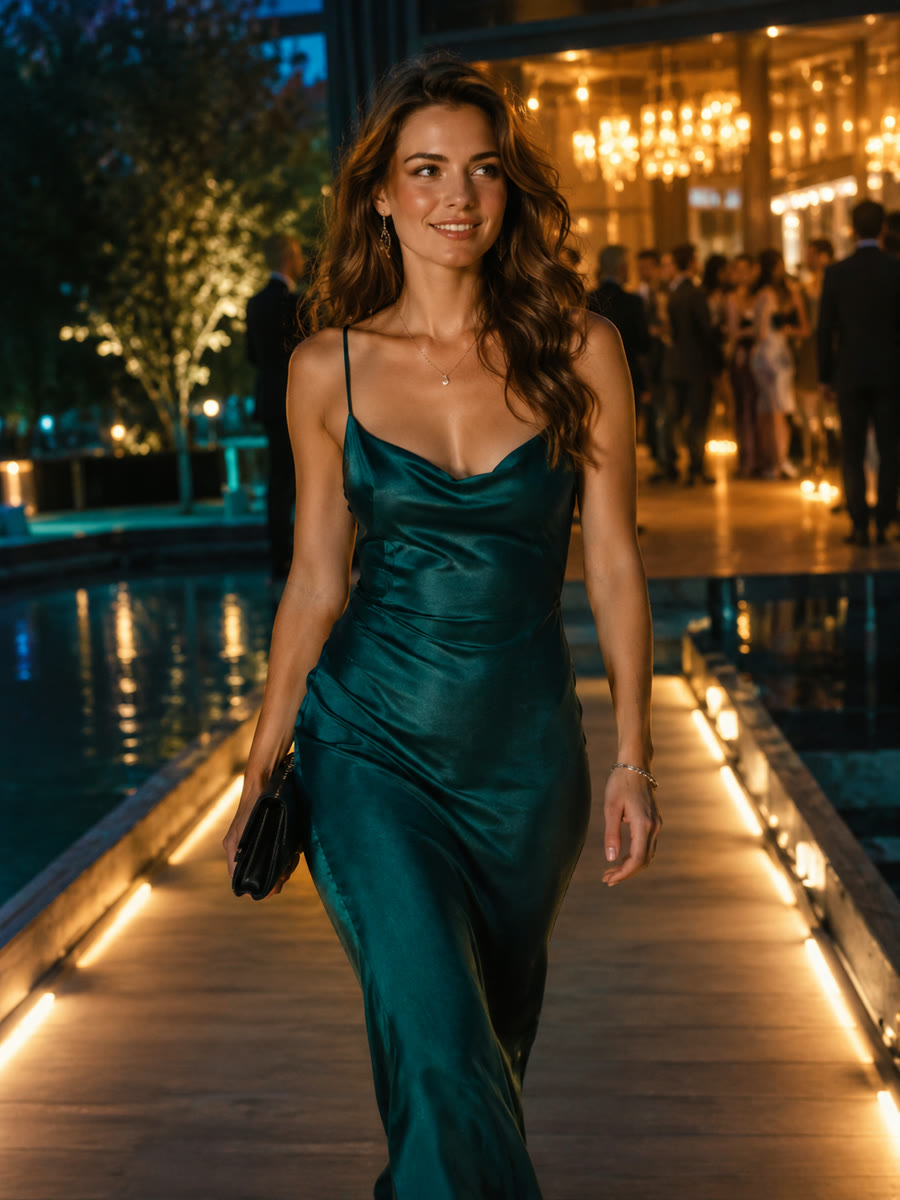
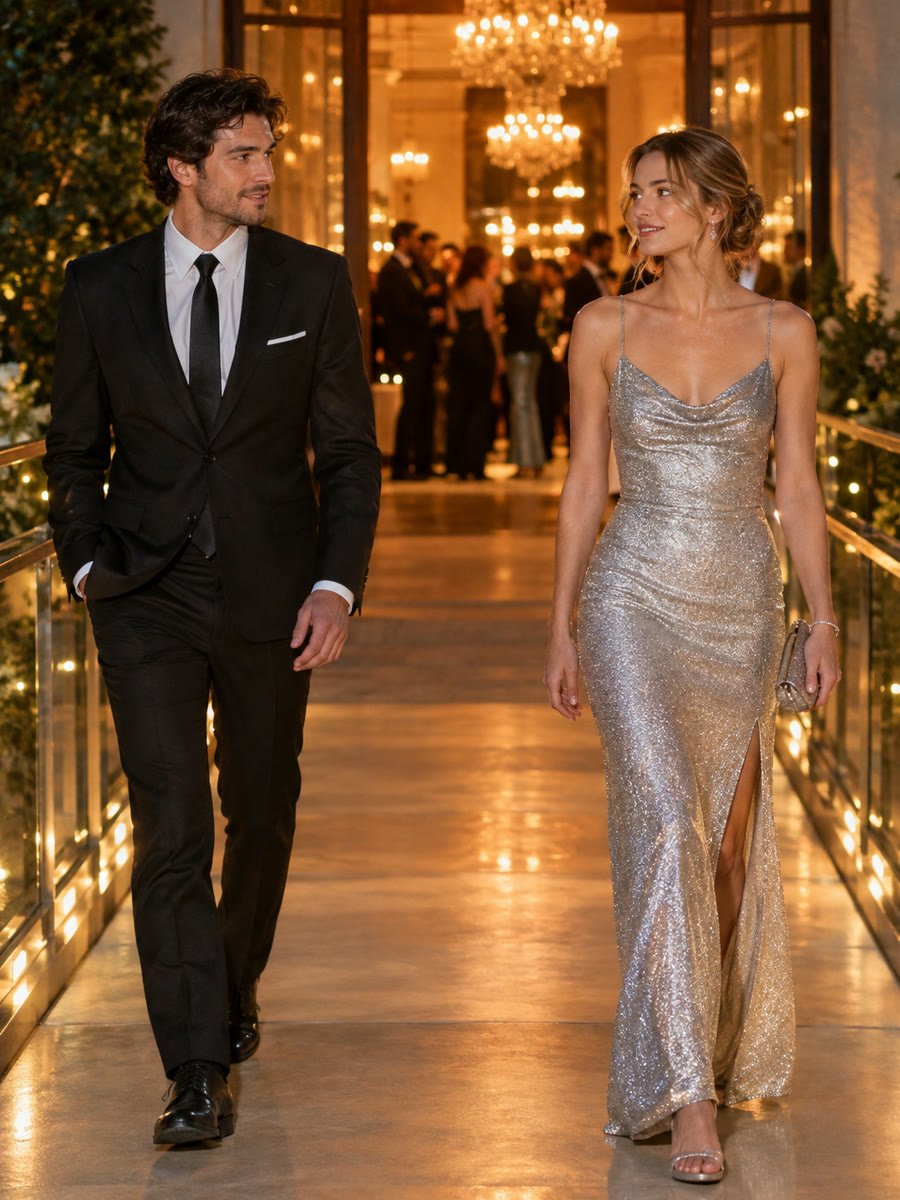
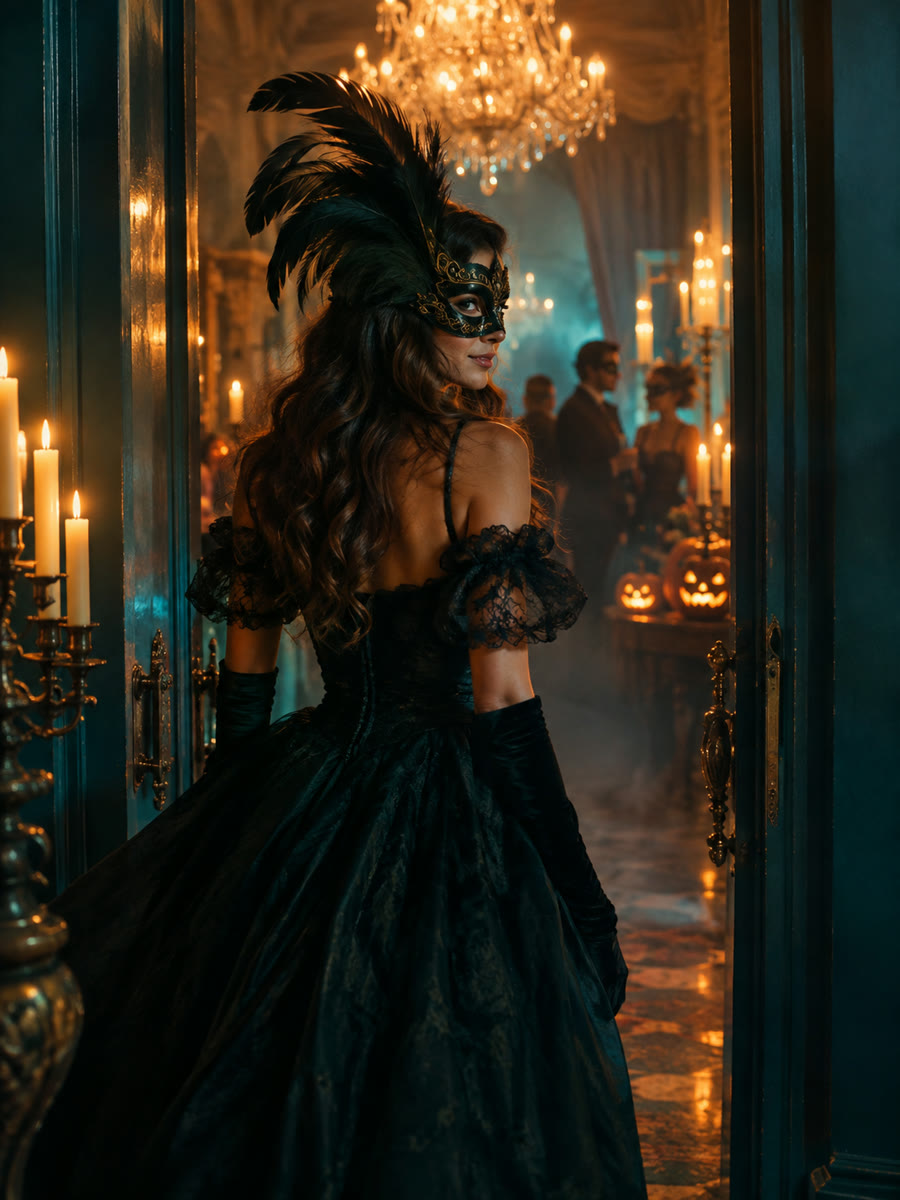
The default scene is an adult guest crossing a glowing bridge into a chandelier-lit party. You can describe a Halloween variation: a masquerade hallway, a foggy garden, a candlelit ballroom or a warm autumn courtyard. The model keeps the same role mapping across the clip and aims for a stable, cinematic entrance. It does not add dialogue, music or a soundtrack.
The exact output
Every personal clip is 10 seconds, 720p, 9:16 and silent. It uses 50 site credits. The page sample is a first-party demonstration made for this site; your result will differ. The model can change facial details, hands and clothing. Watch the full clip before you share it, and do not assume the first frame matches the photo exactly.
Solo or duet
Solo mode uses one photo and one role. Duet mode uses two photos and two roles: the adult on the left and the adult on the right. Each photo must contain one consenting adult. The tool does not add a third person. If you upload a group photo, the model may pick the wrong face, so crop to one person per file before uploading.
What can go wrong
Costume details can simplify, faces can drift and hands can distort. A busy background in the source photo can leak into the result. A very dark photo can produce a flat face. If the result fails technically, the credits return automatically. If it succeeds but you want a different creative direction, you can regenerate, but that is a new paid attempt.
Use it honestly
Label the clip as AI-generated when you publish it. Do not present it as footage from a real party, wedding or event. Do not imply that a venue, brand, artist or film endorsed it. Use only photos you have permission to use, and keep all subjects adults. The service is independent and does not supply music rights.
Read guide Read the practical guide before you spend credits.