How it works
A playful announcement, not documentation
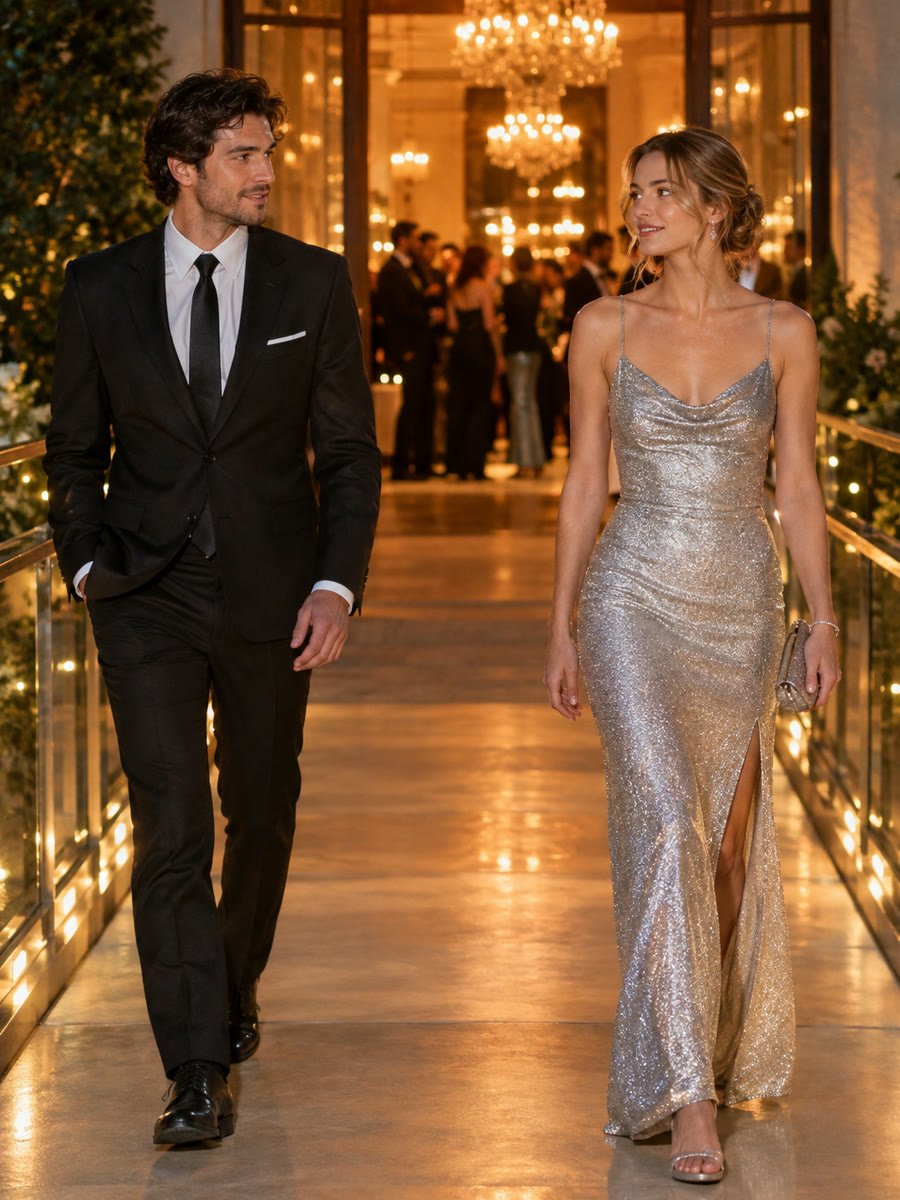
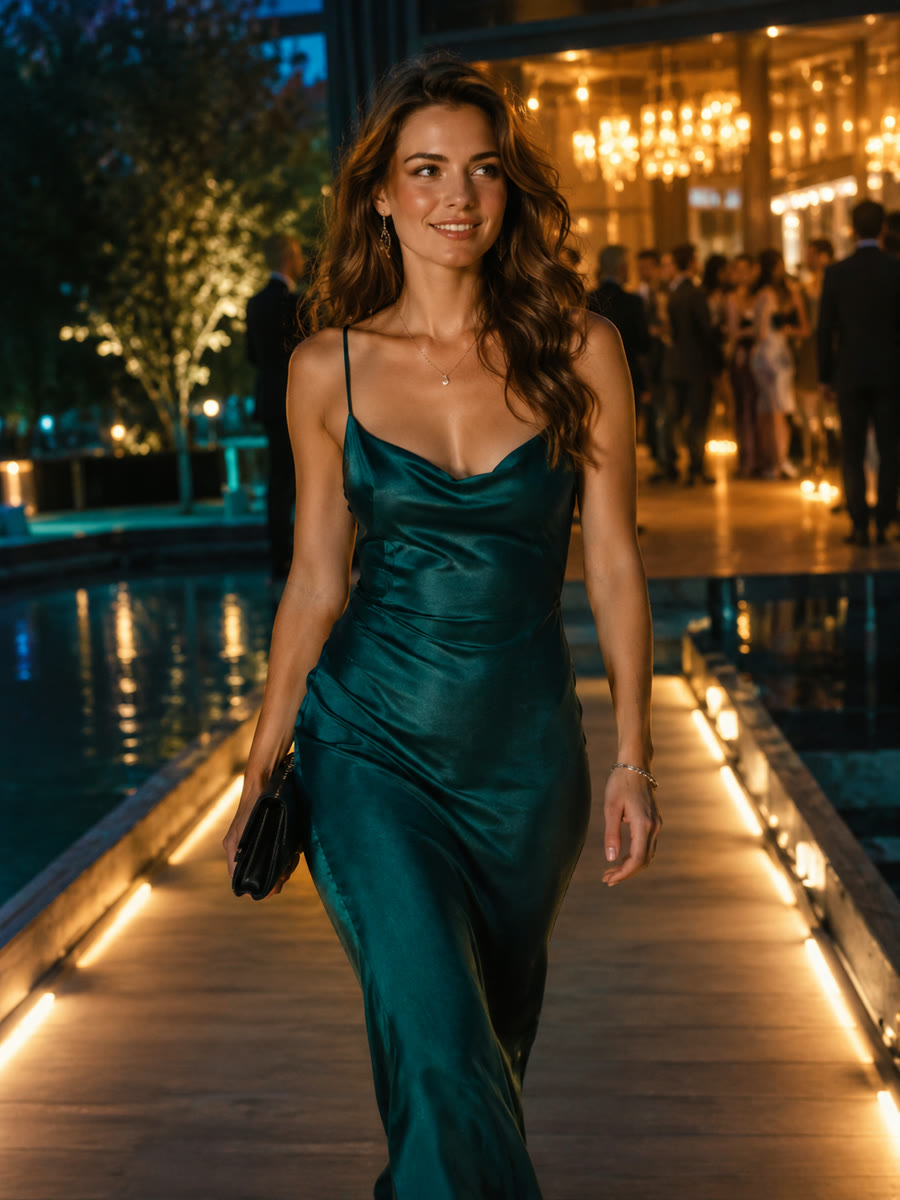
Use the clip to set the tone for the reception: a chandelier-lit entrance, a glowing bridge, a warm ballroom. Do not use it as evidence that the event happened or that a venue hosted you. The result is AI-generated. Label it when you publish it, especially if guests might mistake it for real footage.
Photos that work for a couple
Use two separate photos, one consenting adult in each. Choose images with a clear face and visible shoulders. Avoid a photo where one person is much darker or blurrier than the other. The duet scene maps photo one to the left role and photo two to the right role. It does not add a third person, so a bridal party needs separate clips or a normal editor.
Outfit and scene direction
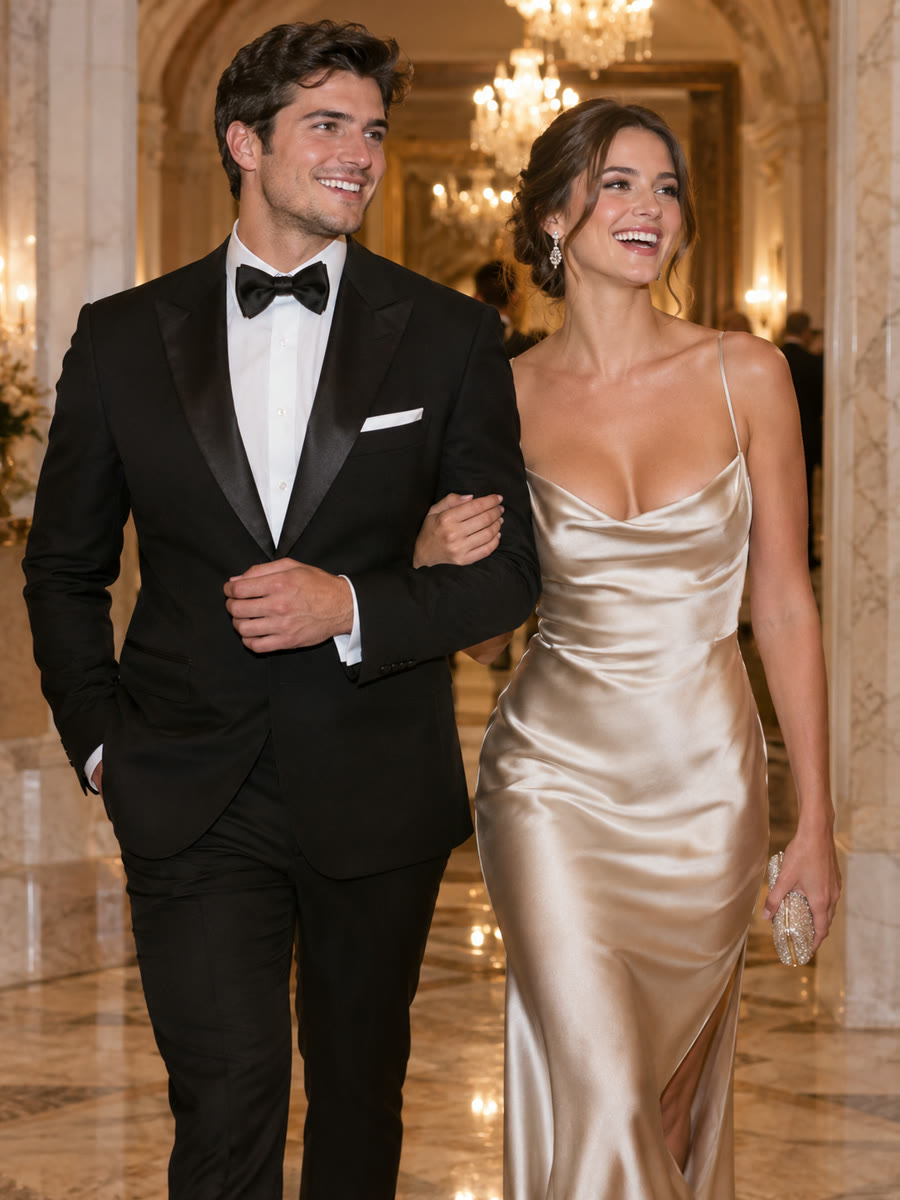
Describe the wedding mood without naming a protected designer or franchise. A black-tie suit, a satin gown, warm chandeliers and a marble hall are concrete. Ask for a slow camera push-in and a subtle head turn. Keep the motion simple; ten seconds cannot show a full dance, a costume change and a room reveal at the same time.
Cost and delivery
A duet clip uses 50 site credits and returns a silent 10-second, 720p, 9:16 MP4. The sample on this page shows the format. Your result will differ. If the job fails, credits return. If it succeeds but you want a different mood, that is a new paid attempt. Plan the direction before you generate.
Consent and privacy
Both adults must agree to the upload and the use. Do not upload a photo of a guest, a minor or a public figure without permission. Uploaded photos are private inputs. Public results may be selected for the gallery after review; private results stay out. Keep the original photos and the finished clip in a place you control.
Read guide Read the practical guide before you spend credits.