How it works
Solo or best-friend duet
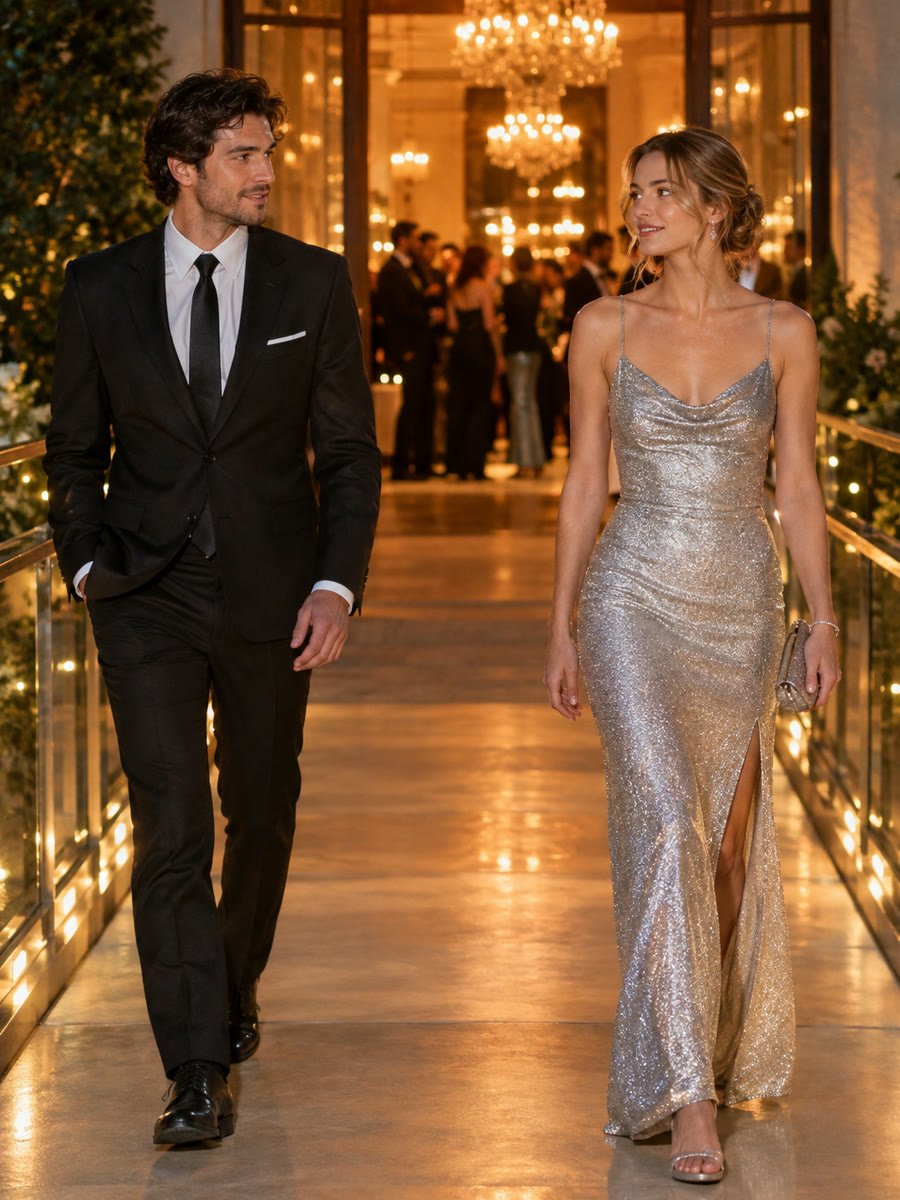
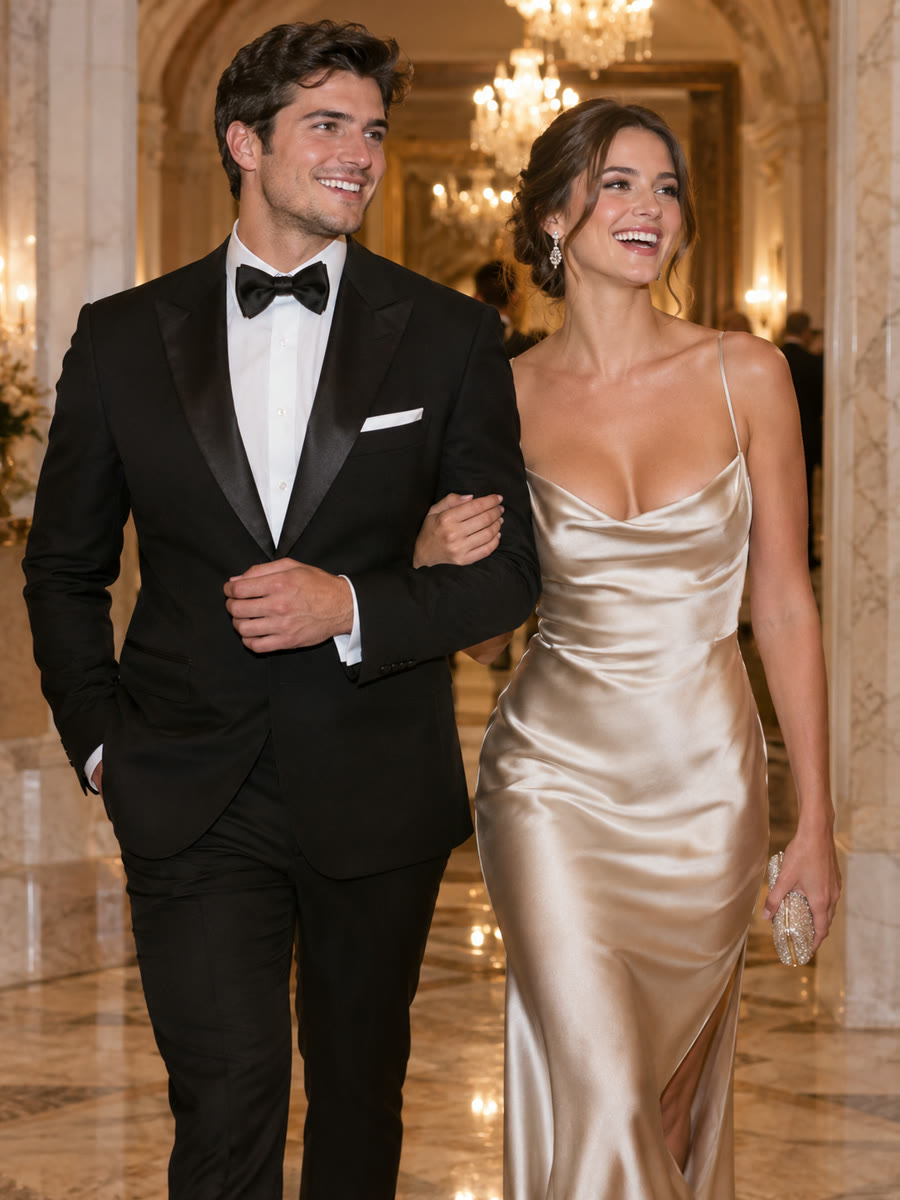
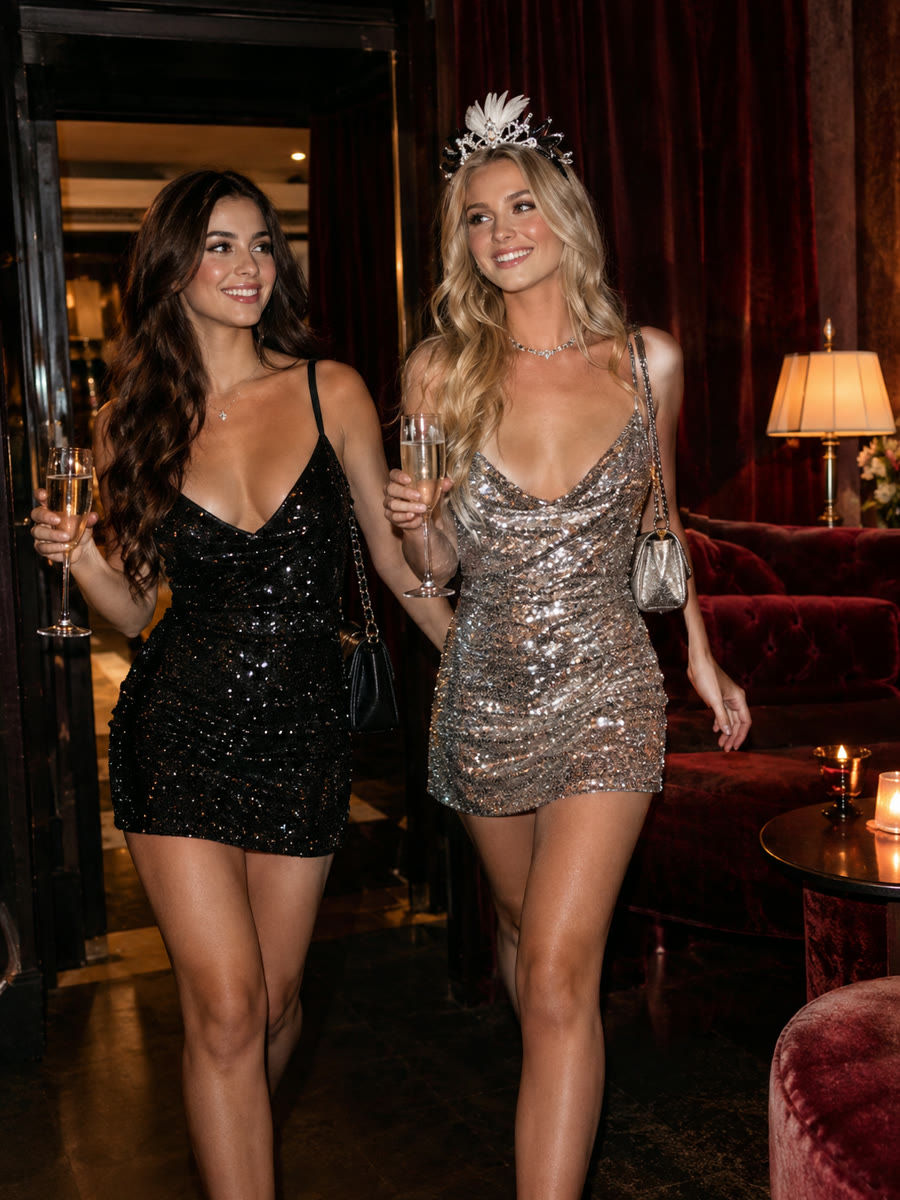
Use solo mode for the guest of honor. Use duet mode for the guest of honor and one friend, with one adult per photo. The duet maps the left and right roles and does not add a third person. For a larger group, make several duet clips or combine stills in another editor. Coordination is easier with a shared palette and two distinct outfits.
Set the tone
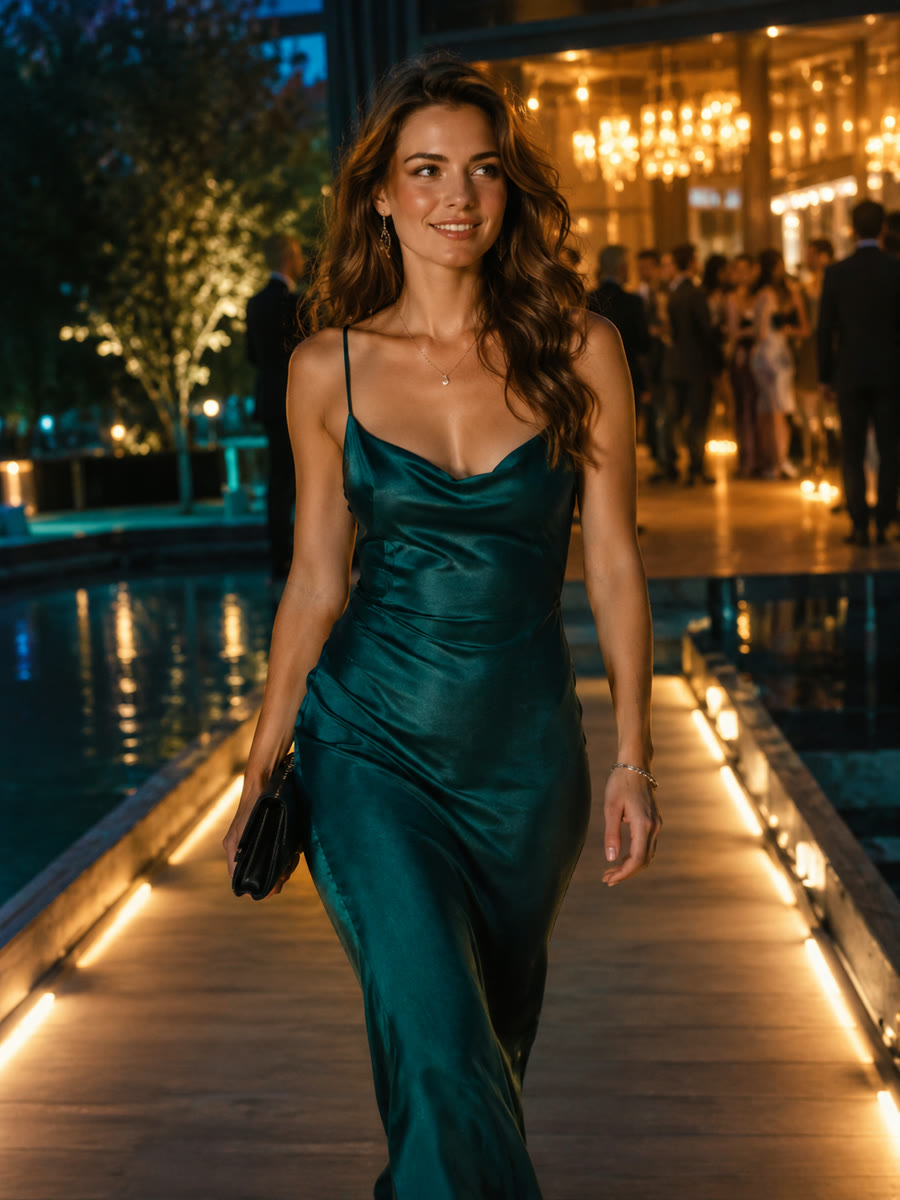
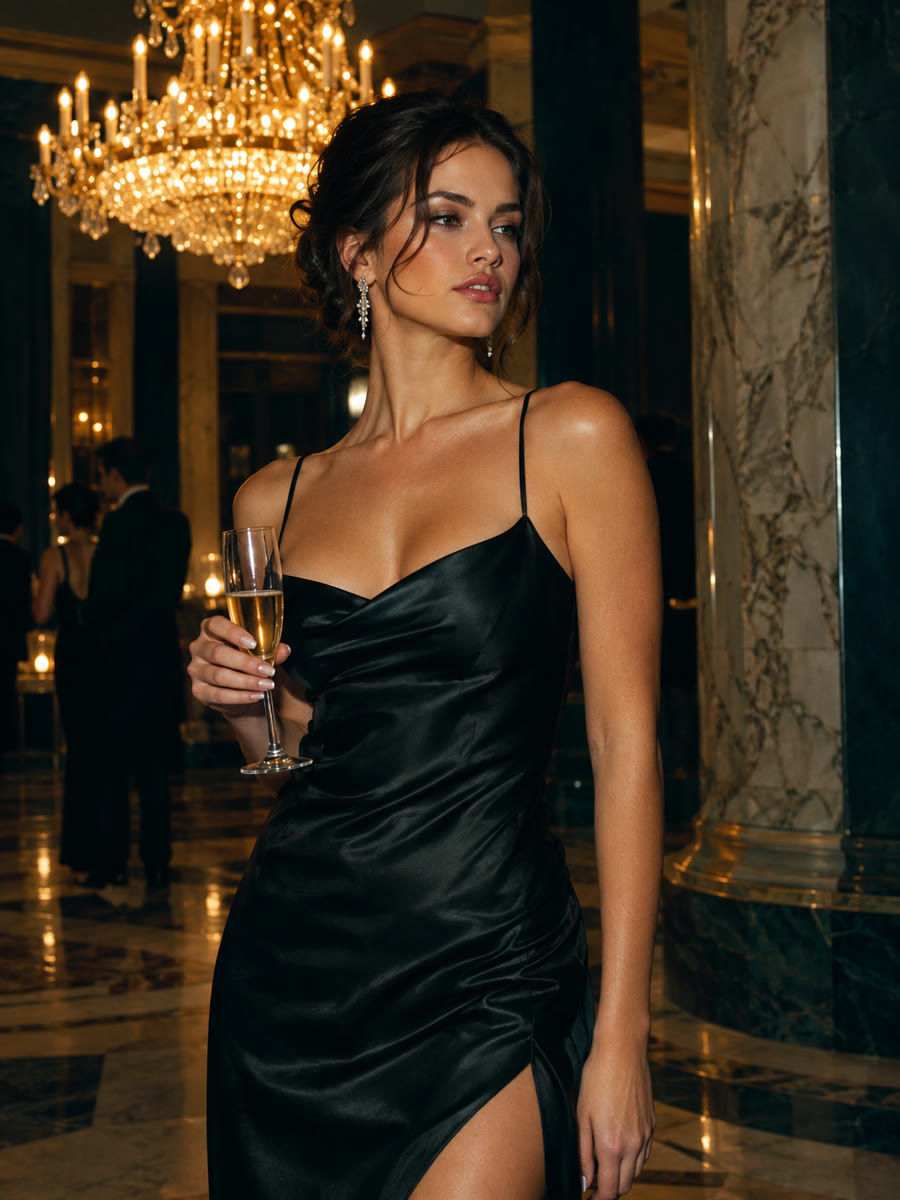
Name the room and the light: a velvet lounge, a rooftop at night, a candlelit ballroom, a warm hotel suite. Name the outfits: black satin, silver sequins, a white veil, a feather boa. Keep the motion simple: a turn, a step, a toast pose, a slow push-in. Ten seconds is a moment, not a montage.
What to check before uploading
Every person must be an adult and must consent. Use sharp, front-facing photos with one person per file. Avoid photos with several friends, dark sunglasses or heavy filters. If you are planning a surprise, ask the person before you upload their photo. A surprise invitation is not consent to use someone's likeness.
Cost and output
A solo or duet clip uses 50 site credits and returns a silent 10-second, 720p, 9:16 MP4. Failed jobs return credits. A successful result uses the credits even if you want a different look. Review the sample first, then write a direction that names the room, the outfits and one camera move.
Share the plan, not a false record
Label the clip as AI-generated. Do not present it as footage from the real bachelorette party. Do not imply that a venue, brand or celebrity hosted or endorsed the event. Add licensed music after download and keep the guest list and personal details out of public captions.
Read guide Read the practical guide before you spend credits.