Skip to content
Burning Bridges AI Video

Quick actions

Appearance

BIRTHDAY ENTRANCE

Burning Bridges Birthday Video Invitation

A birthday invitation can be more than a date and a dress code. Use a permitted adult photo to make a short party entrance that sets the mood for the night. It works for milestone birthdays, surprise dinners and any celebration where the guest of honor wants a playful visual.

  • 10 seconds · 720p · 9:16 · silent
  • 50 credits per video
  • Watch the sample, then choose a pack or plan to make yours.
  • Silent MP4 · add music when you share
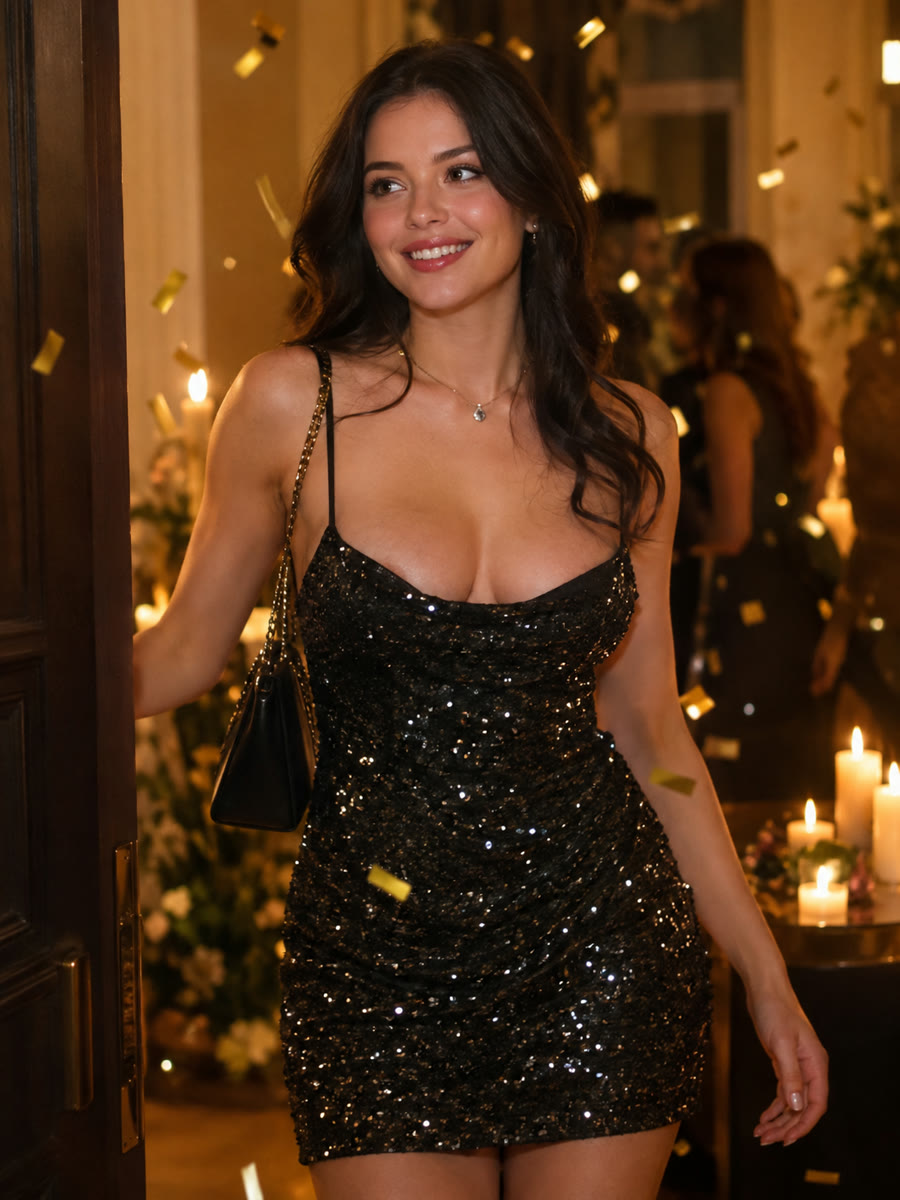
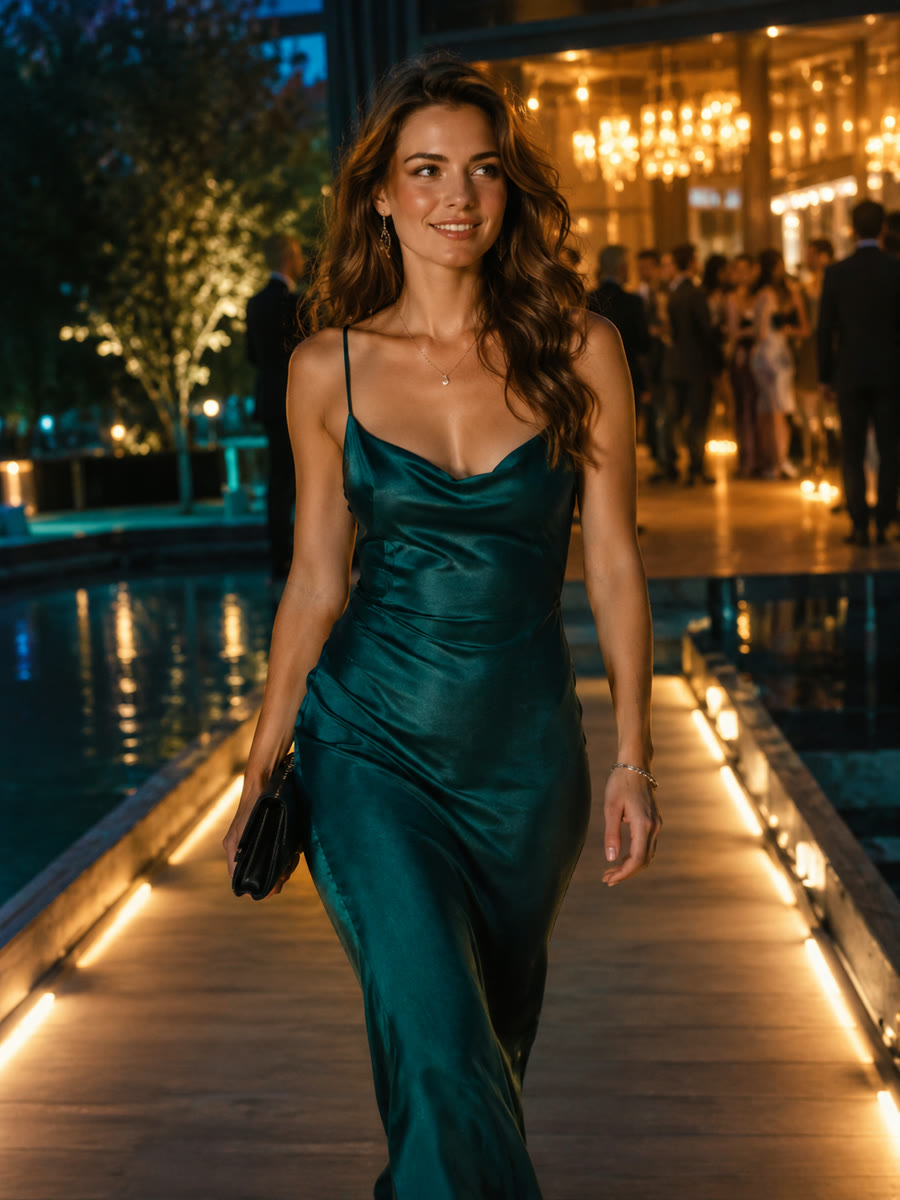
An adult birthday guest entering a warm party with a glowing bridge and candles
First-party sample

Create your Burning Bridges video

Choose text or photos. Describe a scene, or add one or two adult guests. AI results can vary.

Add your photos

JPG, PNG, or WebP · up to 10 MB

Use a clear photo of one adult facing the camera. Include the outfit for full appearance. In duets, photo 1 replaces the first role and photo 2 the second.

Choose one or two guests
What should change?

Public results may be selected for our gallery after review. Your photos remain private.

Payment is required to create your video

Everyone needs a purchased pack or plan to create a personal video. Watch the sample for free, then choose the offer that fits your needs.

$9.90/ 1 video

50 credits · 10 seconds

No music included — add licensed music after export.

Choose a one-time pack or a monthly or yearly plan. See all five offers below.

Your videos

Select a scene above. Completed videos will appear here.

$9.90/ 1 video

One-time pack · no subscription

How it works

A visual invitation

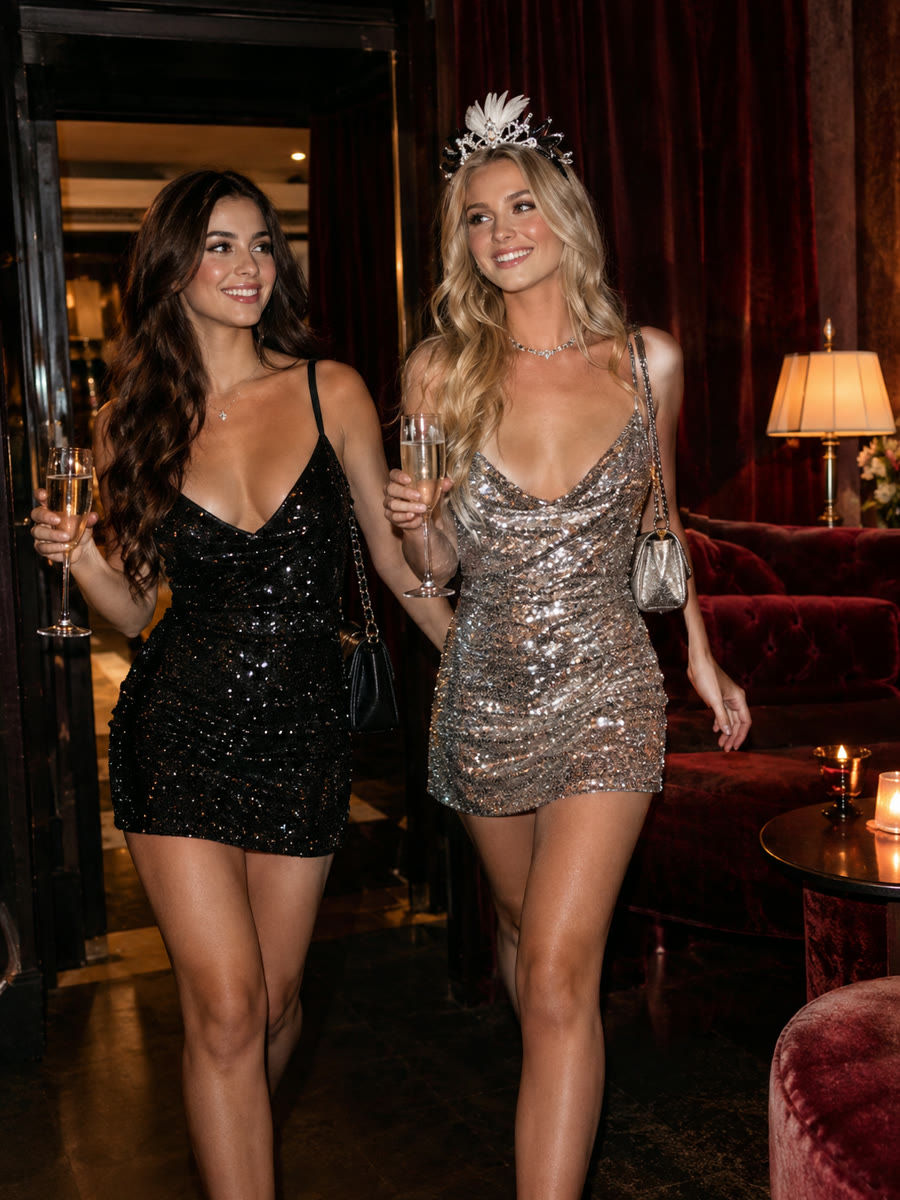
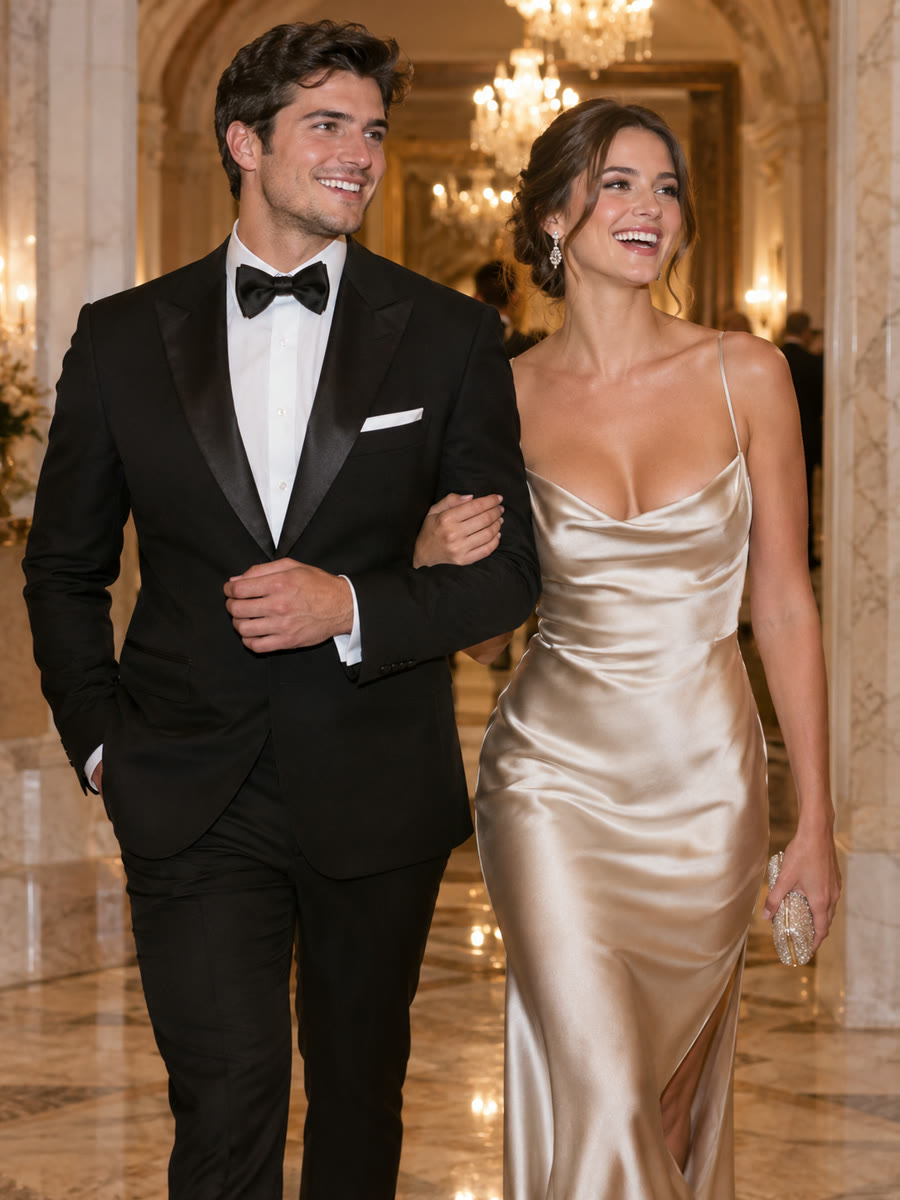
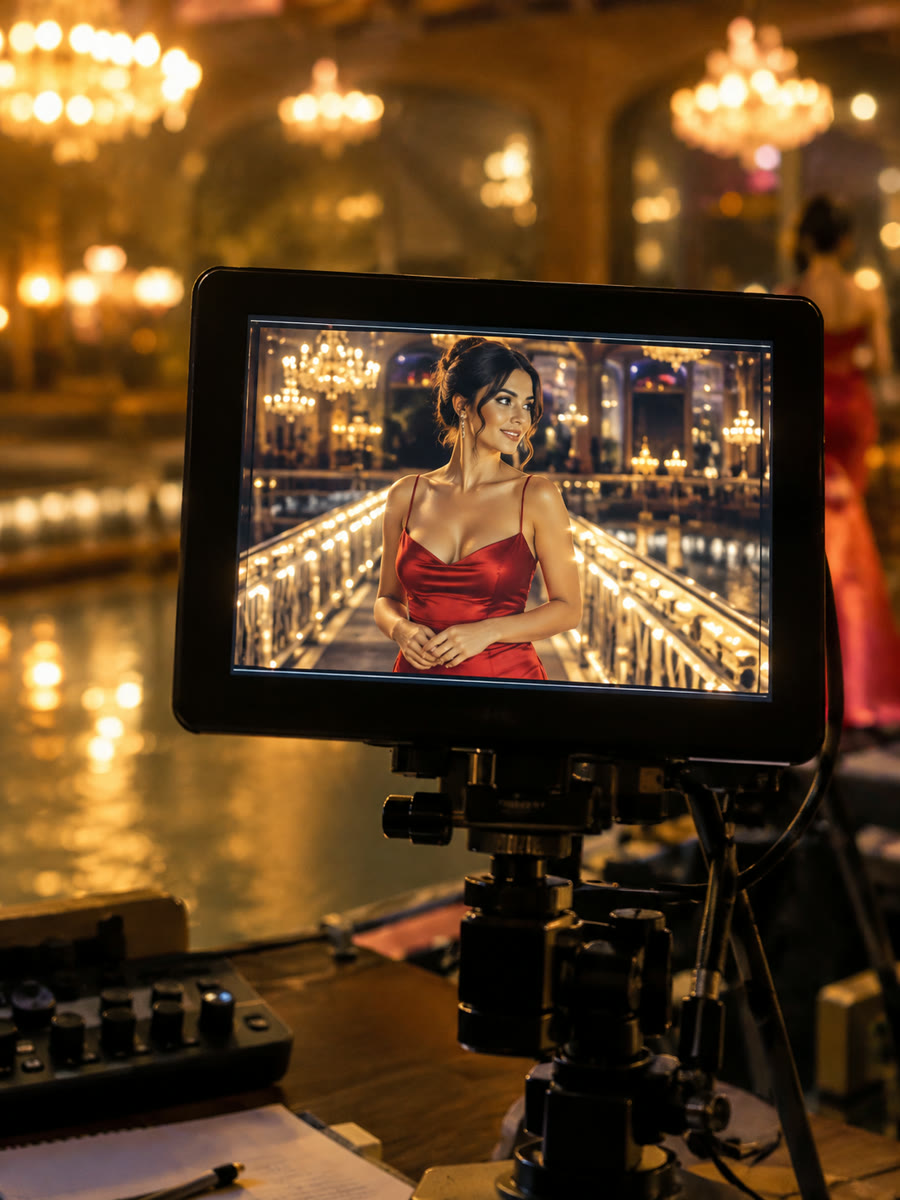
The clip can show the birthday adult crossing a glowing bridge into a warm party, or a variation such as a rooftop, a candlelit hall or a garden. It is a mood piece, not a documentary. Label it as AI-generated when you send it. Do not imply that a venue, brand or celebrity will attend.

One adult, one clear photo

Use a photo of the consenting adult birthday person, facing the camera with a clear face and visible shoulders. Avoid group photos and heavy filters. If you want a couple, use the duet scene with two separate photos. The service is for adults only; do not upload a child's photo for a birthday invitation.

Keep the motion simple

A ten-second clip can show a step, a turn, a smile and a camera push. It cannot show a full party, a speech, a cake reveal and a dance. Pick one beat. Describe the room, the light and the outfit. Ask for stable anatomy and a consistent identity. If the first result misses, change the photo or one direction sentence, not everything at once.

Price and revision

One clip uses 50 site credits and returns a silent 10-second, 720p, 9:16 MP4. Failed jobs return credits. A successful but unsatisfying result uses the credits, so review the sample and write a clear direction first. You can download the clip and add licensed music in the platform where you share it.

Share it responsibly

Get permission from everyone in the photo. Do not use the clip to embarrass, impersonate or mislead. Keep the AI-generated label. If you send it to guests, make the real date, time and place clear in the message so the stylized clip is not mistaken for the invitation itself.

Read guide Read the practical guide before you spend credits.
Questions people ask

Can I make a birthday video for a child?

No. The service is for adults only. Use a different tool for a child's birthday and follow the platform's rules for minors.

Can I add a birthday message?

Not inside the generator. Download the silent MP4 and add a title card or captions in a normal editor.

How much does it cost?

One clip uses 50 site credits. The pricing page shows current packs and plans.

Can I use the clip commercially?

Use it only for a lawful purpose and only with permission from the people depicted. Do not imply an endorsement or sell it as stock footage.

Related tools

All party tools