Portraits
Midnight braids portrait
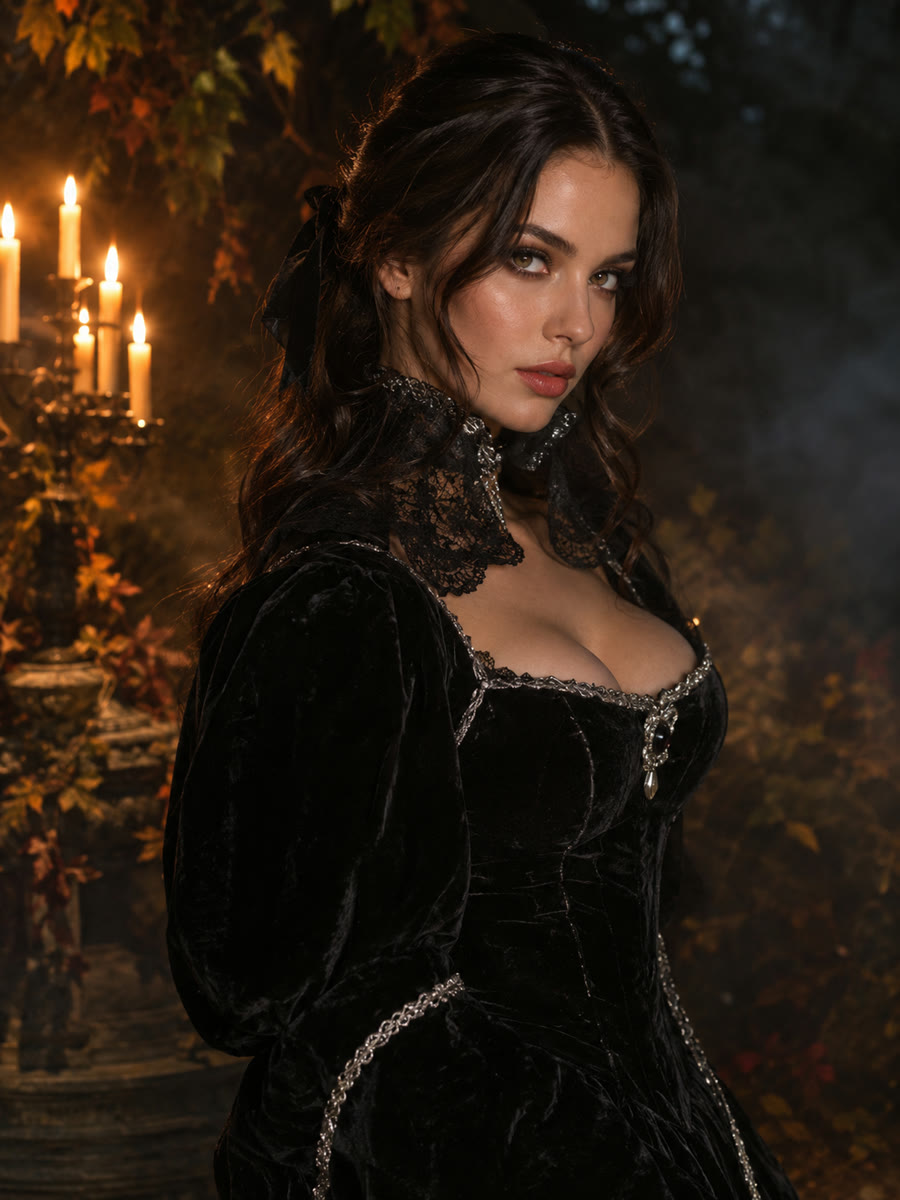
Use the uploaded photo as the primary reference. Preserve the adult subject's recognizable face, facial proportions, skin tone, approximate age and natural anatomy. Transform the subject into an original gothic Halloween portrait with long violet braids, delicate silver hair accessories, a black-and-purple velvet outfit and subtle lace details. Place the subject in a moonlit Victorian garden with soft fog, warm lanterns and dark autumn foliage. Use photorealistic editorial photography, realistic fabric texture, natural skin detail and cinematic soft lighting. Keep the same number of people as the uploaded photo. Avoid altered identity, extra limbs, duplicated fingers, distorted anatomy, text, logos and watermarks.
Portraits
Cosmic princess portrait
Edit the uploaded photo into an original celestial Halloween princess portrait. Preserve the adult subject's recognizable face, natural skin texture, body proportions and pose. Replace the outfit with a midnight-blue fantasy gown featuring silver embroidery, softly glowing star patterns and realistic flowing fabric. Add a delicate silver moon crown and luminous accessories. Place the subject inside a moonlit observatory with a starry sky visible through tall windows. Use elegant fantasy fashion photography, realistic fabric details, cinematic rim lighting and a deep-blue, silver and violet palette. Keep the person recognizable. Avoid altered identity, extra people, distorted anatomy, text and watermarks.
Portraits
Wearable robot costume
Using the uploaded photo as reference, transform the adult subject into a futuristic Halloween robot costume portrait. Preserve the subject's recognizable face, skin tone, head proportions and original pose. Create a realistic wearable robot costume with metallic-looking armor panels, subtle blue LED accents and articulated shoulder pieces. The outfit should look like a believable costume worn by a real person, not a completely new mechanical character. Use dramatic blue-and-orange cinematic studio lighting and realistic material reflections. Do not replace the subject's face with a robot head. Avoid extra limbs, distorted hands, duplicated body parts, logos and text.
Portraits
Velvet masquerade portrait
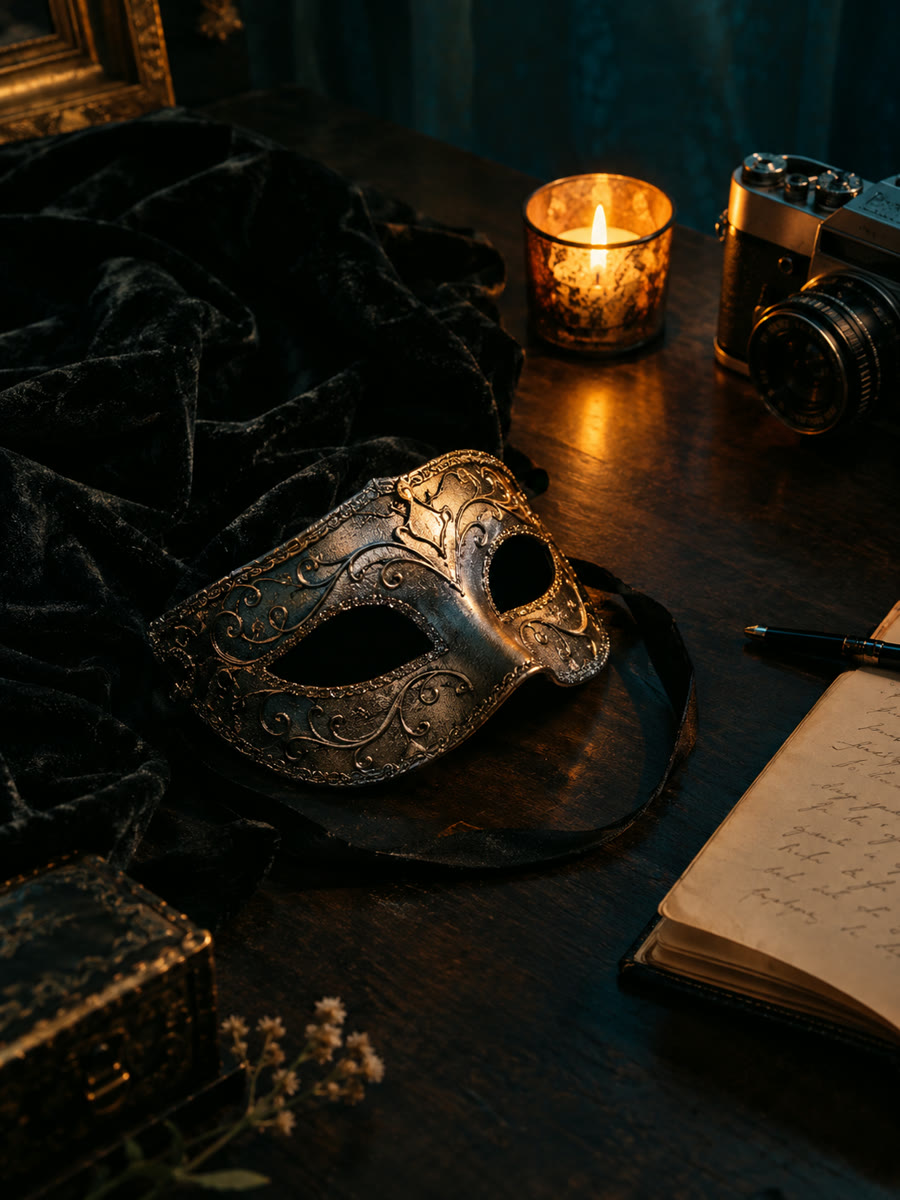
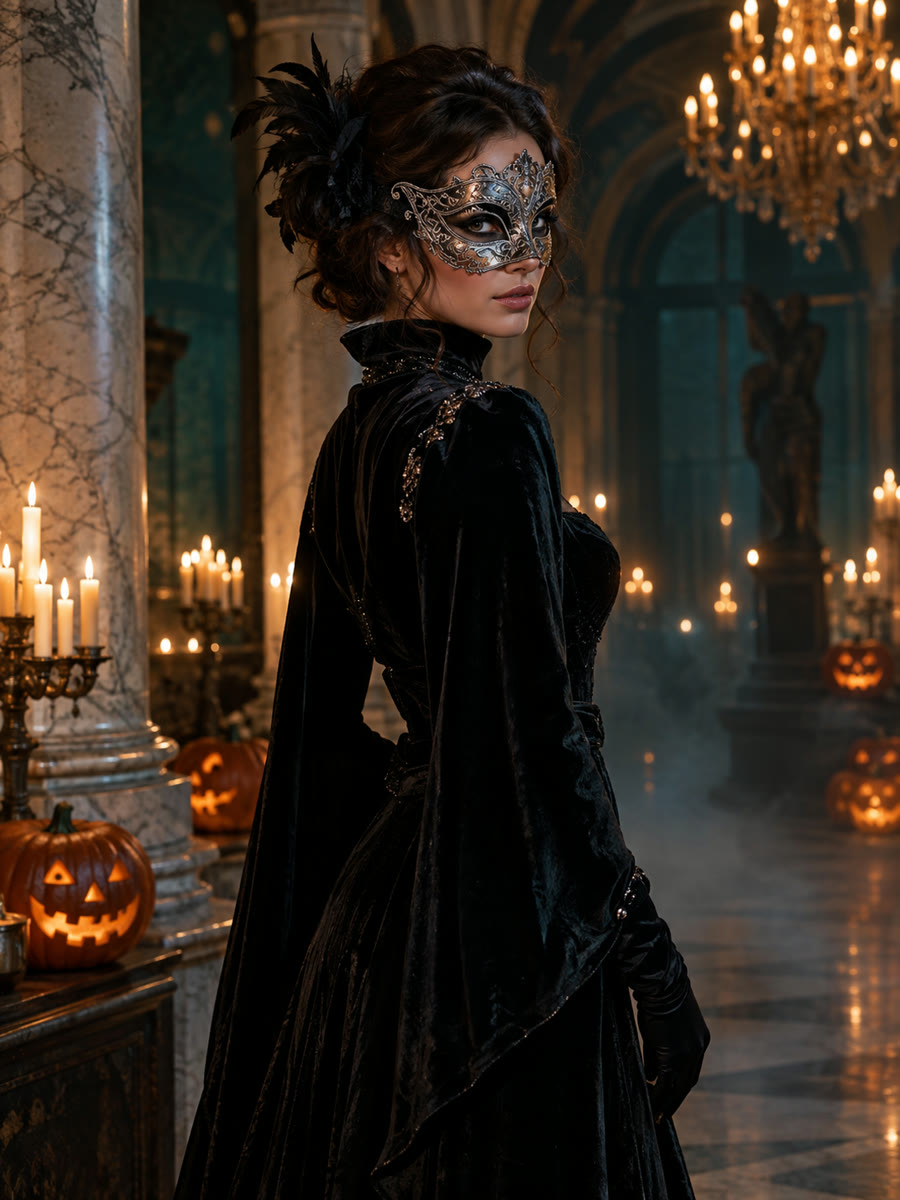
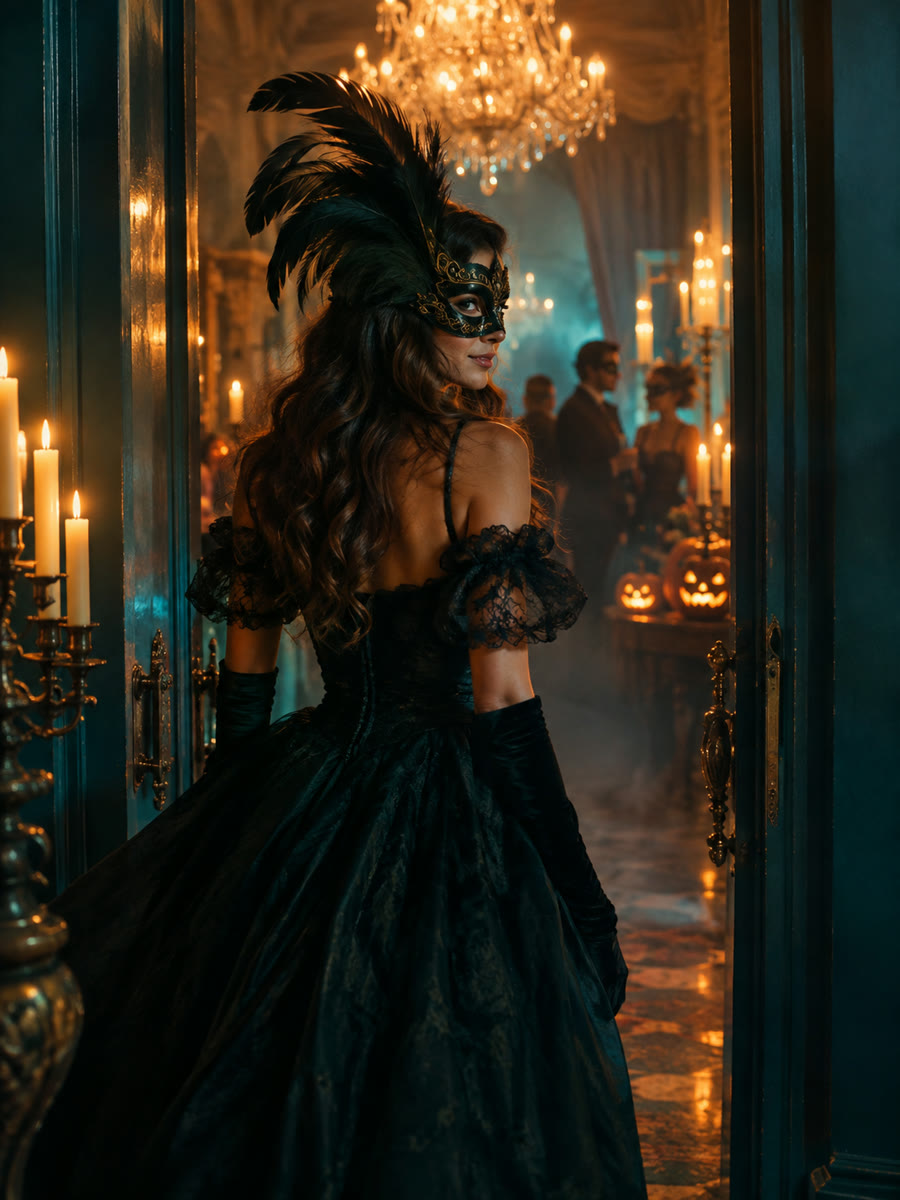
Turn the uploaded adult portrait into an original masquerade portrait. Keep the face, skin tone and body proportions recognizable. Add a black velvet jacket, a silver filigree mask held in one hand, and a deep burgundy pocket square. Place the subject in a candlelit marble hall with warm chandeliers and soft autumn shadows. Use photorealistic editorial photography, realistic fabric and natural skin texture. Keep one person only. Avoid a changed identity, extra people, distorted fingers, text, logos and watermarks.
Portraits
Foggy autumn garden
Keep the adult subject, clothing and pose unchanged. Replace only the background with a foggy autumn garden at dusk, with dark hedges, a few carved pumpkins and warm lantern light in the distance. Add soft fog around the subject's feet and a subtle cool rim light on the hair. Preserve the original face, skin tone and body proportions. Use realistic photography with natural shadows. Do not add people, text, logos or watermarks.
Portraits
Warm pumpkin glow
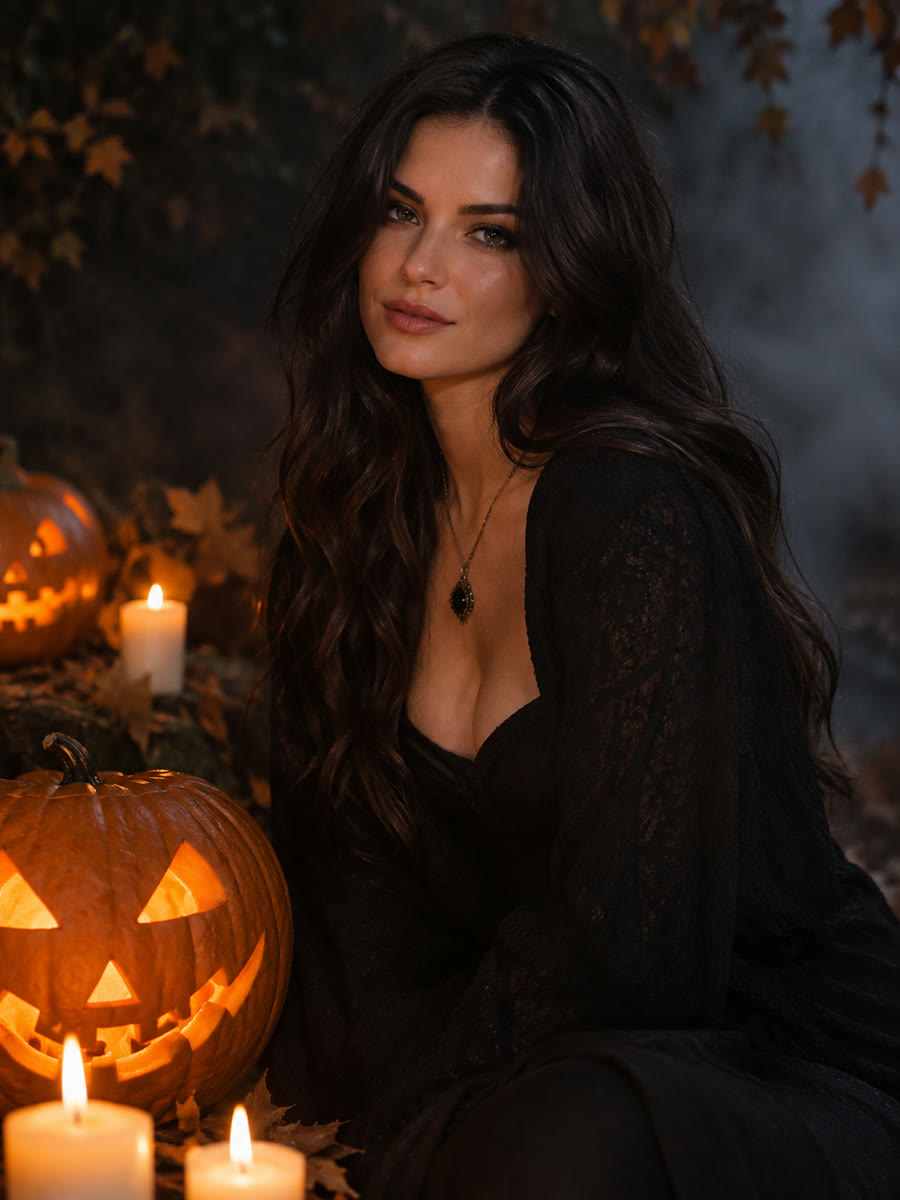
Keep the adult subject recognizable and keep the original clothing. Add a warm pumpkin glow from the lower left, a small cluster of carved pumpkins in the foreground and soft candlelight behind the subject. Keep the background dark but readable, with gentle autumn foliage. Preserve the face, hair and natural anatomy. Use photorealistic photography, realistic skin texture and soft shadows. Avoid extra people, distorted hands, text and watermarks.
Couples
Couple masquerade portrait
Use the two uploaded photos as references. The adult in photo 1 is on the left; the adult in photo 2 is on the right. Preserve both faces, skin tones, approximate ages and body proportions. Dress them in coordinated masquerade costumes: a black velvet suit with silver embroidery on the left and a deep plum gown with a lace mask on the right. Place them in a candlelit ballroom with soft fog and warm chandelier light. Use photorealistic editorial photography. Do not swap identities, do not add a third person, and avoid altered faces, distorted hands, text, logos and watermarks.
Couples
Couple cosmic night
Use the two uploaded photos as references. Keep the left adult and the right adult distinct and recognizable. Create coordinated cosmic Halloween outfits: a midnight-blue tailored suit with silver stars on the left and a violet gown with a subtle constellation pattern on the right. Place them under a clear night sky in an old observatory garden, with soft moonlight and a few warm lanterns. Use realistic fashion photography and natural skin texture. Do not swap faces, add a third person, distort hands or add text and logos.
Videos
Masquerade entrance video
Use the provided photo as the exact visual reference and starting composition. Create a continuous ten-second cinematic Halloween entrance. Keep the adult subject's recognizable face, costume, hairstyle and body proportions consistent with the reference. The subject walks slowly through soft fog toward a candlelit masquerade hall. A gentle breeze moves loose hair and the edge of the clothing. The camera performs a slow, smooth push-in. Maintain realistic motion, stable anatomy and consistent lighting. Do not change the person's identity, replace the costume, add characters or introduce sudden scene cuts. No text or watermarks.
Videos
Slow head turn video
Use the provided image as the exact visual reference and starting composition. Create a continuous ten-second portrait animation. Keep the subject's face, costume and body proportions consistent. The subject slowly turns their head toward the camera with a subtle mysterious expression. Soft fog drifts through the background. The camera performs a slow push-in. Maintain realistic motion, stable anatomy and consistent lighting. Do not change identity, add characters, replace the costume or introduce scene cuts. No text or watermarks.
Videos
Two-person party entrance
Use the two provided photos as exact references. The adult in photo 1 is the person on the left; the adult in photo 2 is the person on the right. Create a continuous ten-second cinematic party entrance. Keep both identities, outfits and body proportions consistent. They walk side by side across a glowing bridge into a warm chandelier-lit party. Use a slow camera push-in and natural, stable motion. Do not swap faces, add a third person, add sudden cuts, text or watermarks.
Portraits
Golden pumpkin portrait
Keep the adult subject's face, hair, clothing and pose unchanged. Add a warm golden-hour glow, a small arrangement of carved pumpkins at the lower edge of the frame and a soft autumn haze in the background. Keep the scene elegant rather than cartoonish. Use realistic photography, natural skin detail and a restrained amber palette. Do not add people, alter the identity, distort hands or add text and logos.
A prompt is a starting direction, not a guaranteed result. Review faces, hands and clothing before sharing.