How it works
How the two photos are used
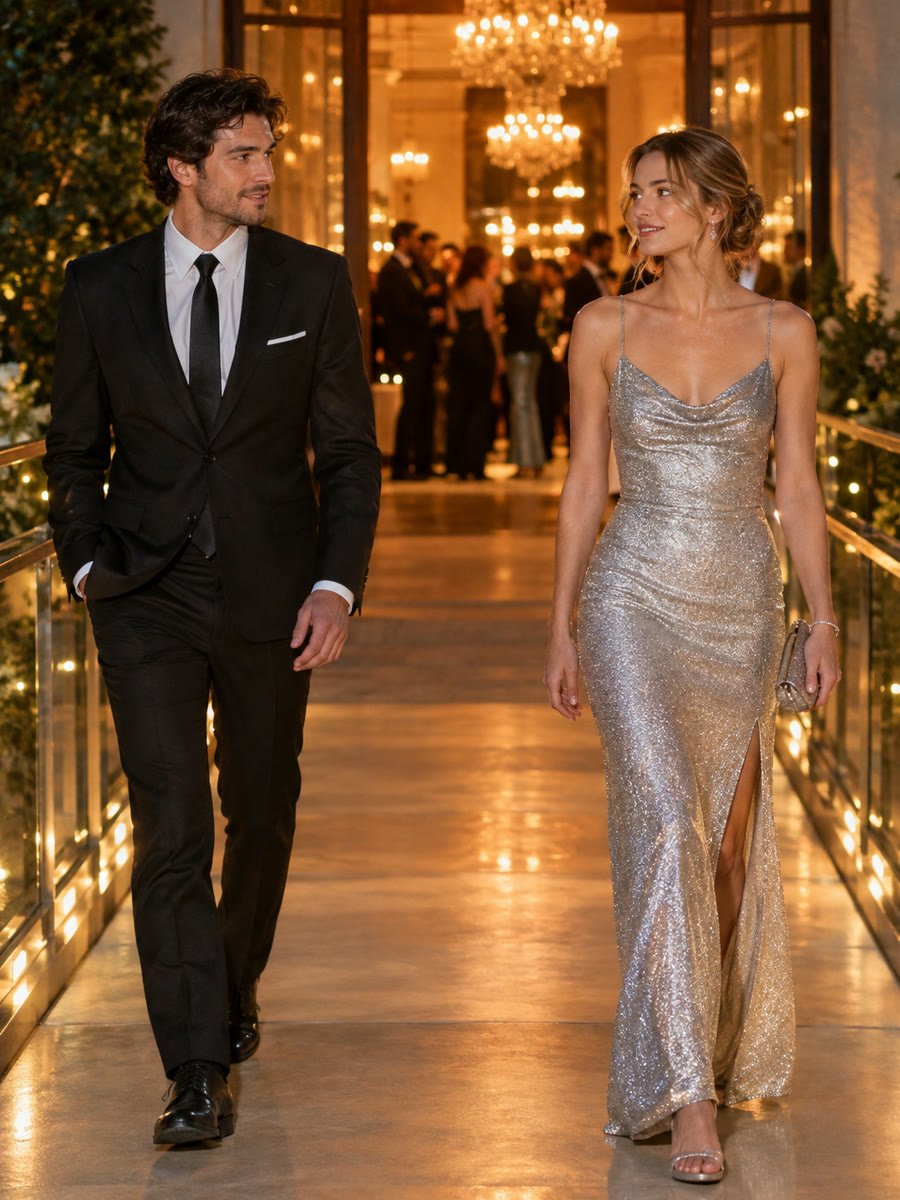
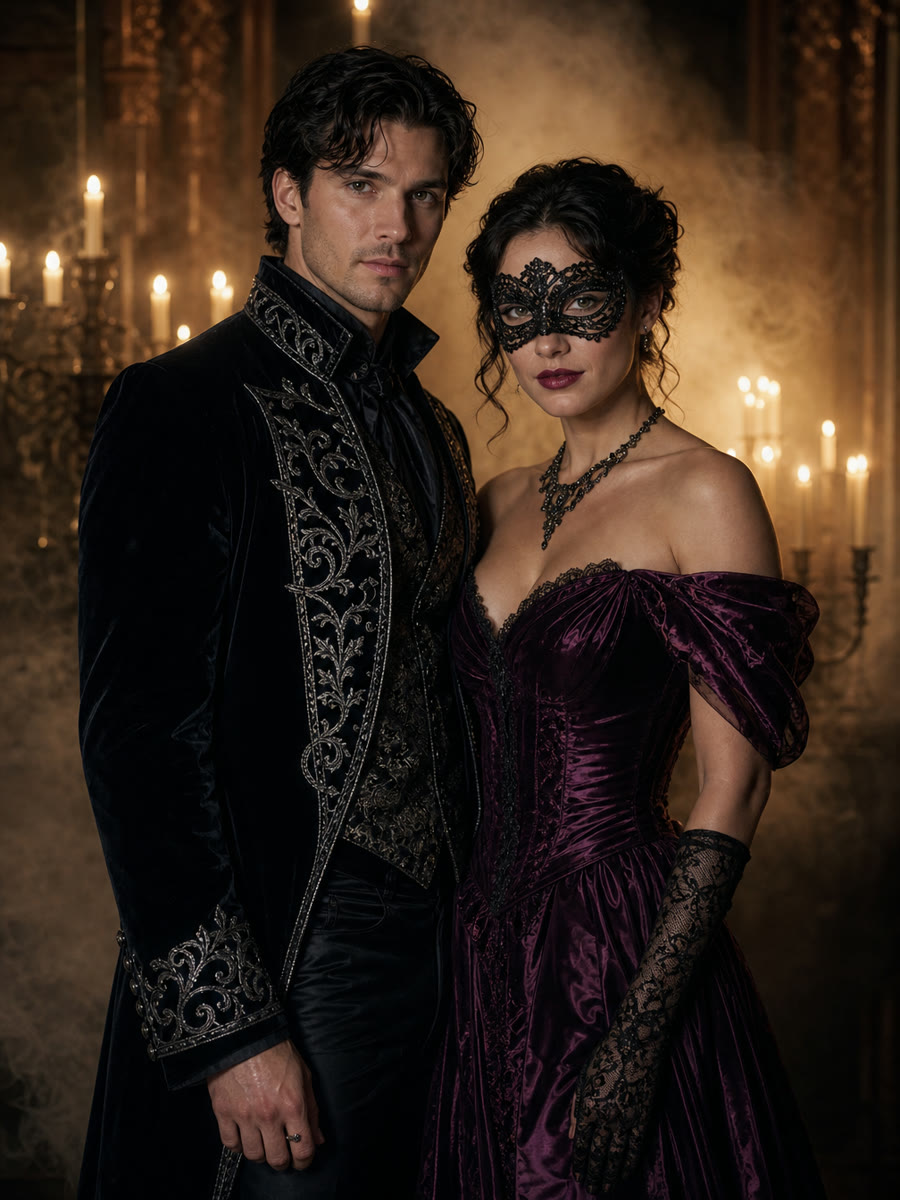
Photo one becomes the adult on the left. Photo two becomes the adult on the right. The prompt tells the model to preserve each face, skin tone and body proportions and to keep the mapping stable. Coordinated costumes should share a palette or theme without turning both people into the same face. If one photo is much darker or blurrier, fix that photo first; the model will carry the difference into the result.
Costume ideas that read well
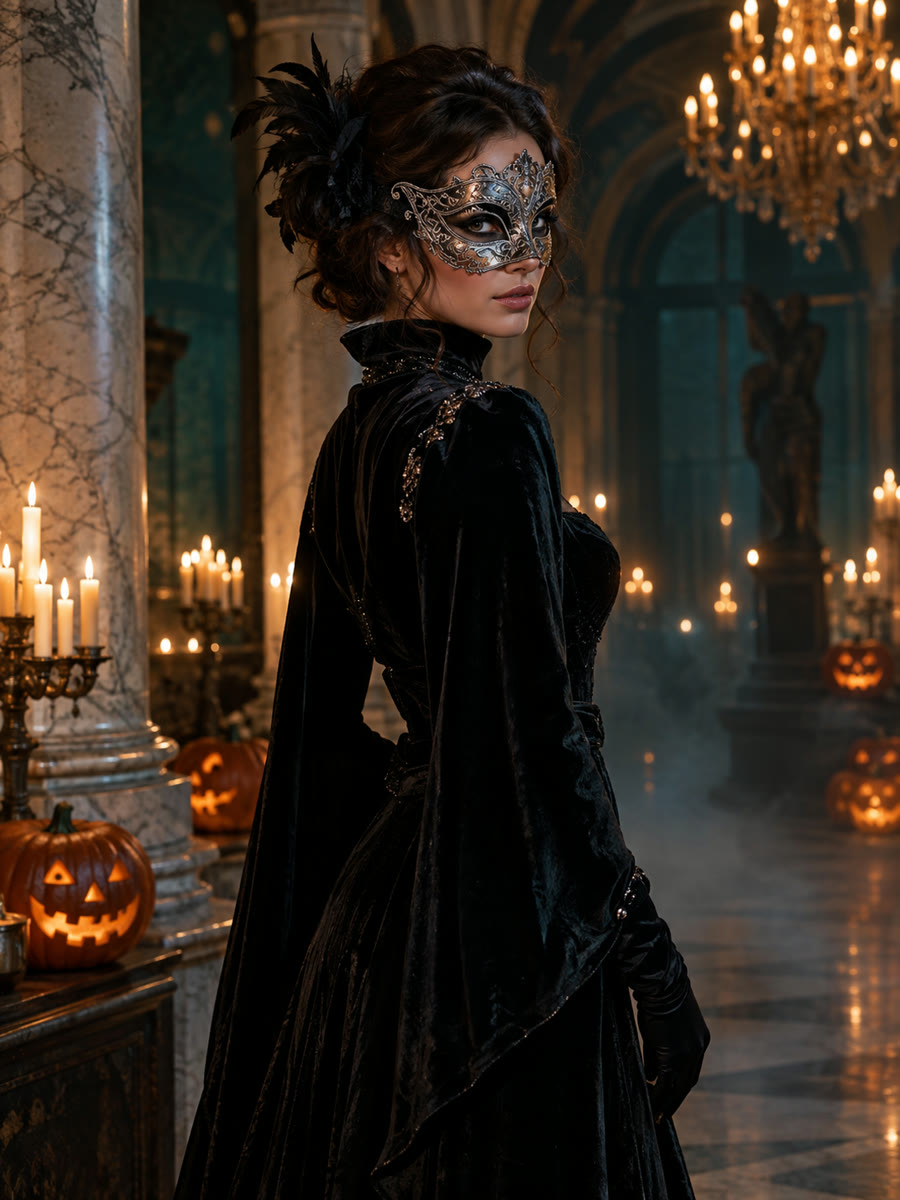
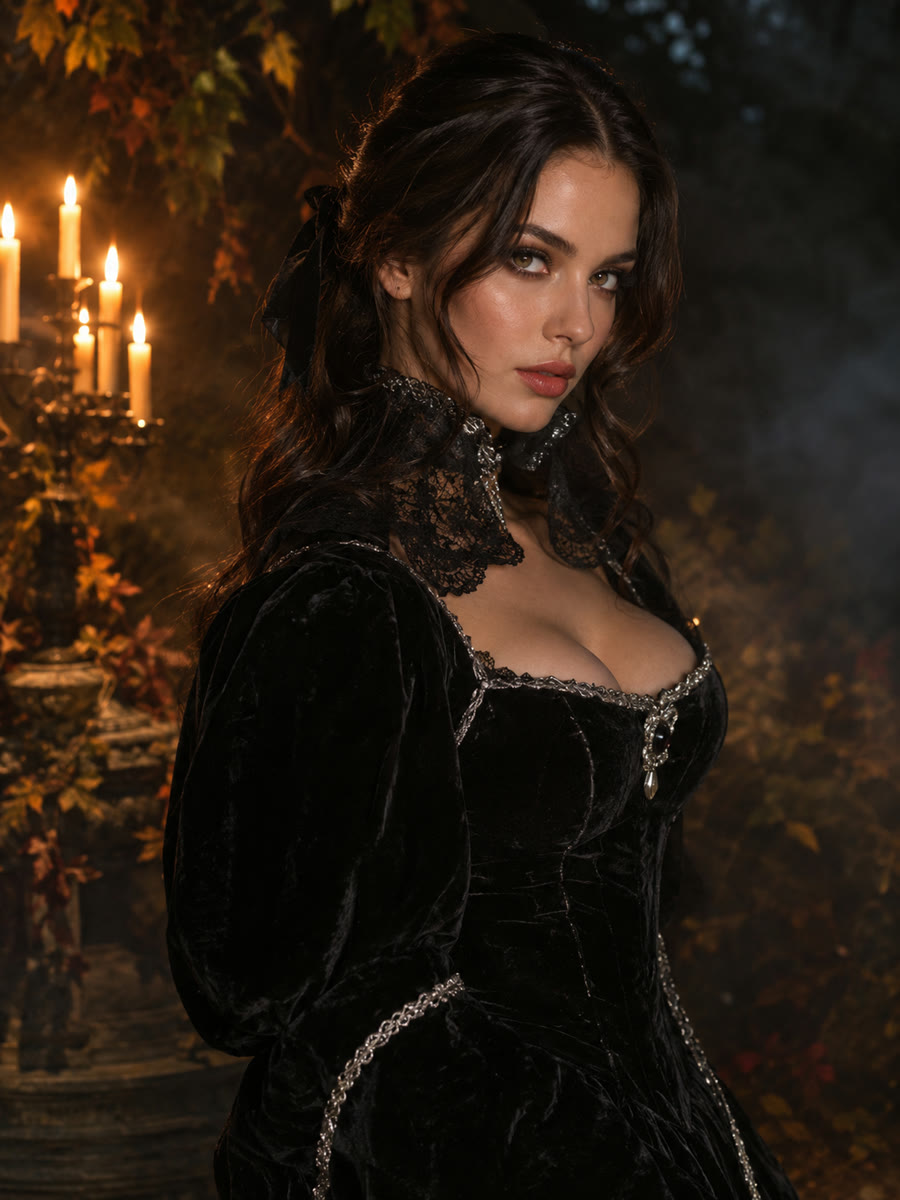
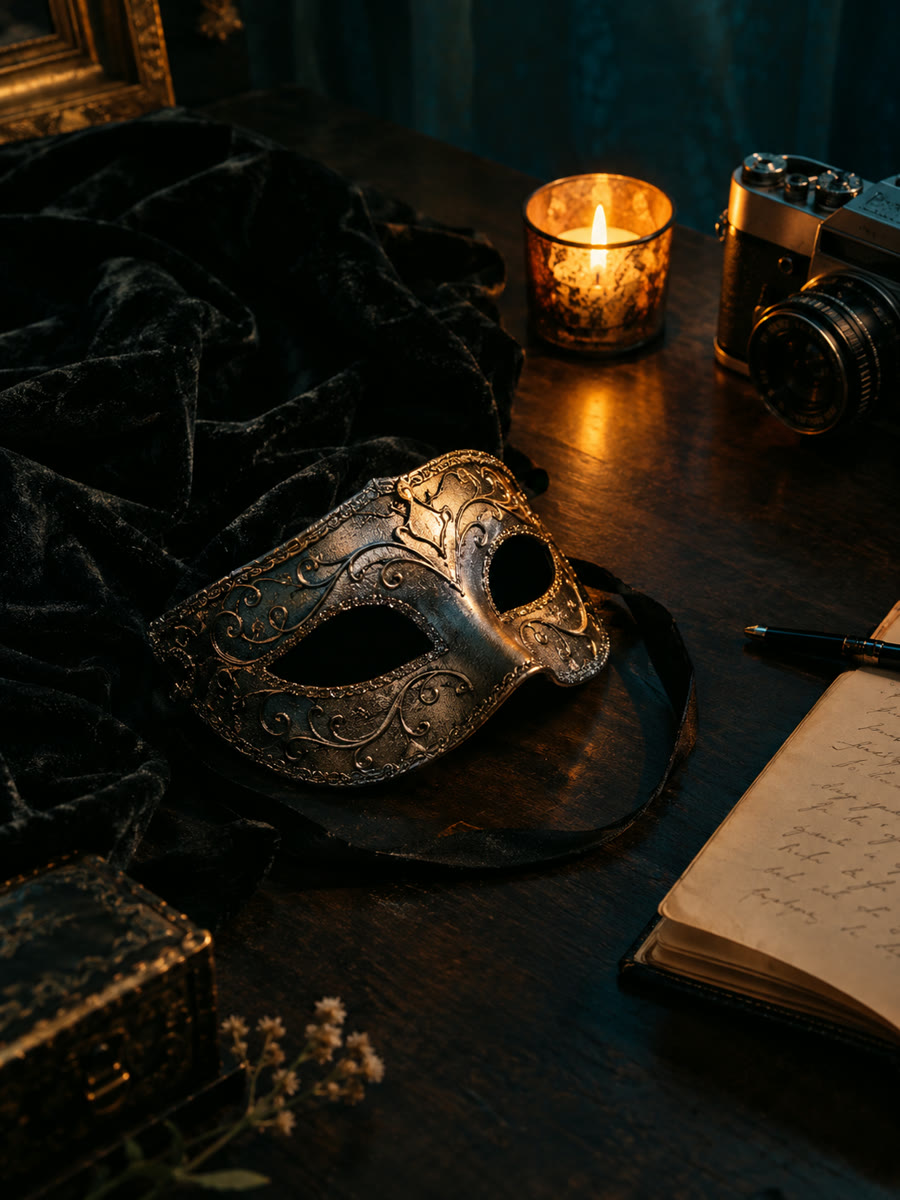
Choose silhouettes that are easy to tell apart at a glance: a black velvet cape beside a silver gown, a masquerade mask beside a lace veil, a warm pumpkin palette beside a cool moonlight palette. Avoid tiny props that disappear at portrait size. Avoid protected characters and logos. Describe the shared theme in one sentence, then give each person a distinct garment, color and accessory.
What the editor cannot do
It cannot guarantee an exact likeness, add a third person or reliably swap faces between photos. It may blend accessories or change a hand. It does not know the relationship between the people and does not verify consent. Both adults must agree to the upload and the use. If you are making a surprise gift, ask before you upload someone else's photo.
Cost and output
One two-person image edit uses 10 site credits, the same as a solo portrait. The result is one still image. A failed job returns its credits. A successful but unsatisfying result uses the credits, so write the shared theme and the two distinct looks before you start. For a moving result, use the duet video page instead; it accepts two photos and produces a silent 10-second clip for 50 credits.
Publish with context
Label the image as AI-generated when the platform allows it. Do not present it as a photograph from a real party or as proof that the people attended an event. Do not use it to impersonate, harass or mislead. Keep the original photos if you need a truthful record.
Read guide Read the practical guide before you spend credits.