Skip to content
Burning Bridges AI Video

Quick actions

Appearance

HALLOWEEN 2026

Halloween AI Studio for Costumes, Photos and Party Videos

You do not need a costume shop, a studio or a timeline editor to make a Halloween visual. Start with one permitted adult photo, choose a look and let the tool build an original portrait or a silent 10-second party entrance. Every page here shows the real format, the credit cost and the limits before you pay.

  • 10 seconds · 720p · 9:16 · silent
  • 50 credits per video
  • Watch the sample, then choose a pack or plan to make yours.
  • Silent MP4 · add music when you share
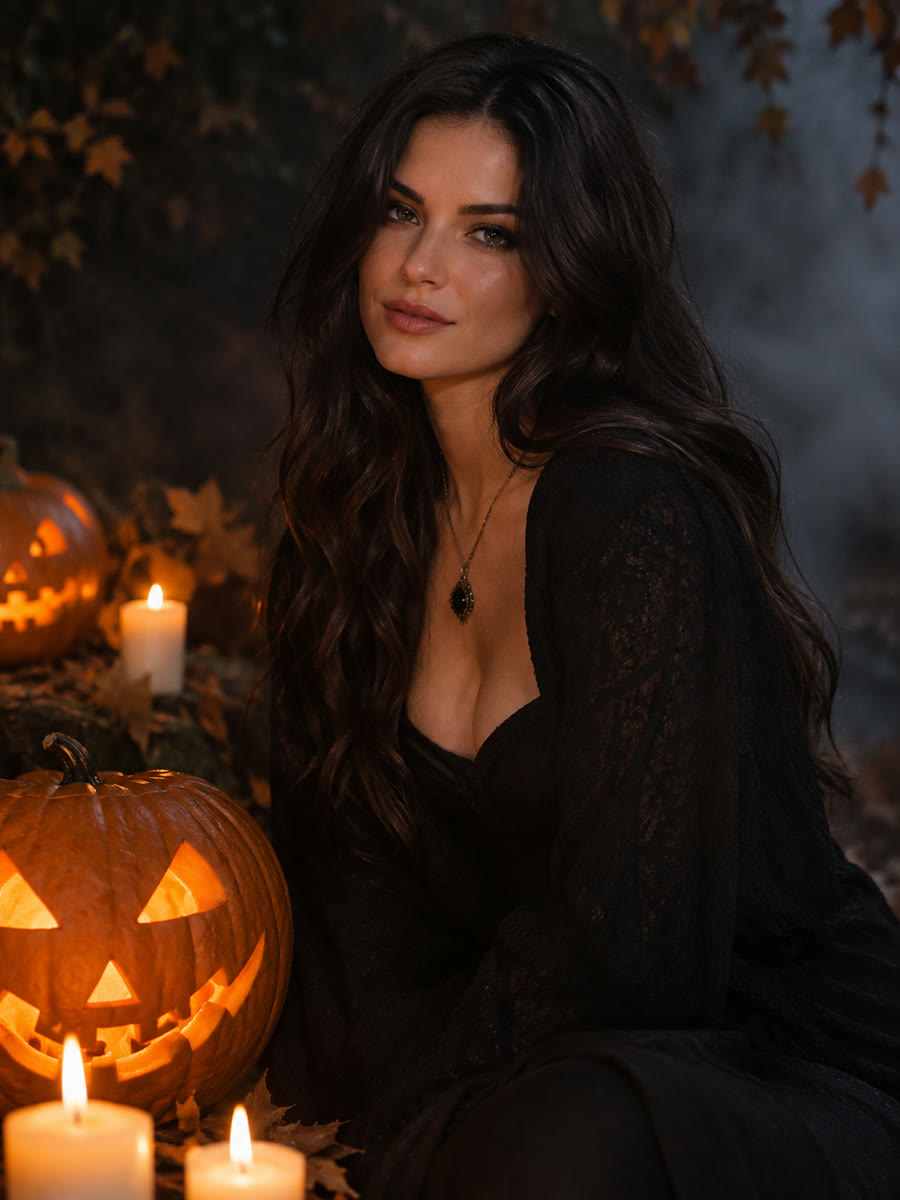
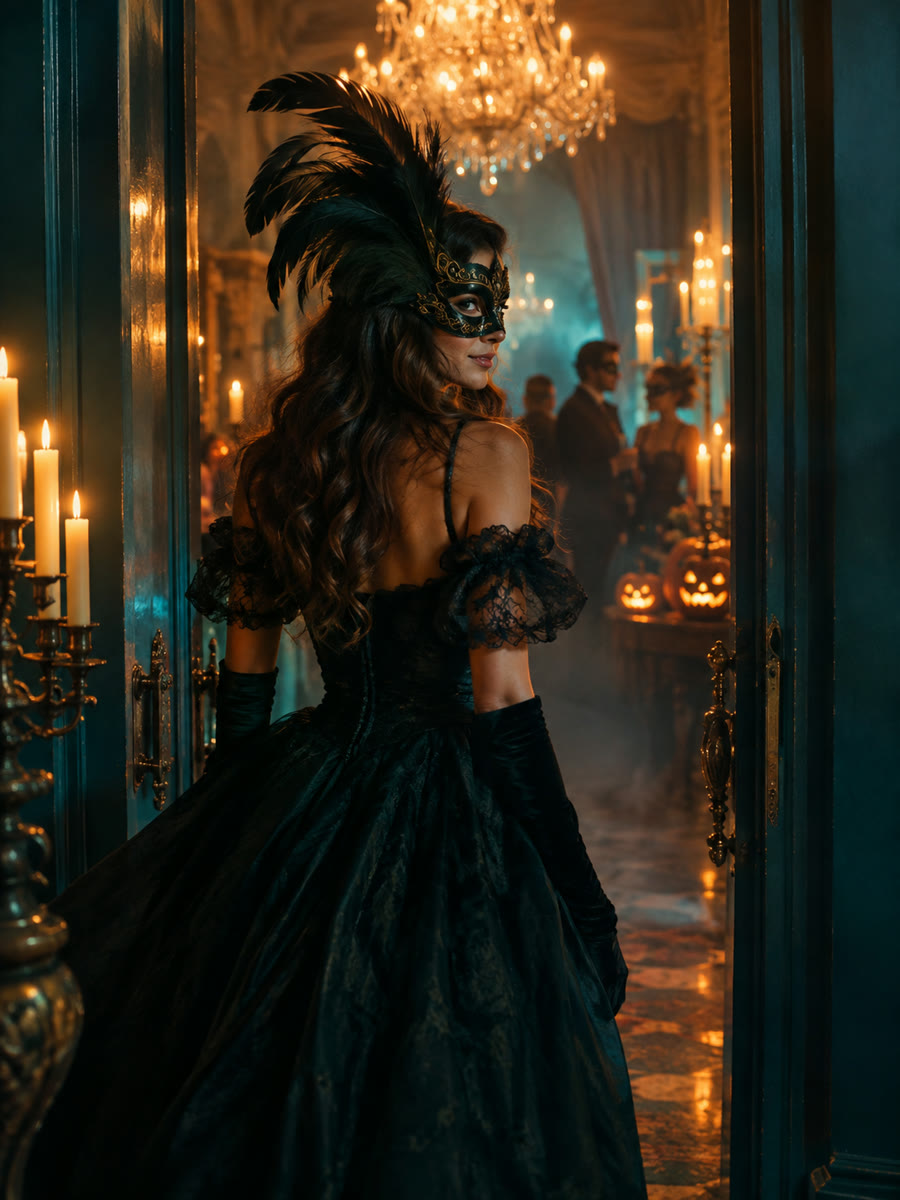
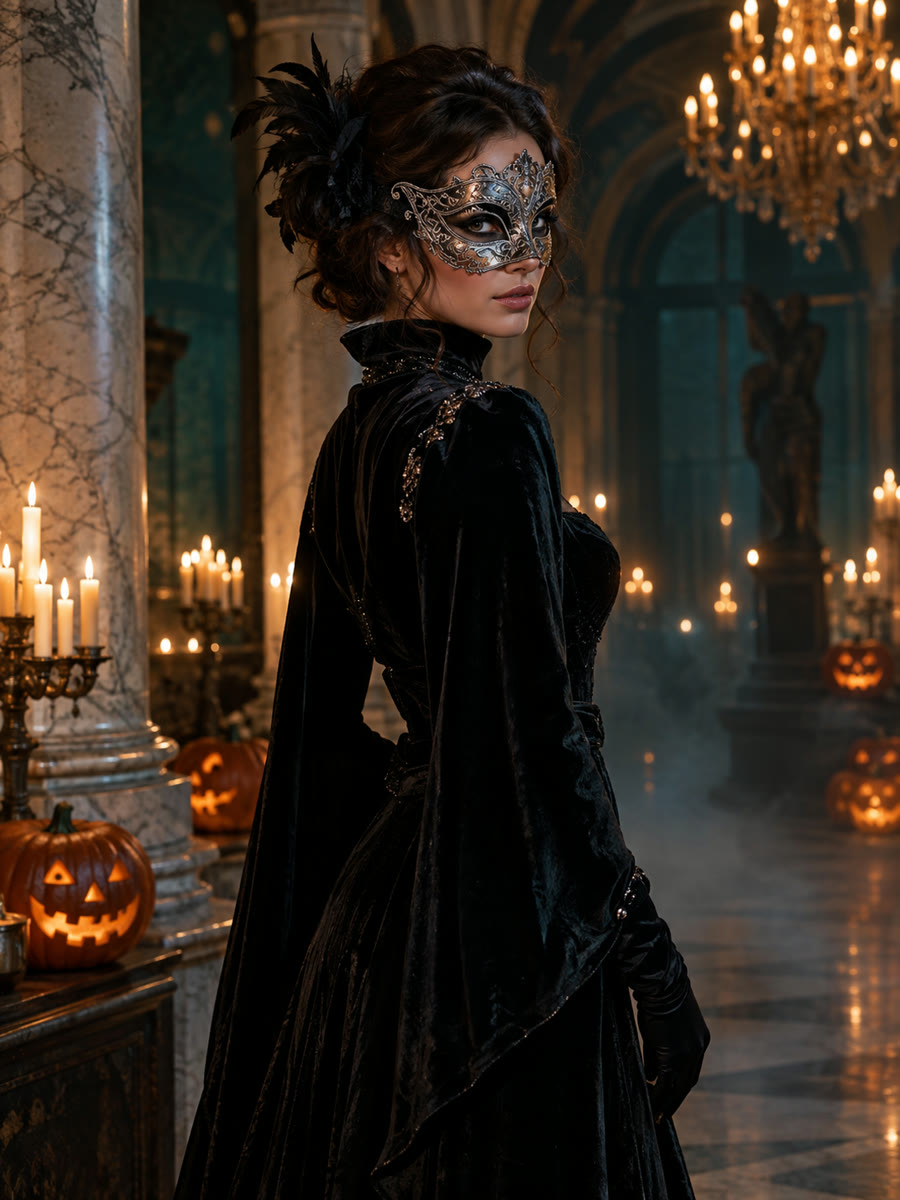
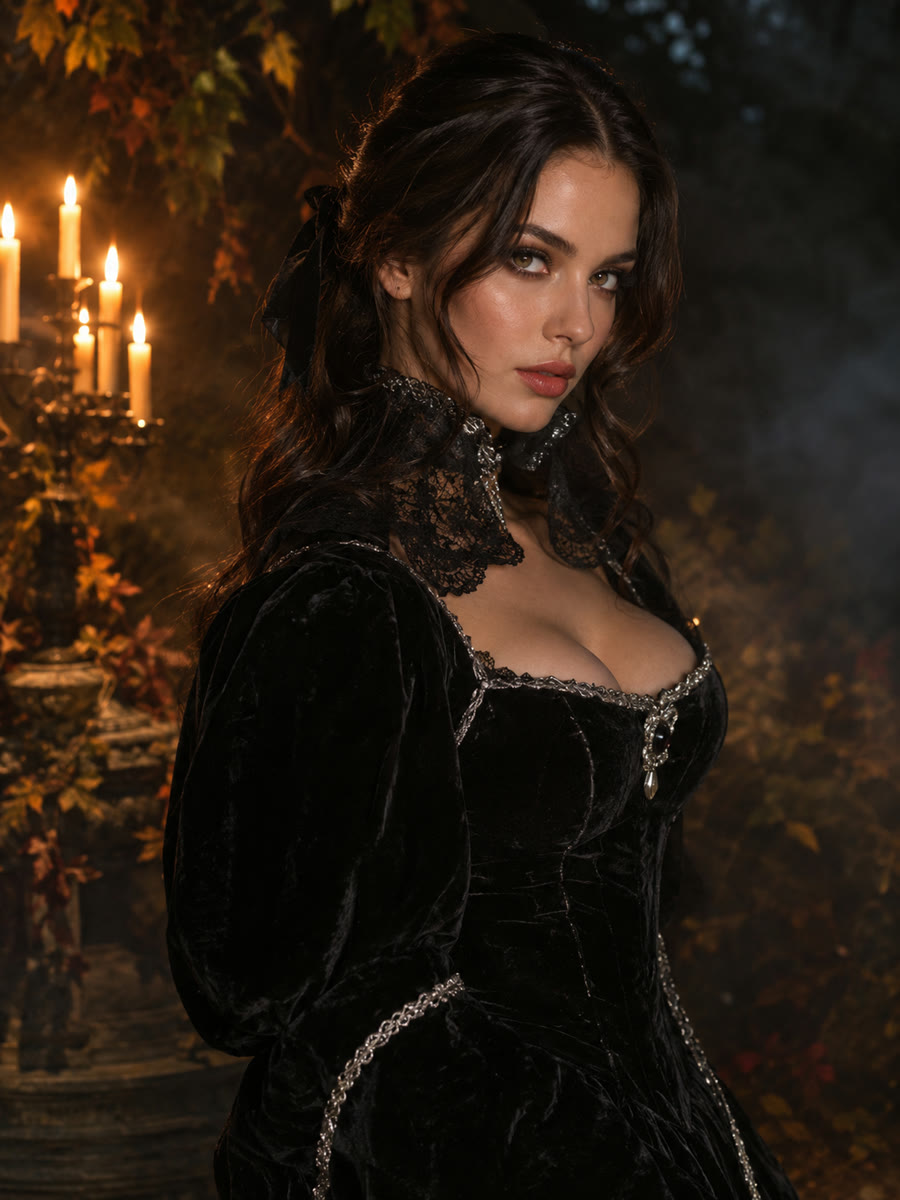
An original Halloween party portrait with warm candlelight and a dark masquerade setting
First-party sample

Create your Burning Bridges video

Choose text or photos. Describe a scene, or add one or two adult guests. AI results can vary.

Add your photos

JPG, PNG, or WebP · up to 10 MB

Use a clear photo of one adult facing the camera. Include the outfit for full appearance. In duets, photo 1 replaces the first role and photo 2 the second.

Choose one or two guests
What should change?

Public results may be selected for our gallery after review. Your photos remain private.

Payment is required to create your video

Everyone needs a purchased pack or plan to create a personal video. Watch the sample for free, then choose the offer that fits your needs.

$9.90/ 1 video

50 credits · 10 seconds

No music included — add licensed music after export.

Choose a one-time pack or a monthly or yearly plan. See all five offers below.

Your videos

Select a scene above. Completed videos will appear here.

$9.90/ 1 video

One-time pack · no subscription

How it works

What you can make

The Halloween studio has three jobs. The photo editor changes lighting, background and costume details while keeping the person recognizable. The video tool places one or two adults in a chandelier-lit party entrance. The prompt library gives you copy-ready instructions you can test in this site or another image model. Each job is a separate page so you can choose the result you actually want instead of guessing from a generic generator.

Start with the right photo

Use a sharp, front-facing photo of one consenting adult. Avoid heavy filters, group photos, sunglasses and anything that hides the face. A plain background helps the editor separate the person from the scene. If you want a couple portrait, use two separate photos with one adult in each. The tool does not accept minors, and it does not verify identity for you. You are responsible for permission.

Know the format before you pay

A Halloween portrait is an image edit and uses 10 site credits. A party video uses 50 credits and returns a silent 10-second, 720p, 9:16 MP4. The sample on each page is a first-party demonstration, not a promise that your result will look the same. AI can change facial details, hands and clothing. Review the whole result before you share it, and add licensed music in the platform where you publish.

Choose a look that fits the scene

A costume portrait works best when the request names the silhouette, fabric and lighting. A party video works best when the request names the entrance, the camera move and the mood. The prompt library breaks both into editable pieces. If a result misses, change one variable at a time: the photo, the costume direction or the lighting. That is faster than rewriting the whole prompt and guessing which part failed.

Privacy and honest limits

Uploaded photos are private inputs and are used to check content and create the requested result. Public results may be selected for the gallery after review; private results stay out of it. Do not upload someone else's photo without permission. Do not use a generated clip to pretend a real event happened or to imply an endorsement. The service is independent and is not affiliated with any artist, film, costume brand or social platform.

Read guide Read the practical guide before you spend credits.
Questions people ask

Is the Halloween AI generator free?

The sample videos and the written guides are free to view. A personal image edit uses 10 site credits and a personal video uses 50. New email accounts do not receive free generation credits, so check the current pack before you upload.

Can I make a Halloween video with two people?

Yes. The duet mode accepts two separate photos of consenting adults and keeps one role per photo. It cannot add a third person, swap faces reliably or guarantee an exact likeness.

Will the costume look exactly like the reference?

No. The editor interprets the prompt and the photo. Fabric, trim, makeup and small accessories can change. Use a close reference description, review the result and regenerate only when the change is worth another credit.

Can I use the result on TikTok or Instagram?

You can publish a result you have the rights to use. The download is silent, so add licensed music in the platform. Do not imply that a celebrity, film studio or costume brand endorsed the clip.

How long does a Halloween video take?

Most jobs finish in a few minutes, but provider queues vary. You can leave the page and return to My videos. A failed generation returns its consumed credits automatically.

Related tools

All party tools