Zum Inhalt springen
Burning Bridges AI Video

Schnellaktionen

Erscheinungsbild

PROMPT-BIBLIOTHEK

Halloween-AI-Prompts zum Kopieren und Testen

Ein guter Halloween-Prompt ist keine Liste spukiger Adjektive. Er ist ein kurzes Briefing: Wer ist auf dem Foto, was bleibt gleich, was ändert sich, wo spielt die Szene, wie wird sie beleuchtet und was darf nicht erscheinen. Die folgenden Prompts folgen dieser Struktur, damit du sie auf dieser Website oder in einem anderen Bildmodell wiederverwenden kannst.

  • Halloween-Prompt-Bibliothek
  • Ein Prompt ist ein Ausgangspunkt, kein garantiertes Ergebnis. Prüfe Gesichter, Hände und Kleidung, bevor du teilst.
  • Sieh dir das Beispiel an und wähle dann ein Paket oder Abo, um dein eigenes zu erstellen.
  • Tool öffnen
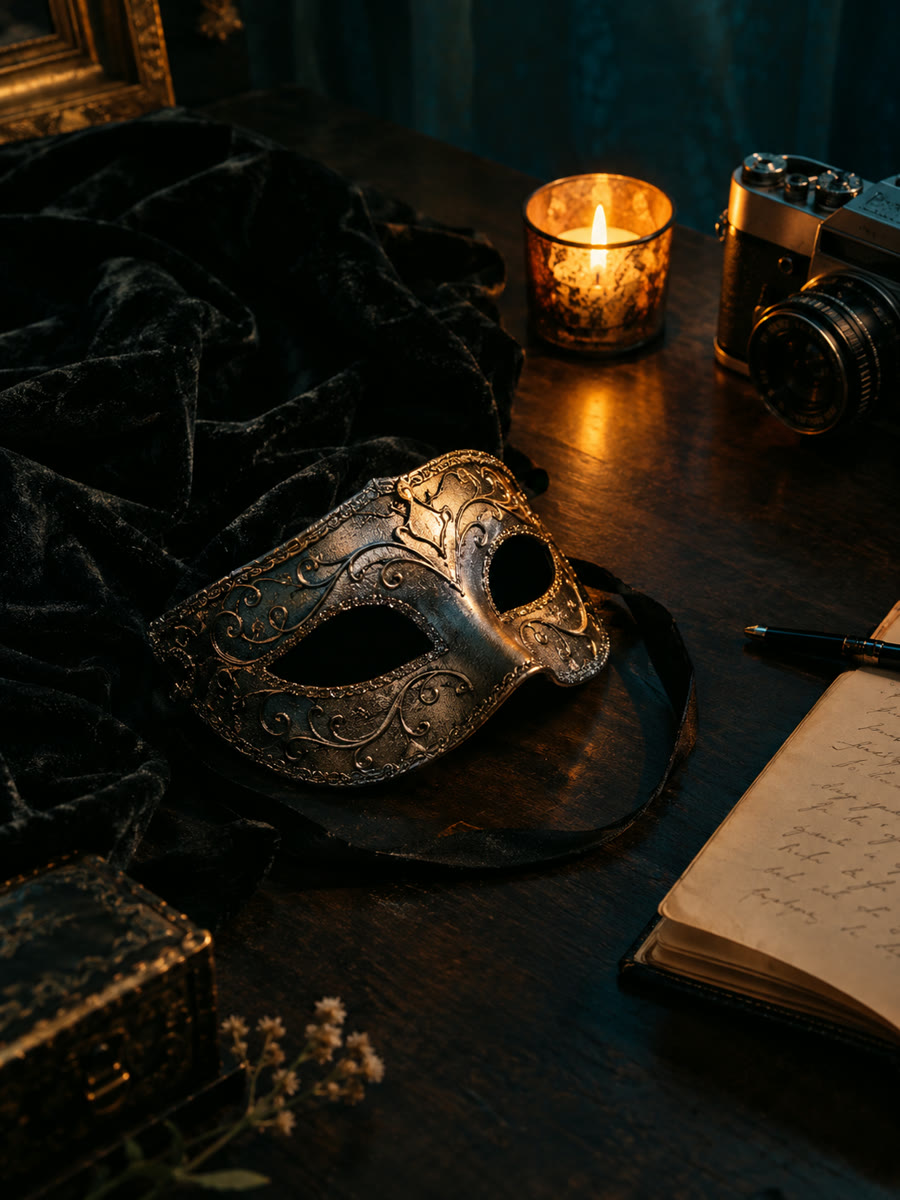
Eine Prompt-Karte neben einem kerzenbeleuchteten Halloween-Porträt auf einem dunklen Schreibtisch
Beispiel vom Anbieter

Halloween-Prompt-Bibliothek

Kopiere einen strukturierten Prompt, ändere ein Detail und teste ihn im Tool. Prompts sind auf Englisch, weil die meisten Bild- und Videomodelle englische Anweisungen am zuverlässigsten befolgen.

Porträts

Midnight braids portrait

Porträts

Use the uploaded photo as the primary reference. Preserve the adult subject's recognizable face, facial proportions, skin tone, approximate age and natural anatomy. Transform the subject into an original gothic Halloween portrait with long violet braids, delicate silver hair accessories, a black-and-purple velvet outfit and subtle lace details. Place the subject in a moonlit Victorian garden with soft fog, warm lanterns and dark autumn foliage. Use photorealistic editorial photography, realistic fabric texture, natural skin detail and cinematic soft lighting. Keep the same number of people as the uploaded photo. Avoid altered identity, extra limbs, duplicated fingers, distorted anatomy, text, logos and watermarks.

Porträts

Cosmic princess portrait

Porträts

Edit the uploaded photo into an original celestial Halloween princess portrait. Preserve the adult subject's recognizable face, natural skin texture, body proportions and pose. Replace the outfit with a midnight-blue fantasy gown featuring silver embroidery, softly glowing star patterns and realistic flowing fabric. Add a delicate silver moon crown and luminous accessories. Place the subject inside a moonlit observatory with a starry sky visible through tall windows. Use elegant fantasy fashion photography, realistic fabric details, cinematic rim lighting and a deep-blue, silver and violet palette. Keep the person recognizable. Avoid altered identity, extra people, distorted anatomy, text and watermarks.

Porträts

Wearable robot costume

Porträts

Using the uploaded photo as reference, transform the adult subject into a futuristic Halloween robot costume portrait. Preserve the subject's recognizable face, skin tone, head proportions and original pose. Create a realistic wearable robot costume with metallic-looking armor panels, subtle blue LED accents and articulated shoulder pieces. The outfit should look like a believable costume worn by a real person, not a completely new mechanical character. Use dramatic blue-and-orange cinematic studio lighting and realistic material reflections. Do not replace the subject's face with a robot head. Avoid extra limbs, distorted hands, duplicated body parts, logos and text.

Porträts

Velvet masquerade portrait

Porträts

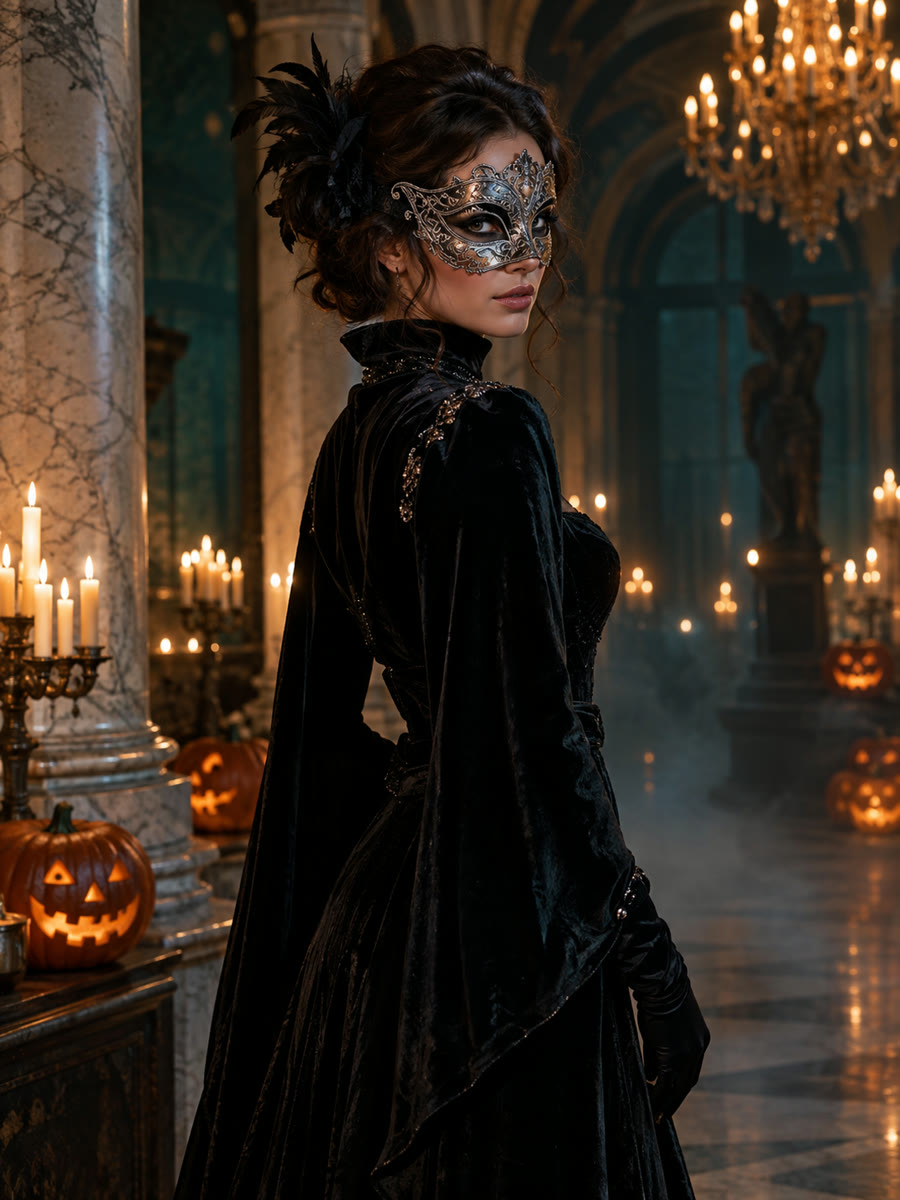
Turn the uploaded adult portrait into an original masquerade portrait. Keep the face, skin tone and body proportions recognizable. Add a black velvet jacket, a silver filigree mask held in one hand, and a deep burgundy pocket square. Place the subject in a candlelit marble hall with warm chandeliers and soft autumn shadows. Use photorealistic editorial photography, realistic fabric and natural skin texture. Keep one person only. Avoid a changed identity, extra people, distorted fingers, text, logos and watermarks.

Porträts

Foggy autumn garden

Porträts

Keep the adult subject, clothing and pose unchanged. Replace only the background with a foggy autumn garden at dusk, with dark hedges, a few carved pumpkins and warm lantern light in the distance. Add soft fog around the subject's feet and a subtle cool rim light on the hair. Preserve the original face, skin tone and body proportions. Use realistic photography with natural shadows. Do not add people, text, logos or watermarks.

Porträts

Warm pumpkin glow

Porträts

Keep the adult subject recognizable and keep the original clothing. Add a warm pumpkin glow from the lower left, a small cluster of carved pumpkins in the foreground and soft candlelight behind the subject. Keep the background dark but readable, with gentle autumn foliage. Preserve the face, hair and natural anatomy. Use photorealistic photography, realistic skin texture and soft shadows. Avoid extra people, distorted hands, text and watermarks.

Paare

Couple masquerade portrait

Porträts

Use the two uploaded photos as references. The adult in photo 1 is on the left; the adult in photo 2 is on the right. Preserve both faces, skin tones, approximate ages and body proportions. Dress them in coordinated masquerade costumes: a black velvet suit with silver embroidery on the left and a deep plum gown with a lace mask on the right. Place them in a candlelit ballroom with soft fog and warm chandelier light. Use photorealistic editorial photography. Do not swap identities, do not add a third person, and avoid altered faces, distorted hands, text, logos and watermarks.

Paare

Couple cosmic night

Porträts

Use the two uploaded photos as references. Keep the left adult and the right adult distinct and recognizable. Create coordinated cosmic Halloween outfits: a midnight-blue tailored suit with silver stars on the left and a violet gown with a subtle constellation pattern on the right. Place them under a clear night sky in an old observatory garden, with soft moonlight and a few warm lanterns. Use realistic fashion photography and natural skin texture. Do not swap faces, add a third person, distort hands or add text and logos.

Videos

Masquerade entrance video

Videos

Use the provided photo as the exact visual reference and starting composition. Create a continuous ten-second cinematic Halloween entrance. Keep the adult subject's recognizable face, costume, hairstyle and body proportions consistent with the reference. The subject walks slowly through soft fog toward a candlelit masquerade hall. A gentle breeze moves loose hair and the edge of the clothing. The camera performs a slow, smooth push-in. Maintain realistic motion, stable anatomy and consistent lighting. Do not change the person's identity, replace the costume, add characters or introduce sudden scene cuts. No text or watermarks.

Videos

Slow head turn video

Videos

Use the provided image as the exact visual reference and starting composition. Create a continuous ten-second portrait animation. Keep the subject's face, costume and body proportions consistent. The subject slowly turns their head toward the camera with a subtle mysterious expression. Soft fog drifts through the background. The camera performs a slow push-in. Maintain realistic motion, stable anatomy and consistent lighting. Do not change identity, add characters, replace the costume or introduce scene cuts. No text or watermarks.

Videos

Two-person party entrance

Videos

Use the two provided photos as exact references. The adult in photo 1 is the person on the left; the adult in photo 2 is the person on the right. Create a continuous ten-second cinematic party entrance. Keep both identities, outfits and body proportions consistent. They walk side by side across a glowing bridge into a warm chandelier-lit party. Use a slow camera push-in and natural, stable motion. Do not swap faces, add a third person, add sudden cuts, text or watermarks.

Porträts

Golden pumpkin portrait

Porträts

Keep the adult subject's face, hair, clothing and pose unchanged. Add a warm golden-hour glow, a small arrangement of carved pumpkins at the lower edge of the frame and a soft autumn haze in the background. Keep the scene elegant rather than cartoonish. Use realistic photography, natural skin detail and a restrained amber palette. Do not add people, alter the identity, distort hands or add text and logos.

Ein Prompt ist ein Ausgangspunkt, kein garantiertes Ergebnis. Prüfe Gesichter, Hände und Kleidung, bevor du teilst.

Party-Porträt erstellen

Lade ein oder zwei zulässige Fotos von Erwachsenen hoch und wähle einen Look. Der Editor hält die Person erkennbar und ändert Outfit, Licht und Szene.

Standbild – 3:4
Dein Foto

JPG, PNG oder WebP – bis zu 10 MB. Ein Erwachsener pro Foto.

1,98 $/ pro Bild

10 Credits pro Bild

AI-Ergebnisse variieren. Prüfe das Bild vor dem Teilen und kennzeichne es als AI-generiert.

Alle Pakete ansehen · Ein einmaliges 50-Guthaben-Paket deckt bis zu fünf Bildbearbeitungen ab.

Dein Porträt

Dein nächstes Porträt erscheint hier.

So funktioniert's

Der vierteilige Prompt

Teil eins schützt die Identität: Behalte das erwachsene Gesicht, den Hautton, das Alter und die Körperproportionen bei. Teil zwei nennt die Veränderung: Kostüm, Make-up, Haare oder Hintergrund. Teil drei legt Szene und Licht fest: kerzenbeleuchteter Saal, Nebel, Herbstgarten, weiches Kantenlicht. Teil vier ist die Ausschlussliste: keine zusätzlichen Personen, kein verändertes Gesicht, keine verzerrten Hände, kein Text, keine Logos. Kurze Prompts scheitern oft, weil sie einen dieser Teile dem Zufall überlassen.

Porträt-Prompts

Beschreibe für ein Kostümporträt zuerst die Silhouette und dann die Verzierung. Sage lange violette Zöpfe, ein schwarzer Samtumhang und silberner Besatz statt gotisch. Nenne für einen Make-up-Look die Platzierung: dunkle Augen, blasse Haut, eine dezente Narbe auf einer Wange. Nenne für einen Hintergrund die Tiefe: nahe geschnitzte Kürbisse im Vordergrund, ein dunkler Saal dahinter. Konkrete Substantive geben dem Modell mehr, womit es arbeiten kann, als Stimmungswörter.

Paar- und Gruppen-Prompts

Ein Prompt für zwei Personen muss jedes Foto einer Rolle zuordnen. Verwende Foto eins für den Erwachsenen links und Foto zwei für den Erwachsenen rechts. Bitte um aufeinander abgestimmte Kostüme, nicht um identische Gesichter. Füge eine ausdrückliche Anweisung hinzu, Identitäten nicht zu tauschen und keine dritte Person hinzuzufügen. Wenn du eine Gruppe möchtest, erstelle separate Duett-Bilder und kombiniere sie später; das aktuelle Video-Tool unterstützt höchstens zwei Personen.

Video-Prompts

Beschreibe für ein Video eine Bewegung, die ein 10-Sekunden-Clip tatsächlich zeigen kann: eine langsame Kopfdrehung, einen Schritt über eine Schwelle, driftenden Nebel, einen Kamera-Push-in. Vermeide komplexe Choreografie, Kostümwechsel oder Szenenschnitte. Halte Gesicht, Kostüm und Körperproportionen konsistent mit der Vorlage. Bitte um stabile Anatomie und natürliche Beleuchtung. Die Ausgabe ist stumm; schreibe daher keine Dialoge oder Tonhinweise.

Teste jeweils nur eine Variable

Wenn das Gesicht abweicht, vereinfache die Szene und wiederhole die Identitätsanweisung. Wenn das Kostüm falsch ist, ersetze abstrakte Wörter durch Stoff und Form. Wenn das Bild plastikartig aussieht, bitte um realistische Hauttextur und natürliches Licht. Führe ein kleines Notizbuch darüber, was sich zwischen den Versuchen geändert hat. Diese Aufzeichnung ist nützlicher als ein Ordner mit zufälligen Prompts.

Leitfaden lesen Lies die praktische Anleitung, bevor du Credits ausgibst.

Häufige Fragen

Kann ich diese Prompts in ein anderes AI-Tool kopieren?

Ja. Sie sind als einfache Anweisungen geschrieben. Die Ergebnisse hängen vom Modell ab; teste daher einen Prompt, bevor du dich für einen kostenpflichtigen Stapel darauf verlässt.

Funktionieren längere Prompts immer besser?

Nein. Ein längerer Prompt hilft nur, wenn jeder Satz eine konkrete Anweisung hinzufügt. Spukig oder filmisch zu wiederholen, ohne Motiv, Szene und Ausschlussliste, verbessert das Ergebnis nicht.

Kann ich ein Foto einer berühmten Person verwenden?

Nein. Verwende Fotos zustimmender Erwachsener, für die du die Erlaubnis hast. Erstelle kein Abbild einer öffentlichen Person und deute keine Befürwortung an.

Wo teste ich einen Prompt auf dieser Website?

Verwende den Porträt-Editor für Bild-Prompts oder das Video-Studio für Bewegungs-Prompts. Jede Seite zeigt Format und Credit-Kosten vor der Generierung.

Ähnliche Tools

Alle Party-Tools
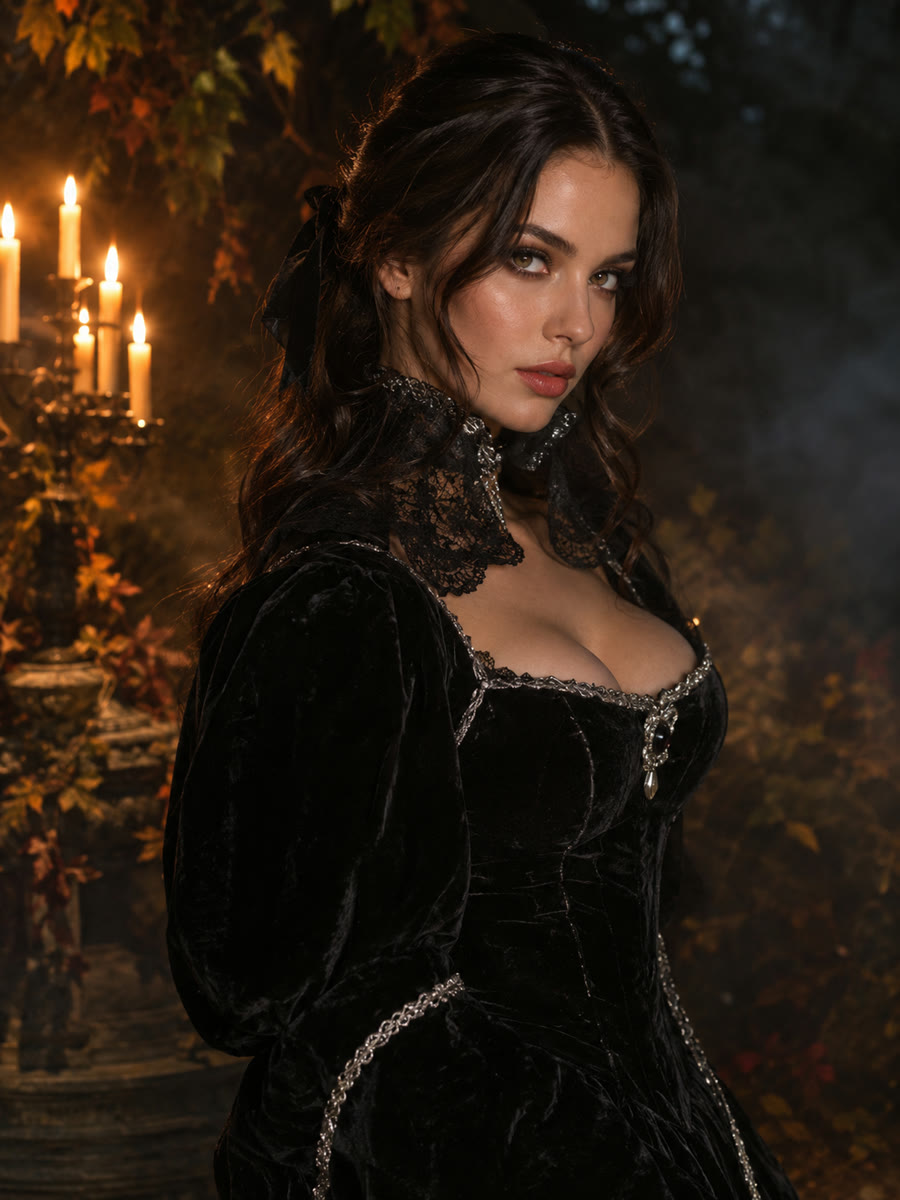
Ein originelles Halloween-Partyporträt mit warmem Kerzenlicht und einer dunklen Maskeradenkulisse

Halloween-AI-Studio für Kostüme, Fotos und Partyvideos

Du brauchst keinen Kostümladen, kein Studio und keinen Timeline-Editor, um ein Halloween-Visual zu erstellen. Beginne mit einem zulässigen Foto eines Erwachsenen, wähle einen Look aus und lass das Tool ein originelles Porträt oder einen stummen 10-Sekunden-Partyauftritt erstellen. Jede Seite hier zeigt vor der Bezahlung das tatsächliche Format, die Credit-Kosten und die Limits.

Tool öffnen
Ein Erwachsener in einem originellen schwarzen Samt-Maskeradenkostüm bei warmem Kerzenlicht

AI-Halloween-Kostüm-Generator

Dies ist ein Tool für Kostümporträts, kein Kostümladen. Lade ein zulässiges Foto eines Erwachsenen hoch, beschreibe den Look und erhalte ein originelles Bild, das die Person erkennbar lässt. Du kannst es nutzen, um eine Kostümidee zu testen, ein Partyporträt zu erstellen oder ein Visual für einen Gruppenchat zu gestalten, bevor du etwas kaufst.

Tool öffnen
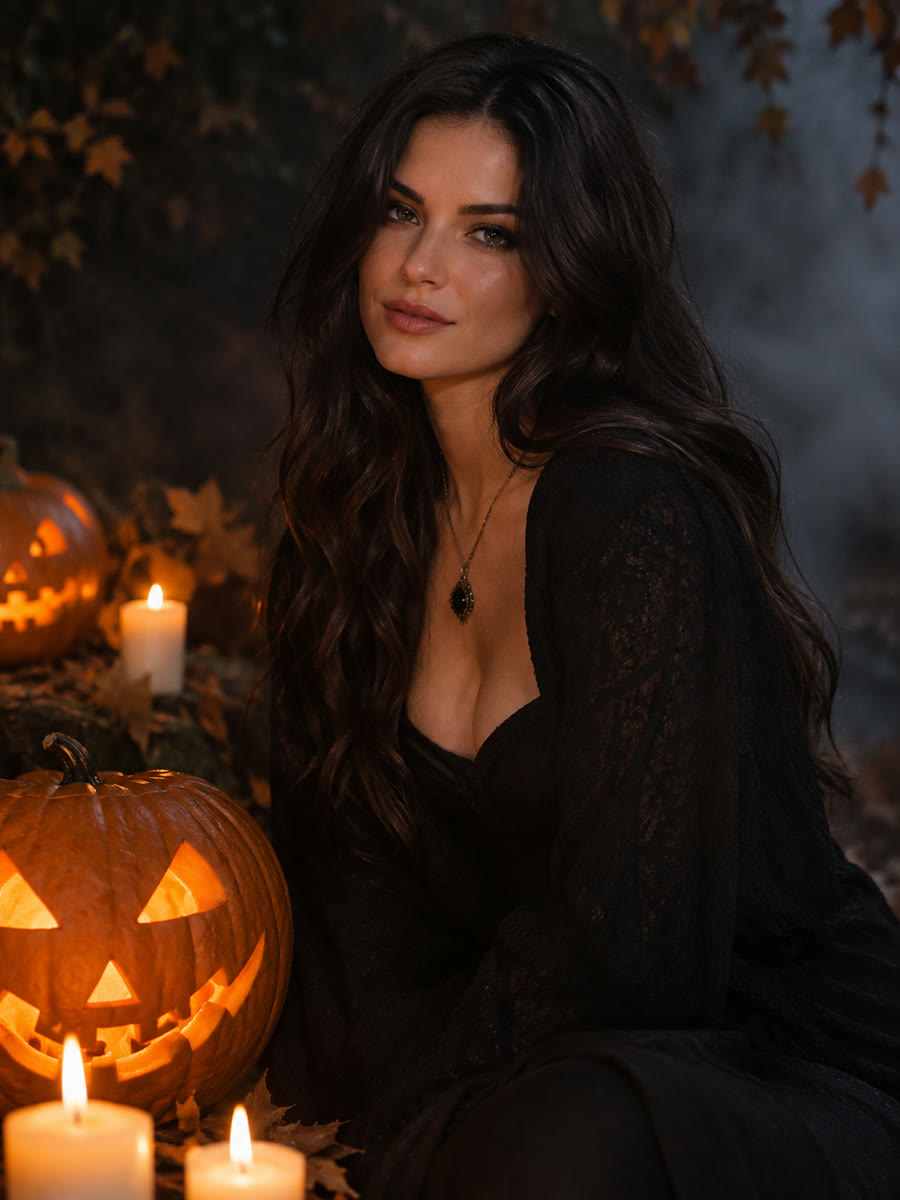
Ein kerzenbeleuchtetes Halloween-Porträt mit geschnitzten Kürbissen und weichem Nebel

Halloween-Fotoeditor für realistische Partyporträts

Manchmal brauchst du kein neues Kostüm. Du brauchst besseres Licht, einen dunkleren Hintergrund und ein paar Halloween-Details. Dieser Editor verändert die Atmosphäre um ein zulässiges Foto eines Erwachsenen, während die Person das Motiv bleibt. Er ist für Porträts, Einladungen und Social-Media-Posts gedacht, nicht als dokumentarischer Beweis.

Tool öffnen
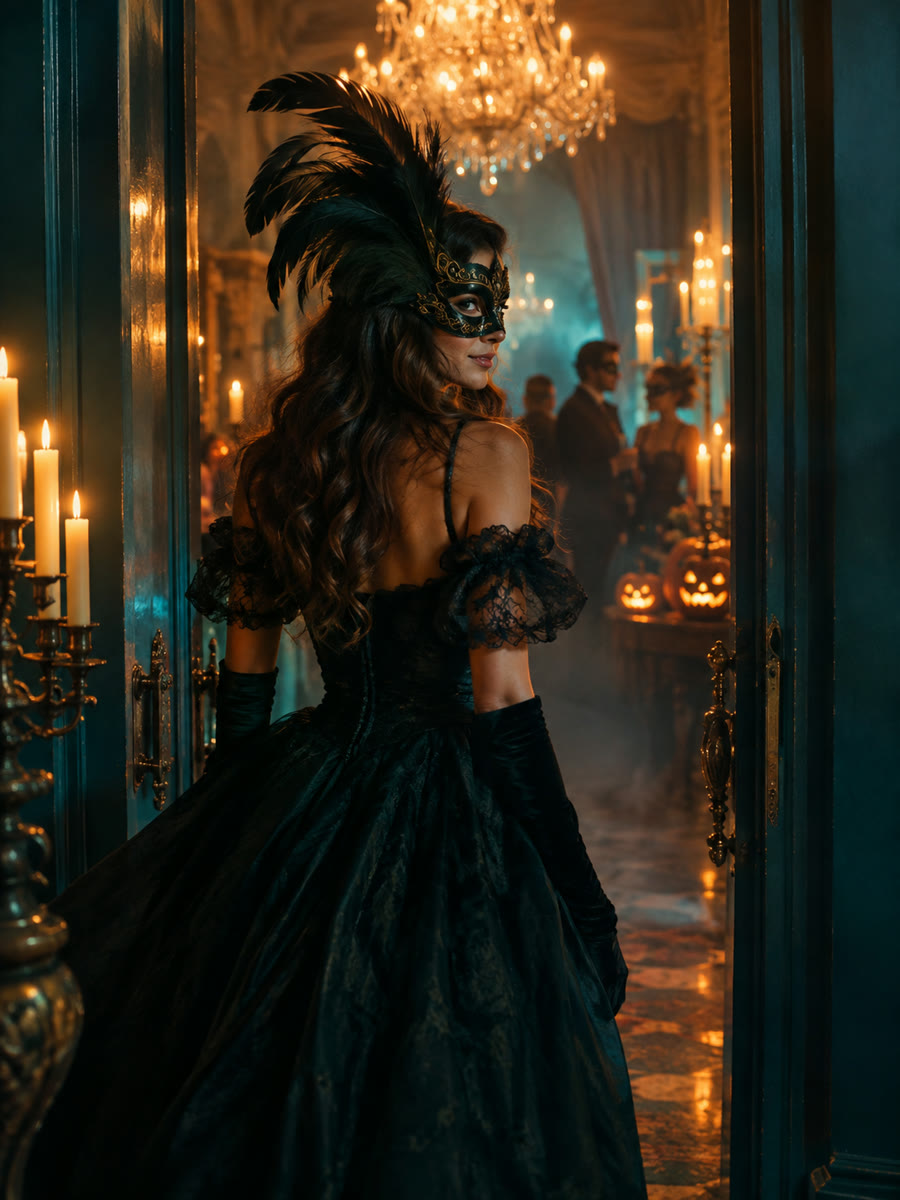
Ein erwachsener Gast, der durch eine leuchtende Tür eine kerzenbeleuchtete Halloween-Party betritt

Halloween-AI-Video-Generator

Ein Halloween-Video braucht kein Team. Beginne mit einem zulässigen Foto eines Erwachsenen, wähle eine Solo- oder Duett-Szene und beschreibe den gewünschten Auftritt. Das Ergebnis ist ein stummer vertikaler 10-Sekunden-Clip, den du herunterladen und mit lizenzierter Musik in TikTok, Reels oder einem anderen Editor bearbeiten kannst.

Tool öffnen